For more information, click the Help icon in the Dell Imaging Toolbox.
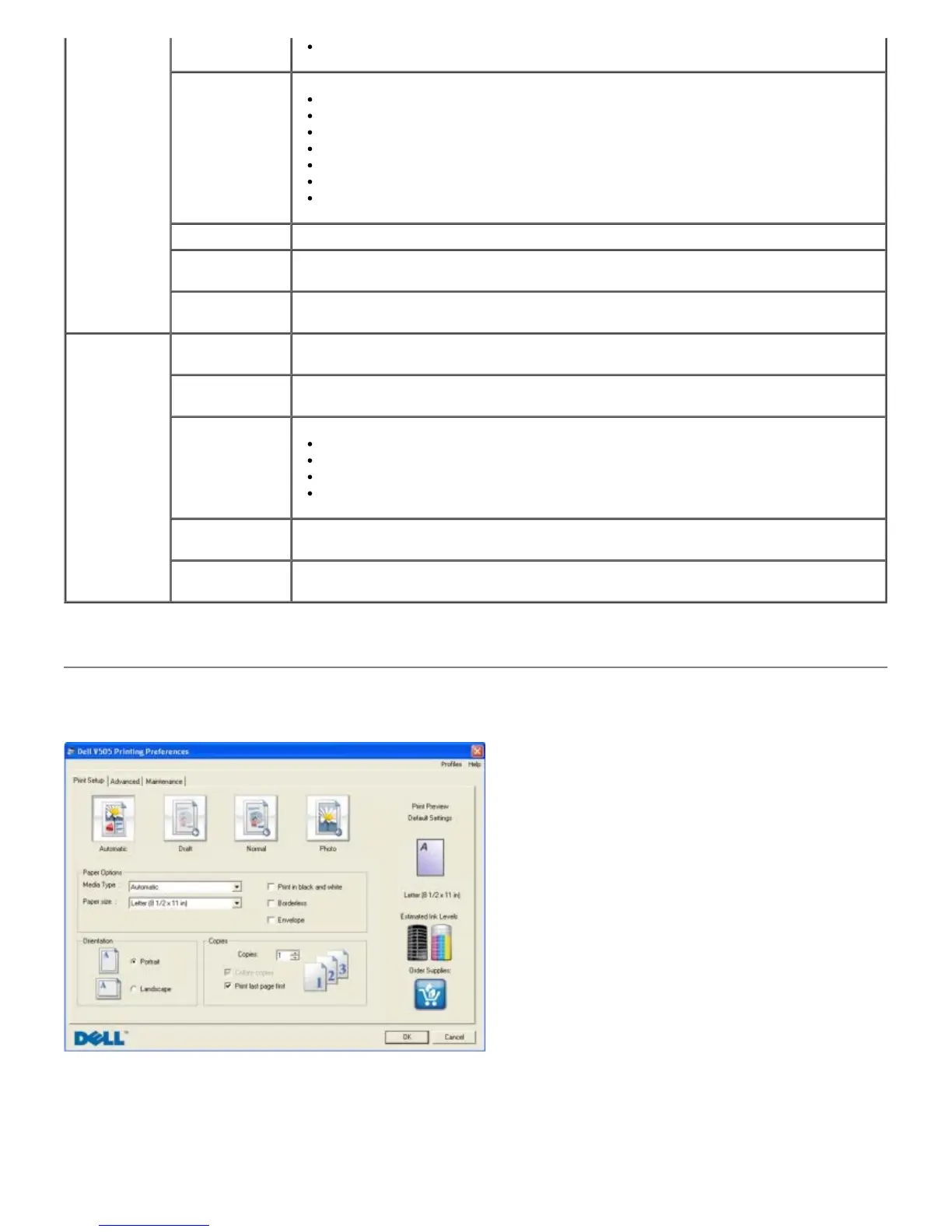
Using Printing Preferences
You can change your printer settings in Printing Preferences depending on the type of project you want to create.
To access Printing Preferences when a document is open:
1. Click File® Print.
Activities
Resize an image.
Edit pictures.
Scan multiple photos.
Convert a scanned document to text using OCR.
Scan multiple images into a single file.
Print an image as a multi-page poster.
Print borderless photos.
Transfer Photos Transfer photos from a camera or memory card.
Scan Multiple
Photos
Scan several photos at one time, and save them as individual files.
Print Borderless
Photos
Print photos without borders.
Settings Print Settings Adjust printer settings such as the quality, number of copies, paper source, and
orientation of your scan and copy jobs.
Toolbox
Settings
Adjust toolbox settings for scanning, file transfer, e-mail, Library, and others.
Network
Settings
Enable peer-to-peer networking.
Show or hide error messages from network print jobs.
Select type of printer sharing over the network.
Change PC name and PIN for network scanning.
Wireless Setup
Wizard
Launch the Wireless Setup Wizard which allows you to configure the wireless
connection.
Fax Settings Send a fax, view and edit phonebook and cover pages, print fax activity reports, and
customize fax settings.














 To Next Page