Maintenance
Replacing Ink Cartridges
Aligning Ink Cartridges
Cleaning the Ink Cartridge Nozzles
Cleaning the Exterior of the Printer
Dell™ ink cartridges are available only through Dell. You can order more ink online at www.dell.com/supplies or by phone.
Replacing Ink Cartridges
1. Turn on your printer.
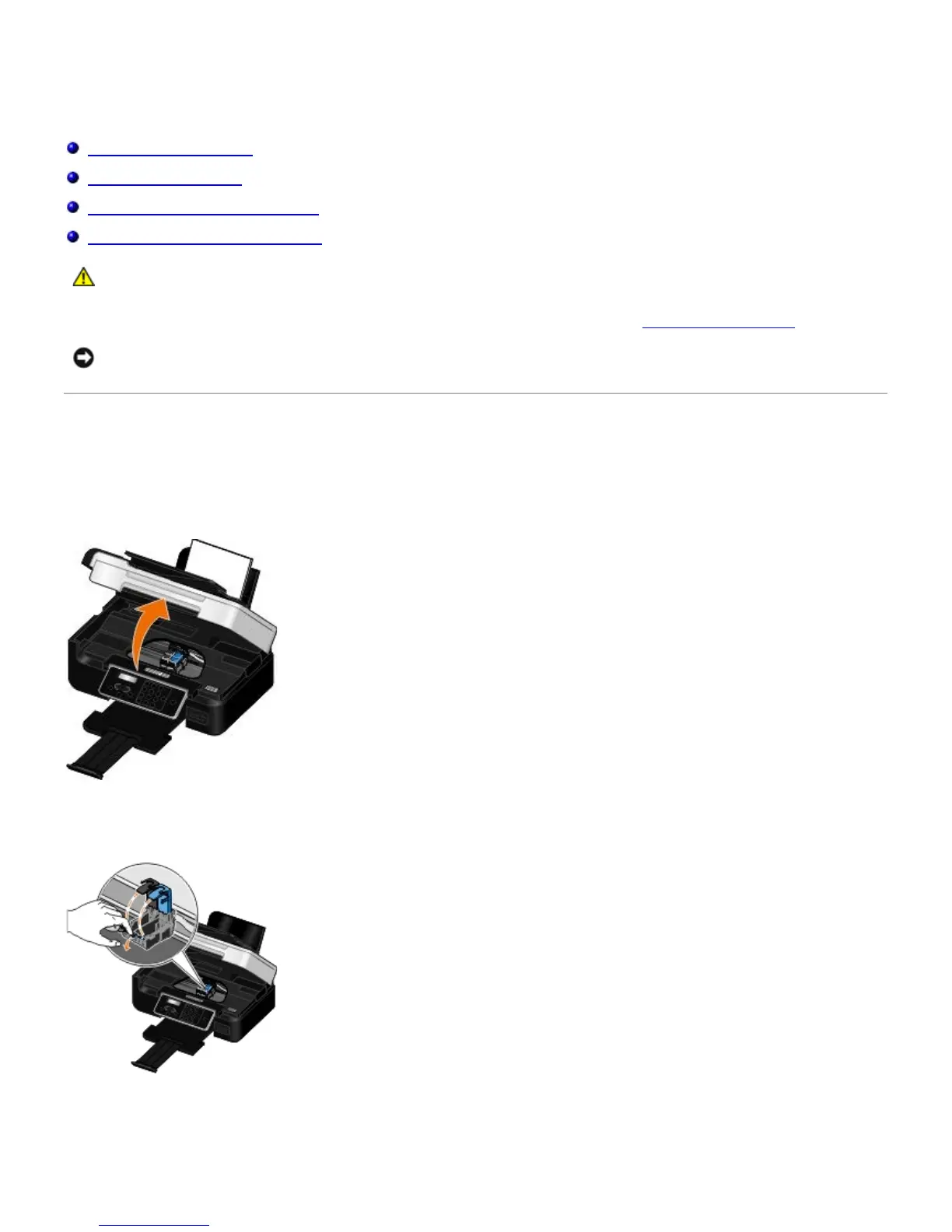
2. Lift the scanner base unit.
The ink cartridge carrier moves and stops at the loading position unless the printer is busy.
3. Press down on the ink cartridge lever to raise each ink cartridge lid.
4. Remove the old ink cartridges.
CAUTION: Before performing any of the procedures listed in this section, read and follow the safety
information in your Owner's Manual.
NOTICE: It is recommended that Dell ink cartridges be used for your printer. Dell does not provide warranty
coverage for problems caused by using accessories, parts, or components not supplied by Dell.














 To Next Page