116 Removing and Installing Parts
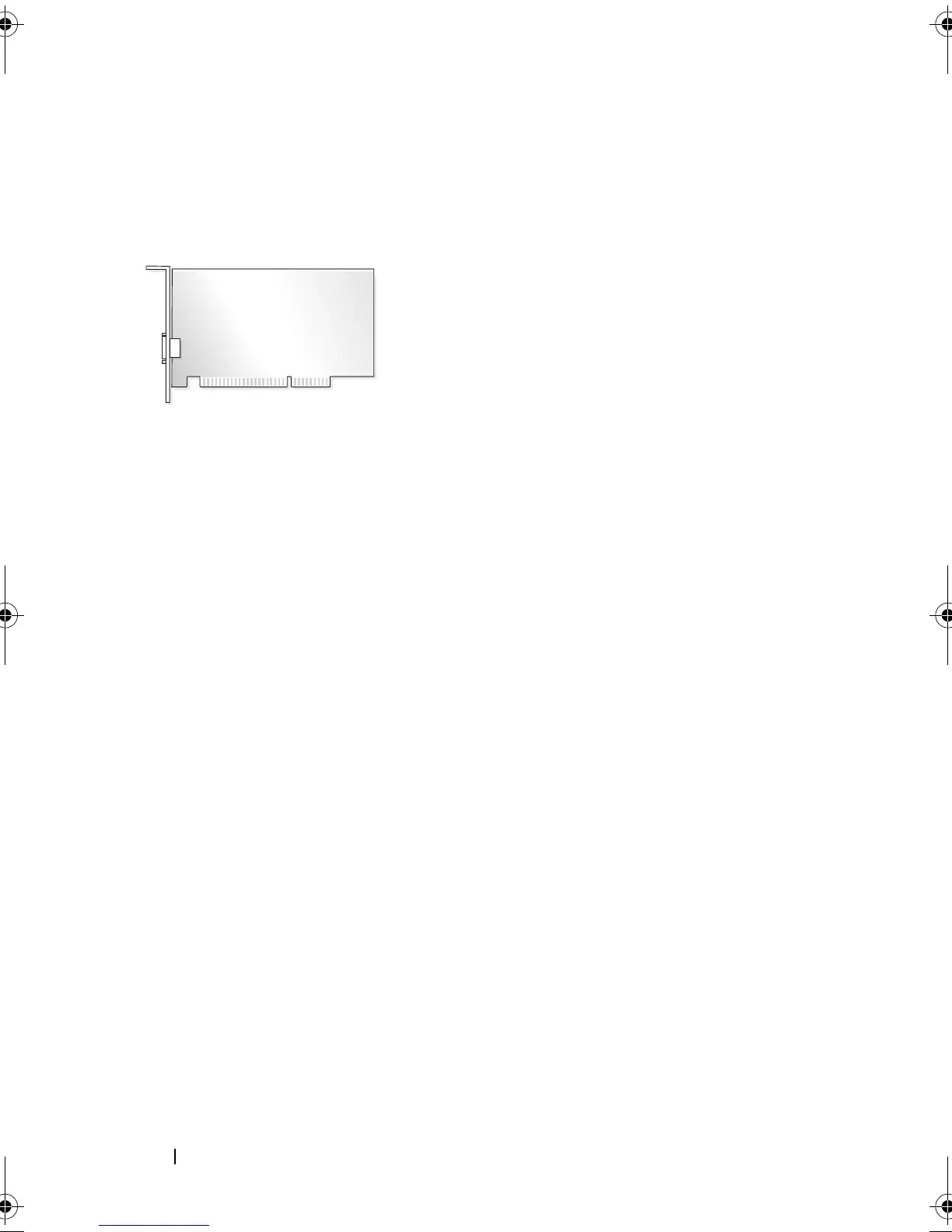
PCI and PCI Express Cards
Your computer supports two PCI cards, one PCI Express x16 card and one
PCI Express x1 card.
• If you are installing or replacing a card, follow the procedures in the next
section.
• If you are removing but not replacing a card, see "Removing a PCI/PCI
Express Card" on page 121.
• If you are replacing a card, remove the current driver for the card from the
operating system.
Installing a PCI/PCI Express Card
1
Follow the procedures in "Before You Begin" on page 101.
2
Remove the computer cover. See "Removing the Computer Cover" on
page 103.
book.book Page 116 Thursday, June 14, 2007 6:23 PM



 To Next Page