Removing and Installing Parts 167
7
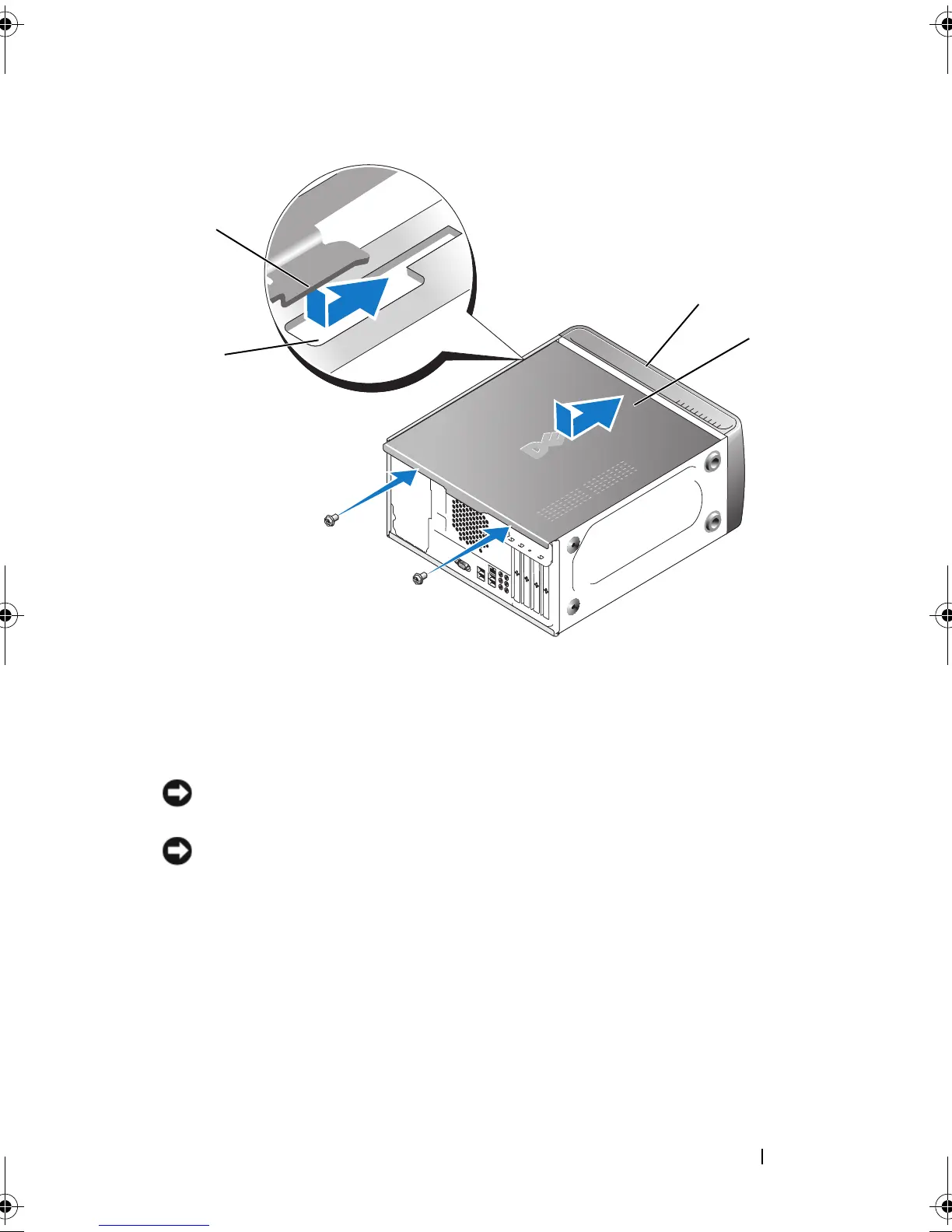
Move the computer to the upright position.
NOTICE: To connect a network cable, first plug the cable into the network device
and then plug it into the computer.
NOTICE: Ensure that none of the system air vents are blocked. Blocking them can
cause serious thermal problems.
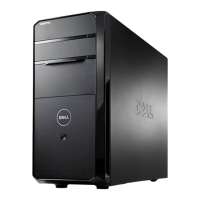
1 computer cover tab 2 slot
3 computer cover 4 front of the computer
4
3
1
2
book.book Page 167 Thursday, June 14, 2007 6:23 PM


 To Next Page