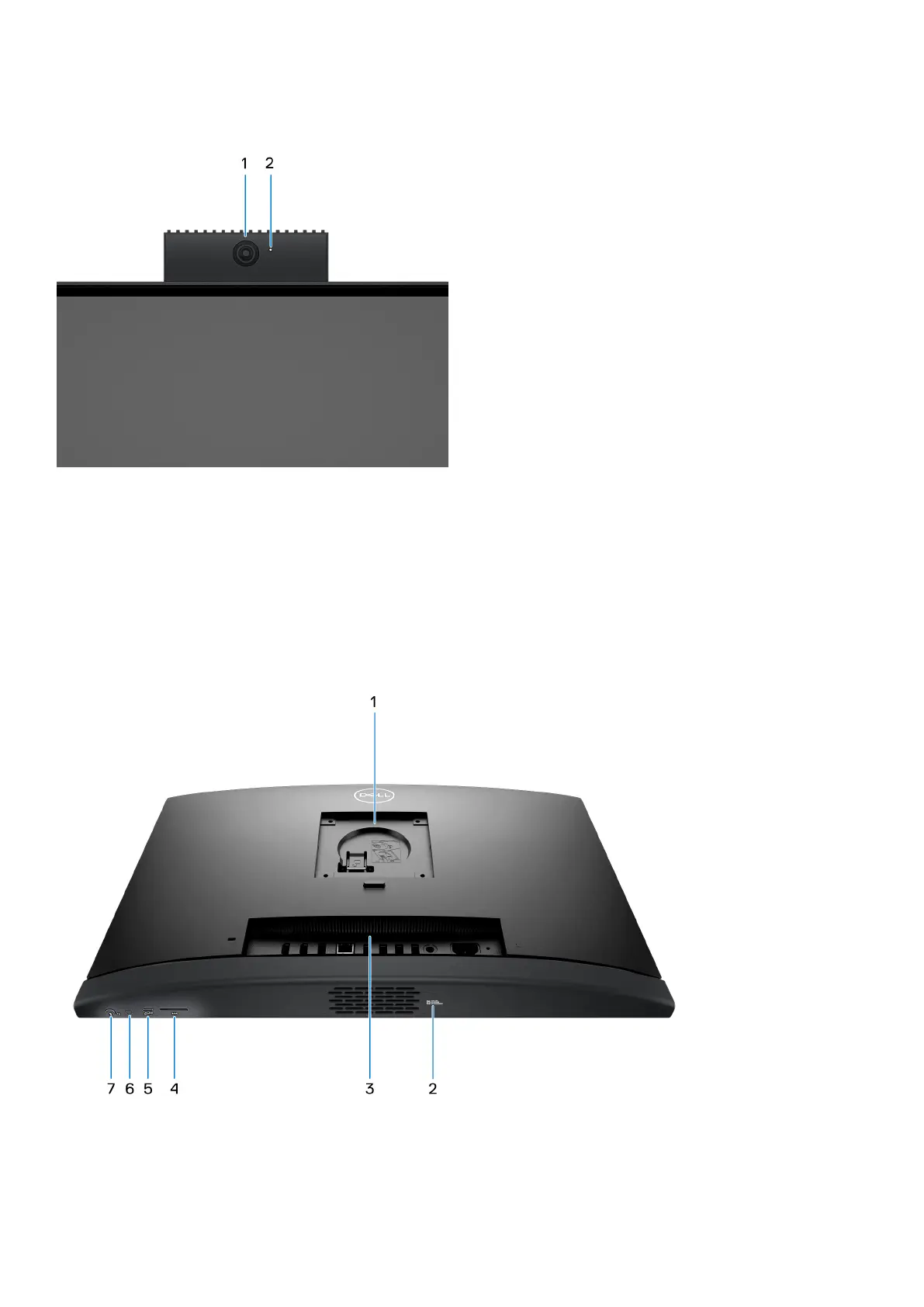
Retractable camera view
1. Camera
Enables you to video chat, capture photos, and record videos.
2. Camera-status light
Turns on when the camera is in use.
Bottom
1. Stand/VESA mount location
Allows for the installation of a 100 mm x 100 mm screw pitch VESA connection for use in standard environmental conditions,
or one of the stands offered by Dell for your OptiPlex All-in-One 7410 .
Views of OptiPlex All-in-One 7410
11



 To Next Page