Views of OptiPlex All-in-One 7410
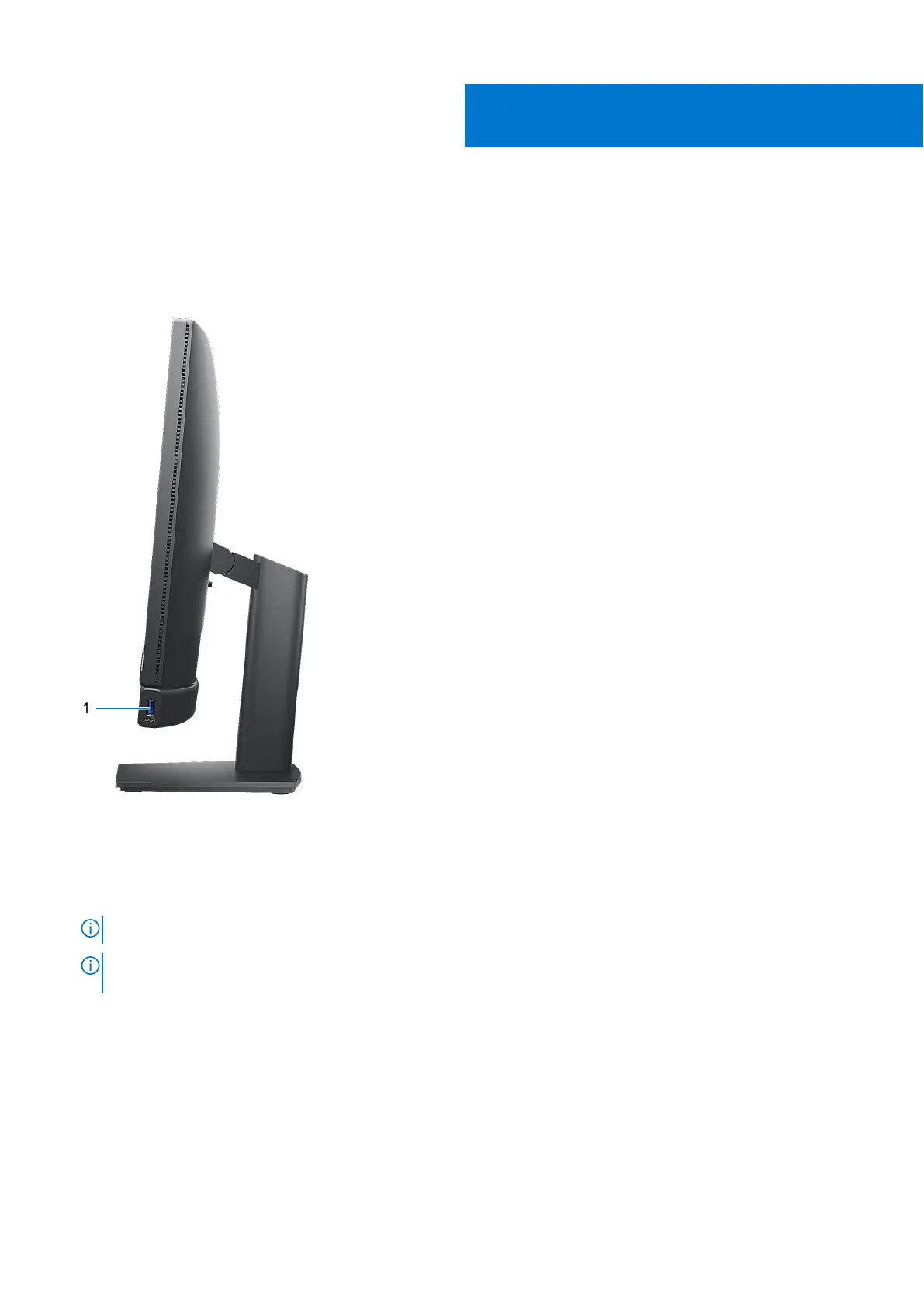
Right
1. USB 3.2 Gen 2 port with PowerShare
Connect devices such as external storage devices, printers, and external displays.
Provides data transfer speeds up to 10 Gbps. Supports Power Delivery that enables two-way power supply between devices.
Provides up to 10 W power output that enables faster charging.
NOTE: PowerShare enables you to charge your USB devices even when your computer is turned off.
NOTE: If a USB device is connected to the PowerShare port before the computer is turned off or in hibernate state,
you must disconnect and connect it again to enable charging.
2
Views of OptiPlex All-in-One 7410 7



 To Next Page