3. Set up the keyboard and mouse.
NOTE: For setup instructions, see the documentation shipped with the keyboard and mouse.
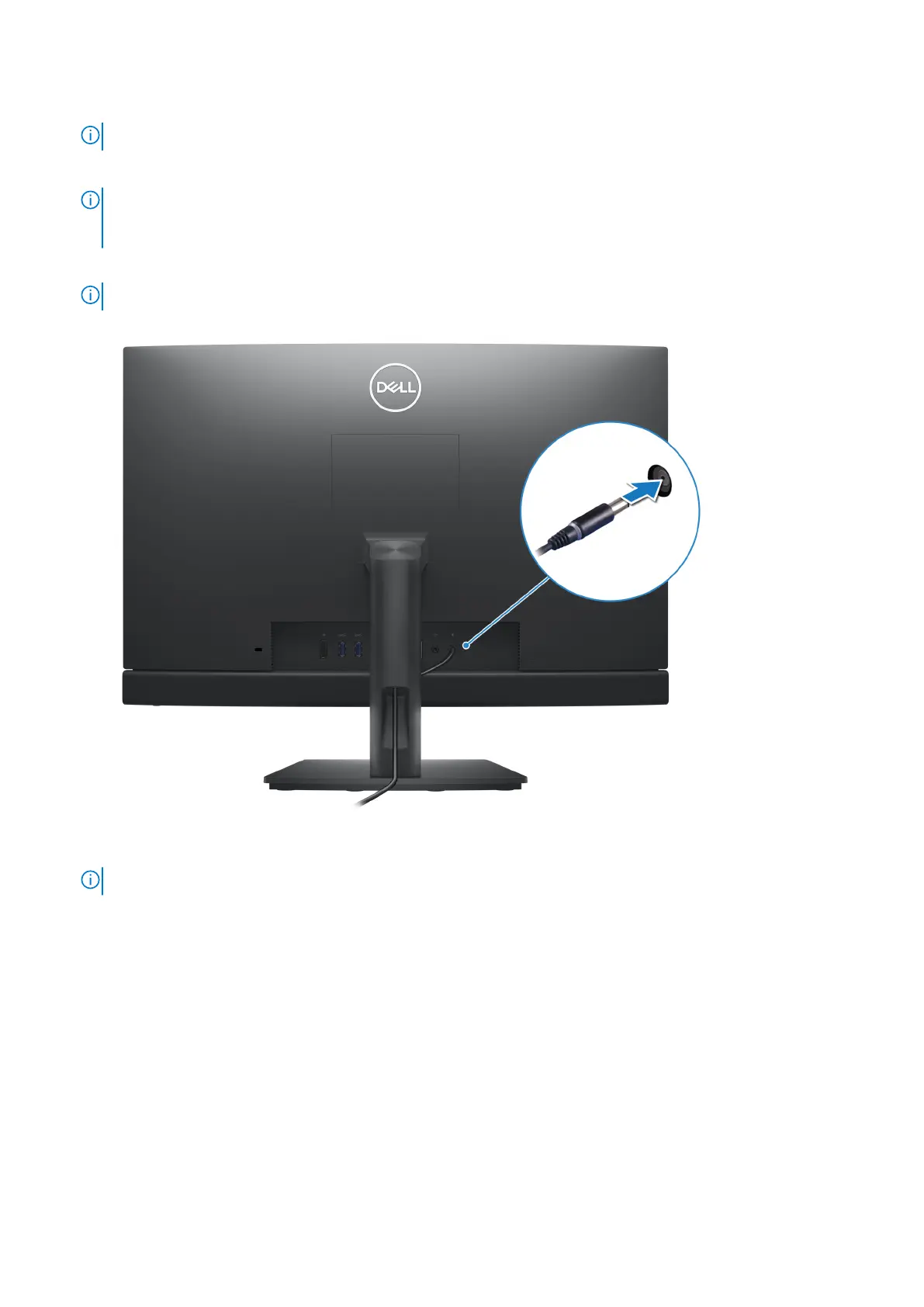
4. Connect the power-adapter cable or the power cable.
NOTE: Depending on the configuration you have ordered your computer may have a power-adapter or a power supply.
Refer to the appropriate image matching your computer for the procedure to connect the power-adapter cable or power
cable.
Connecting the power-adapter cable
NOTE: For computers shipped with Energy Efficient processors.
Connecting the power cable
NOTE: For computers shipped with High Performance processors.
16 Set up your computer



 To Next Page