Removing and Installing Parts 79
8 card slots Access connectors for any installed PCI (4 slots) and AGP cards (1 slot).
9 PCI sound card with
IEEE 1394
• Line-in connector — Use the blue line-in connector to attach a record/playback
device such as a cassette player, CD player, or VCR.
• Microphone connector — Use the pink microphone connector to attach a
personal computer microphone for voice or musical input into a sound or
telephony program.
• Line-out connector — Use the green line-out connector to attach headphones
and most speakers with integrated amplifiers.
• Surround connector — Use the black surround connector to attach
multichannel-capable speakers.
• Center/LFE connector — Use the yellow center/Low-Frequency Effects (LFE)
connector to attach your subwoofer.
• IEEE 1394 connector — Attach high-speed serial multimedia devices, such as a
digital video camera.
NOTE: For optimum performance, install a PCI sound card only in PCI slot
3 or 4.
10 modem connector If you have a modem, connect a telephone cable to the modem connector
(optional).
NOTE: For optimum performance, install a modem card only in PCI slot 2,
3, or 4.
11 DVI video connector If your monitor has a DVI connector, plug it into the DVI connector on the
computer. If your monitor has a VGA connector, plug it into the VGA connector
on the computer.
12 network adapter
connector
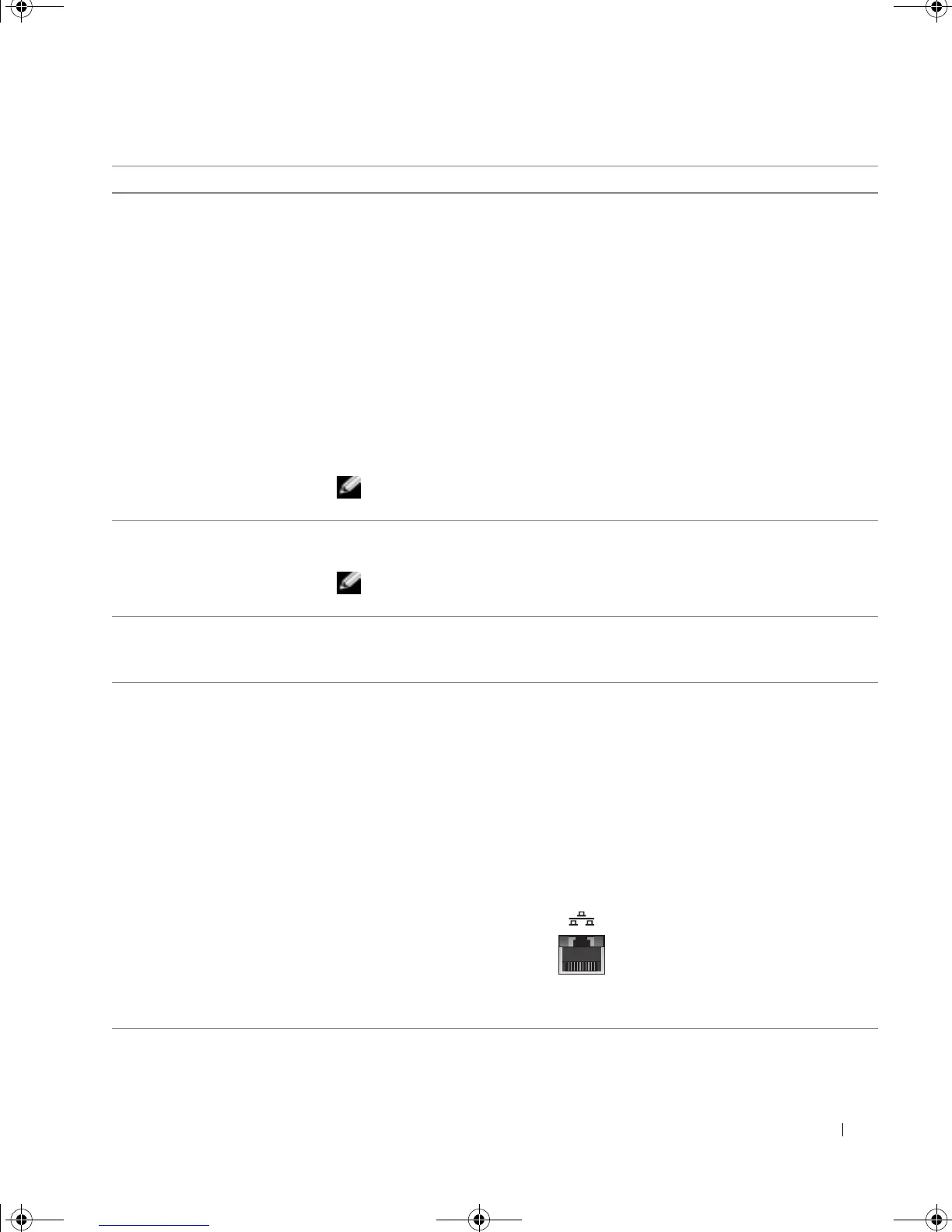
To attach your computer to a network or broadband device, connect one end of a
network cable to either a network jack or to your network or broadband device.
Connect the other end of the network cable to the network adapter connector on
the back panel of your computer. A click indicates that the network cable has been
securely attached.
On computers with a network connector card, use the connector on the card.
It is recommended that you use Category 5 wiring and connectors for your
network. If you must use Category 3 wiring, force the network speed to 10 Mbps to
ensure reliable operation.
network or
broadband jack
G0550bk1.book Page 79 Thursday, July 10, 2003 1:55 PM



 To Next Page