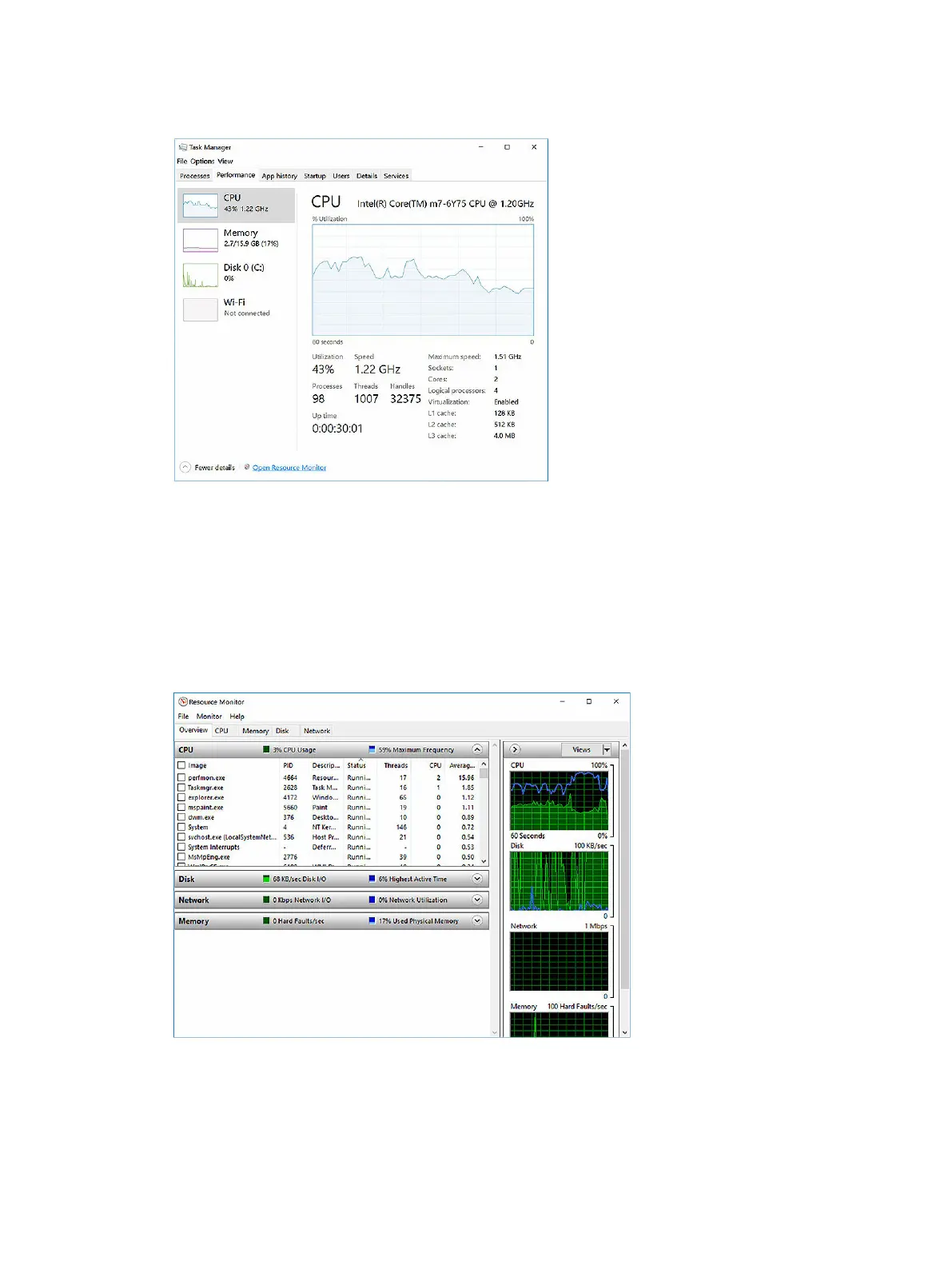
The processor performance details are displayed.
Verifying the processor usage in Resource Monitor
1. Press and hold the taskbar.
2. Select Start Task Manager.
The Windows Task Manager window is displayed.
3. Click the Performance tab in the Windows Task Manager window.
The processor performance details are displayed.
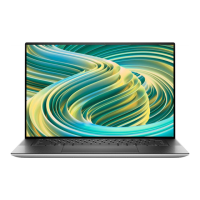
4. Click Open Resource Monitor.
50



 To Next Page