215
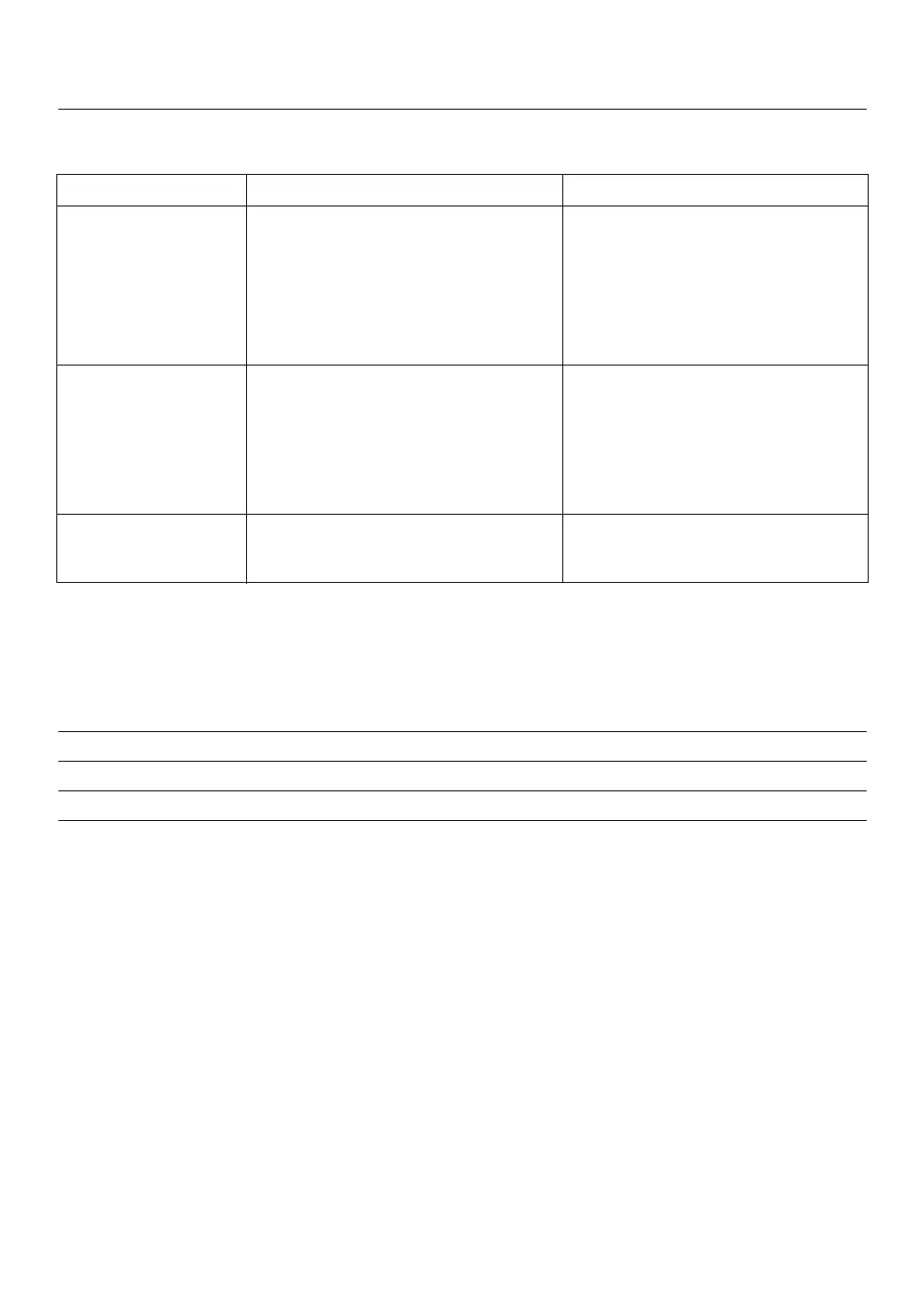
INFORMATION ON THE DISPLAY
The display indicates any problems with the appliance. The appliance must be installed indoors in a room
without draughts and away from sources of heat and direct sunlight.
DISPLAY PROBLEM SOLUTION
“hot” flashing Baking chamber too hot Open the lid and remove the pan
to start another cycle to cool the chamber. When the
message has disappeared from the
control panel, put the pan back in the
baking chamber and press
START/STOP again.
“cool” flashing Baking chamber too cold Wait for the appliance to warm
to start another cycle up to room temperature.
When the message has disappeared
from the control panel, put the pan
back in the baking chamber and press
START/STOP again.
“fail” The appliance has failed to regulate Take the appliance to De'Longhi
the temperature. Customer Services.
Please note: after baking a loaf, you should let the appliance cool down to room temperature as at higher
temperatures the bread rises less due to the sensitivity of the active dry yeast.
You hear a beep:
When the appliance is turned on A long beep
When a menu setting is selected A short beep
At the start of a baking cycle One long beep
At the end of a baking process Short and long beeps



 To Next Page