30 Trigno Wireless System User’s Guide
TM
Smart Sensors
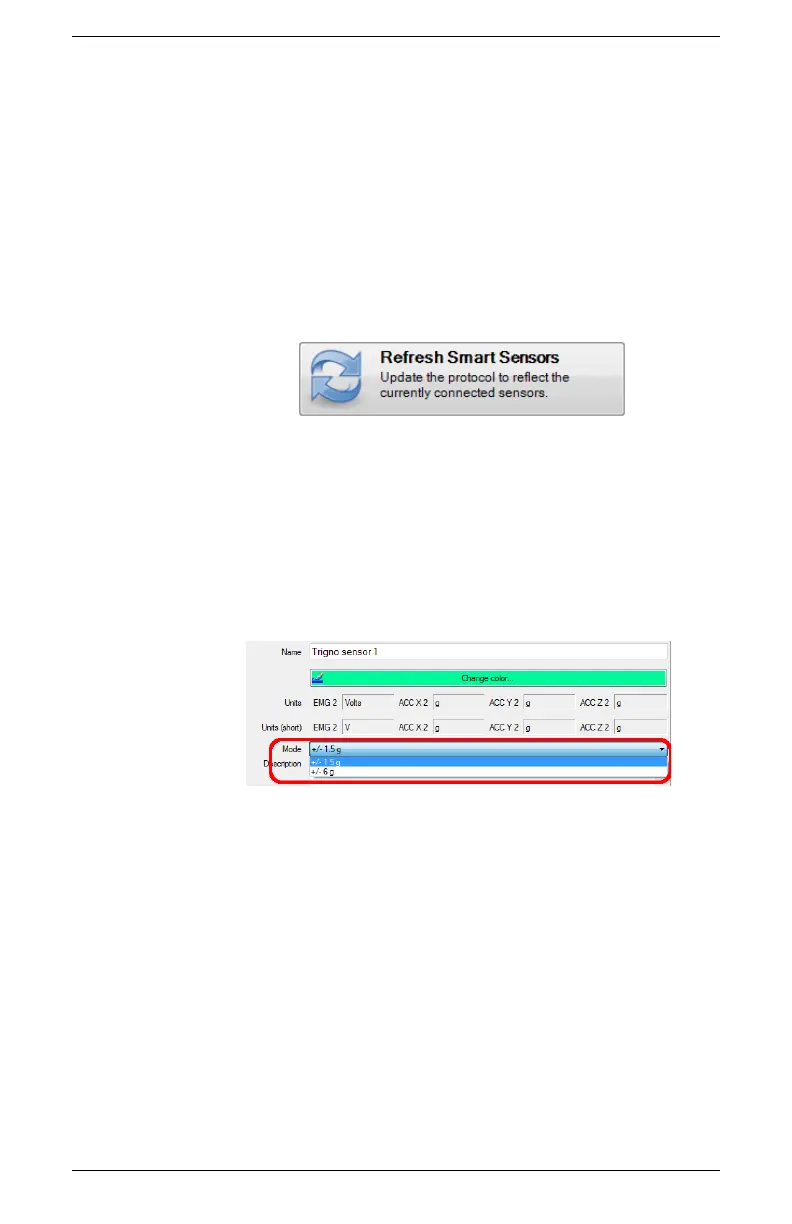
After pairing, the association of sensors to the base station is
retained for all future uses. Any configuration in EMGworks can
be made to reflect the last paired set of sensors by clicking the
“Refresh Smart Sensors” button in the “Add Sensors” pane in
EMGworks. When data collection starts, the software will verify
that the sensors currently communicating match those used in the
configuration. If there is a mismatch, cancel the recording and re-
pair the sensors.
Figure 23. Refresh Smart Sensors button.
Sensor Modes in EMGworks
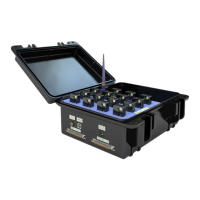
Each Trigno sensor can operate in one of 4 possible data collection
modes, which determines the type of data being collected. When
using EMGworks, the sensor mode can be set on the sensor
settings pane for each sensor. Note that the number of modes
available is determined by the Trigno sensor type.
Figure 24. Setting sensor modes in EMGworks.


 To Next Page