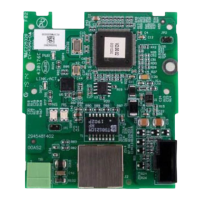
CANopen Communication Module DVPCOPM-SL
(2)
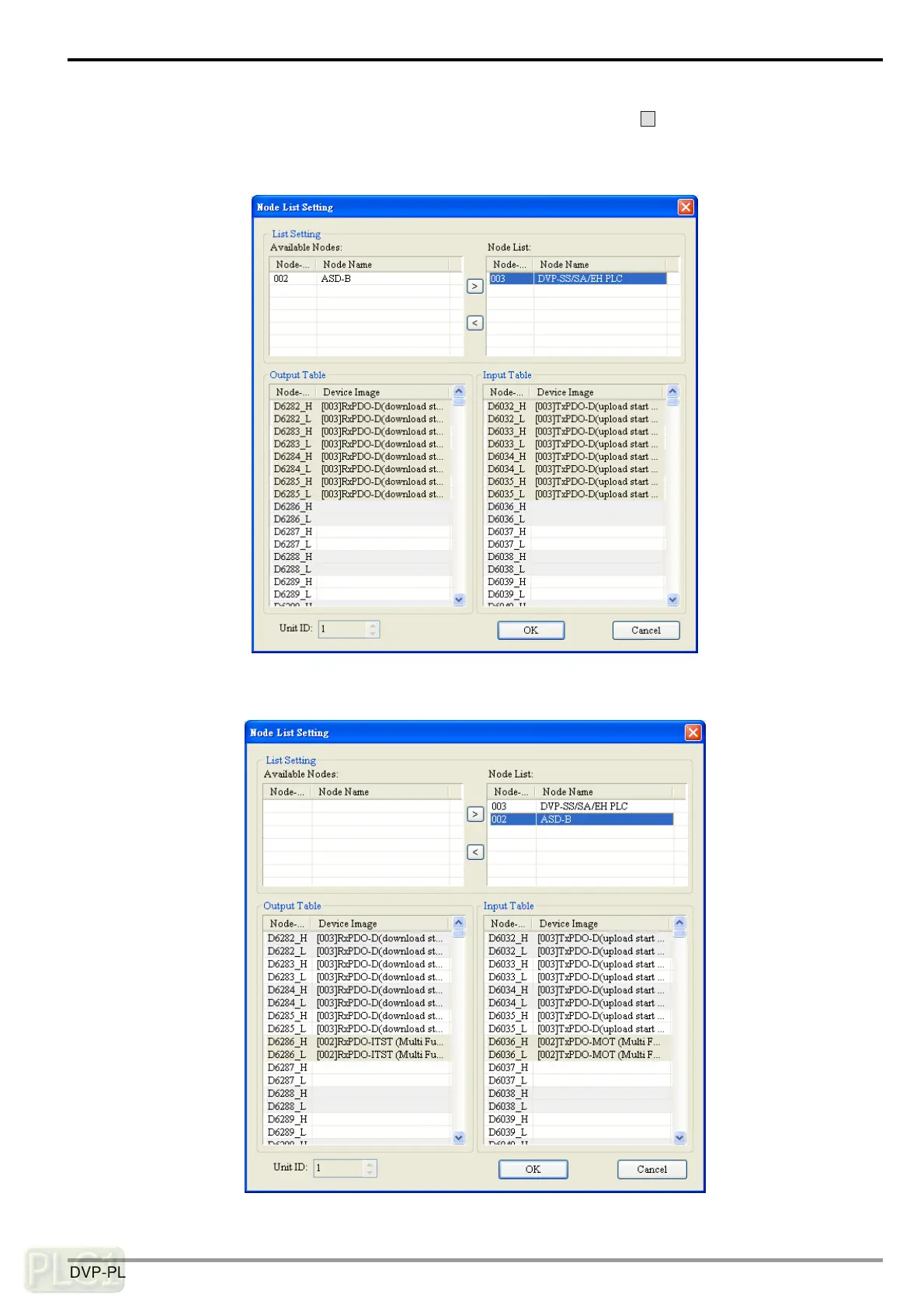
In this example, first select DVP-SS/SA/EH PLC at Node 003 and click on
>
to add this node into the node
list. After this, select Node 003 in the node list, and you will be able to see how the I/O data correspond to D
registers in DVP-SV from the Output Table and Input Table below.
(3) Add also Node 002 into the node list, and you will be able to see how the I/O data correspond to D registers in
DVP-SV from the Output Table and Input Table below. Click on “OK” to complete setting up the node list.
DVP-PLC Operation Manual
25


 To Next Page
 Loading...