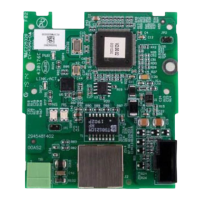
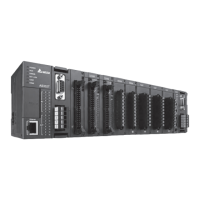
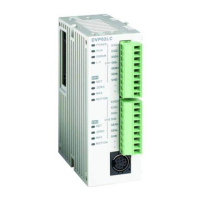
CANopen Communication Module DVPCOPM-SL
Data mapping in ASD-B
In this example, IFD9503 is the interface between ASD-B and CANopen network. In default setting, IFD9503 offers
1 word of input data and 1 word of output data to exchange data with DVPCOPM-SL master. See the table below
for the relation between the parameters in ASD-B and the input and output data in DVPCOPM-SL master.
D register 15 14 13 12 11 10 9 8 7 6 5 4 3 2 1 0
Input data D6036 Multi-function digital output
Output data D6286 Multi-function digital input
4.3 How to Configure Network by Delta CANopen Builder Software
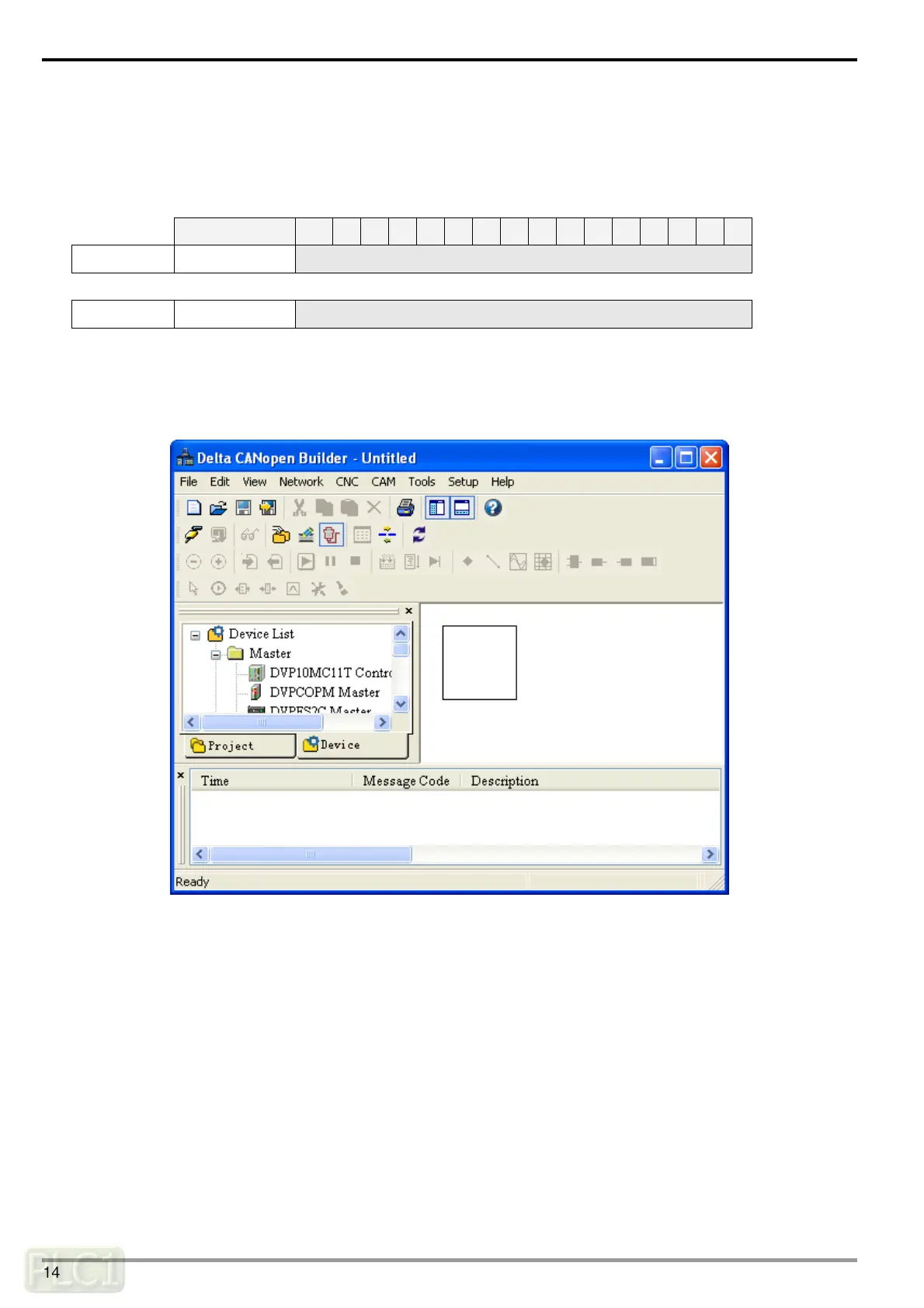
Using CANopen Builder to scan the network
(1) Open CANopen Builder software, as below:
DVP-PLC Operation Manual
14


 To Next Page
 Loading...