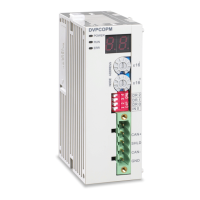
CANopen Communication Module DVPCOPM-SL
Erro
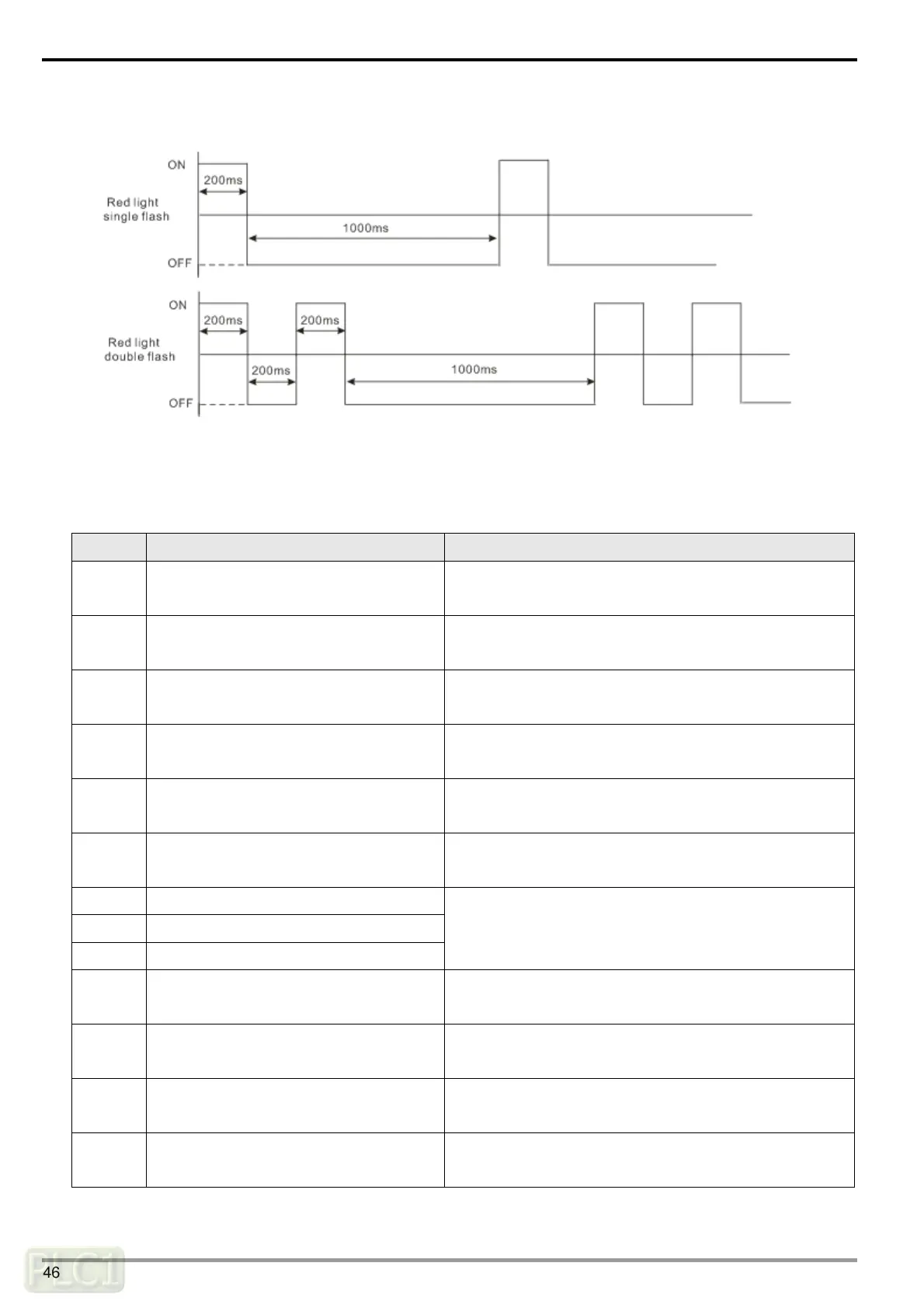
r LED red light single flash versus double flashes:
7.4 Codes in Digital Display
DVPCOPM-SL as master:
Code Indication How to correct
1 ~ 7F
The node address of DVPCOPM-SL when
in normal operation.
--
F1
Slave has not been added to node list of
CANopen builder software.
Add slave into the node list and then redownload it to
DVPCOPM-SL.
F2
The data are being downloaded to
DVPCOPM-SL.
Wait till configuration is finished downloading
F3 DVPCOPM-SL in error status
Redownload parameter configuration and change into a
new DVPCOPM-SL if the error still exists.
F4 Bus-off is detected.
Check if CANopen network bus cables are properly
connected.
F5
Incorrect node address of DVPCOPM-SL
settings
The node address for DVPCOPM-SL should be set in
the range of 1~127.
F6 Internal error: manufacturing process
F7 Internal error: GPIO check
F8 Internal error: memory check
Repower DVPCOPM-SL. If the error still exists, change
to a new DVPCOPM-SL.
F9 Low voltage is detected.
Check and make sure the power of DVPCOPM-SL works
normally.
FA
The firmware of DVPCOPM-SL is in error
status.
Repower DVPCOPM-SL.
FB
The sending buffer in DVPCOPM-SL is
full.
Check and ensure CANopen network bus cables are
properly connected and then repower DVPCOPM-SL
FC
The receiving buffer in DVPCOPM-SL is
full.
Check and ensure CANopen network bus cables are
properly connected and then repower DVPCOPM-SL.
DVP-PLC Operation Manual
46



 To Next Page