TT-2000 Ticket Eater™ by Deltronic Labs February 2013
Trouble-Shooting Flowchart
a NO
YES
NO
YES
NO
YES
NO
YES
NO
YES
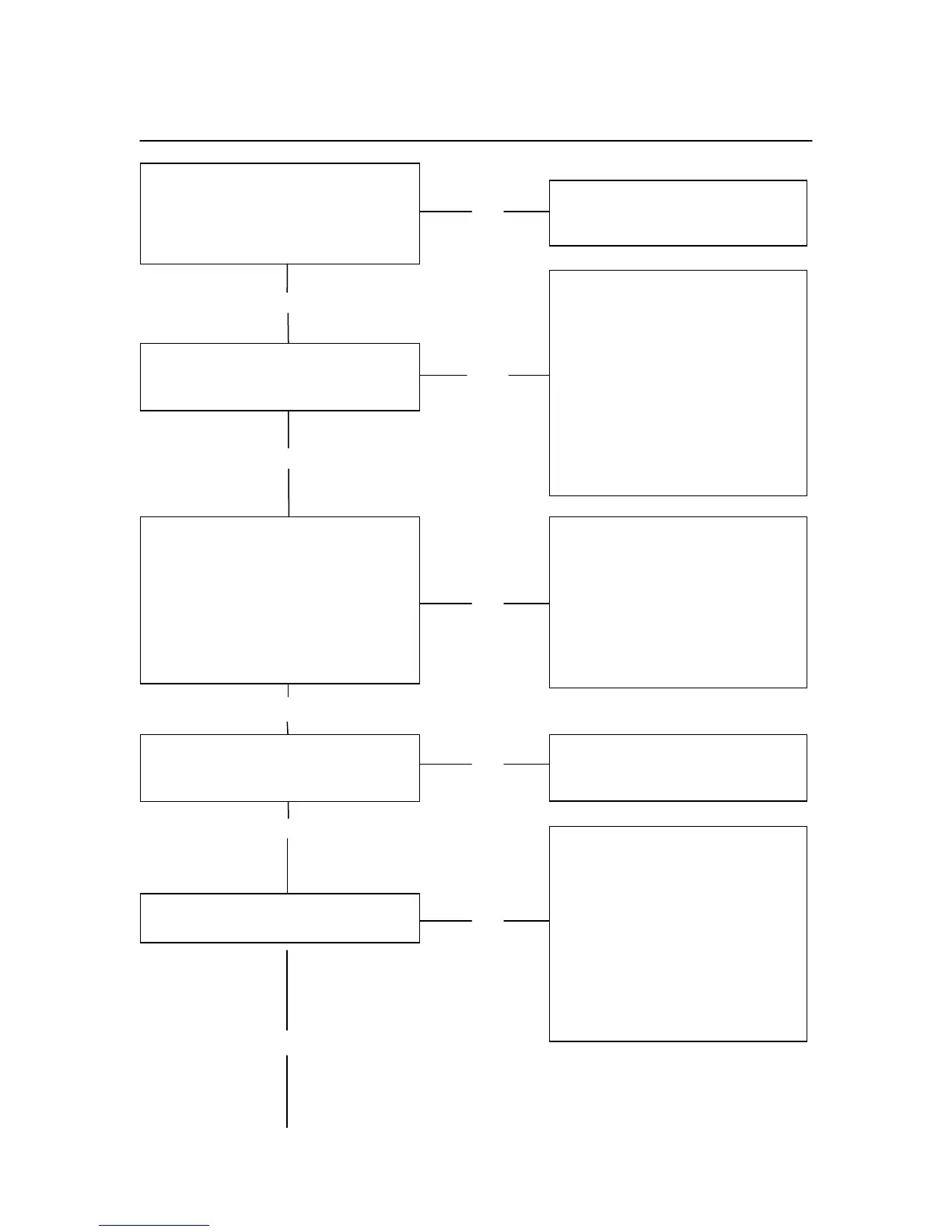
Open the top door. To power up the
ticket eater, pull out the safety switch
and make sure the red rocker switch
is on. Are the red and green LEDs
on the logic board on?
When first powered up, does the
display show 00000 to 99999 and
then go into snake / attract mode?
Check power switch, 5 A & 2.5 A
SB fuses, connections to and
from power supply.
Insert a ticket and hold it under the
front sensor. Does the LED for the
front sensor turn off and the LED for
the rear sensors stay on?
Note: If the ticket is held under the
sensor for more than 10 seconds the
system will consider it a jammed
ticket and display an error message.
1. Check that the RUN / PRG
jumper on the AP-100PM
board (the board with the
battery on it) is in the RUN
position.
2. Try switching door displays
(see page 3).
3. Check the connections
between the logic board, the
printer, and the display.
4. Check that paper is properly
loaded in the printer.
Check the connections between
the logic board and the sensor
board. If the LED for the rear
sensors is off, power down,
remove the sensor board, and
check for ticket jam or debris.
You may need to remove the
guide assembly to clear the
debris.
Does the LED on the motor drive
board turn on when a ticket is
inserted?
Check the connections between
the logic board and the motor
drive board.
Does the motor run when a ticket is
inserted?
1. Is the chute cover closed?
2. Check the safety switch
located below the chute cover.
3. Check the 2.25 A & 5 A fuses.
4. Check the connection between
the driver board and the
motor.
5. Check for dust on the front
sensor.
6. Check the position of the front
sensor.


 To Next Page