53
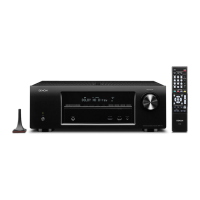
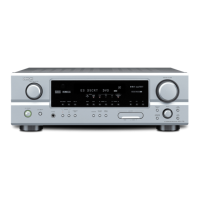
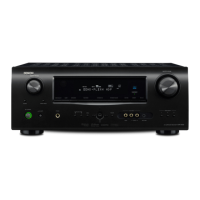
[AVR-2113CIE3 model]
1.1. Preparations before starting the operation
(1) Personal Computer (Installed "DFW_0058_AVR2113_1913_(Rev.X.X.X).exe".
(2) RS-232C cable (9P (Male), Straight).
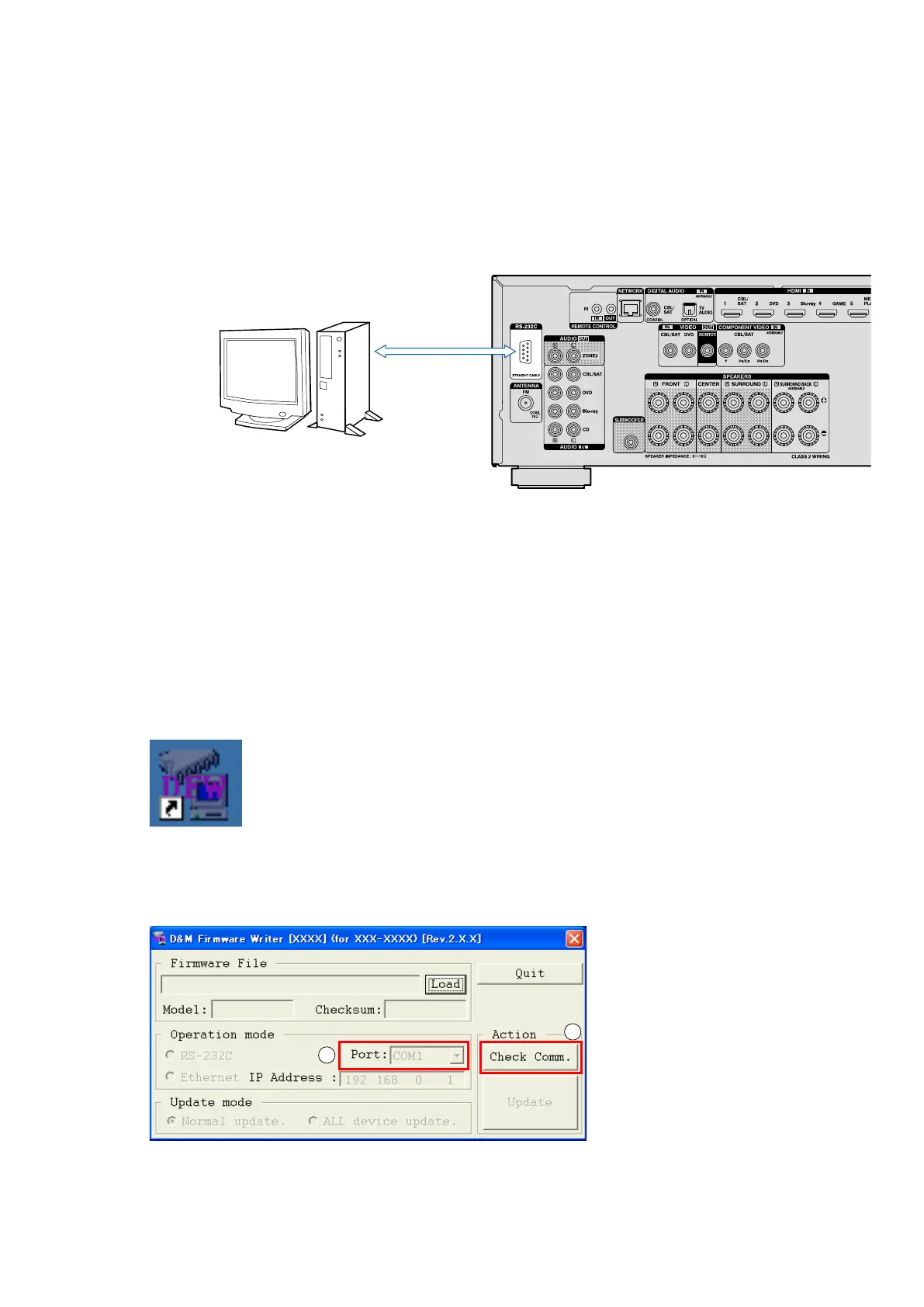
1.2. Connection of AV receiver
(1) Conrm the power on/off switch of the AV receiver is turning off.
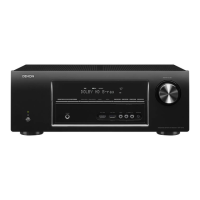
(2) Connect the RS-232C cable from PC with the "RS232C Terminal of AV receiver".
[All model commonness]
1.3. Turn on the AV receiver
Operate the following. Turn on the AV receiver.
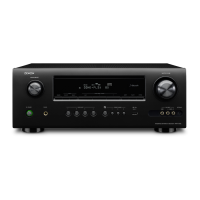
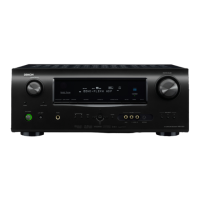
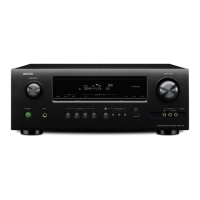
(1) Connect the power cable to the AC outlet while simultaneously pushing the ""SOURCE SELECT
0
", "SOURCE
SELECT
1
" and "ZONE2 SOURCE" (AVR-1913E3)" or ""TUNER PRESET CH +" and "TUNER PRESET CH –" and
"ZONE2 SOURCE" (except AVR-1913E3)" button of the front panel.
(2) Conrm the power indicator is green and "WRITTING" is displayed in the front panel.
1.4. Run the DFW
Run the "DFW_0058_AVR2113_1913_(Rev.X.X.X).exe" on desktop of PC.
1.5. Communication check
(1) Select the serial port number of RS-232C in PC.
(2) Click the "Check Comm." button.
PC
RS-232C Cable
1
2


 To Next Page