23
4. ProductMode
Select "Remote Lock", "Tuner Step", "OSD update", "Protection History Display" or "Mic Mode" .
4.1. Operations
Hold down buttons below for at least 3 seconds while the power is on.
"SOUND MODE
1
", "PRESET -", "PRESET +" (AVR-S510BT)
"PRESET +", "TUNE -", "TUNE +" (AVR-X520BT / X518CI)
f
Each mode shown on the display changes each time the button below is pressed.
"TUNE +" (AVR-S510BT)
"STATUS" (AVR-X520BT / X518CI)
f
Press the buttons below to switch the display "On"/"Off".
"PRESET +", "TUNE -" (AVR-S510BT)
"PRESET +", "DIMMER" (AVR-X520BT / X518CI)
f
Press the button below to set the displayed "On"/"Off".
"PRESET -" (AVR-S510BT)
"TUNE -" (AVR-X520BT / X518CI)
f
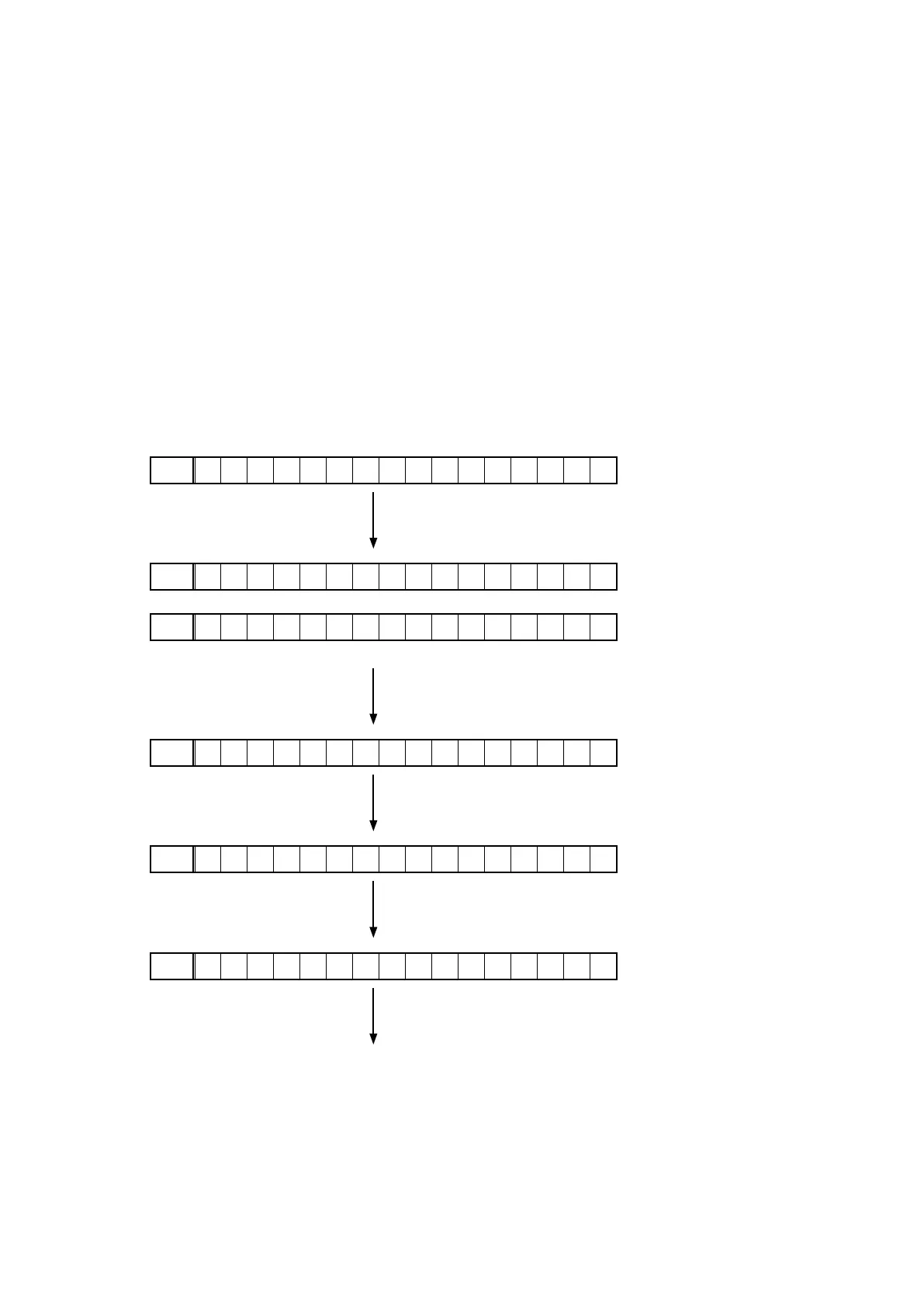
4.2. DisplayingandSelectingEachMode
RemoteLockMode
FLD
R E M O T E L O C K : O f f
Press the "TUNE +"(AVR-S510BT) button.
Press the "STATUS"(AVR-X520BT / X518CI) button.
f
TunerStepChangeMode
FLD
T U N E R : A M 9 / F M 5 0
(at AM 9kHz step / FM 50kH step)
FLD
T U N E R : A M 1 0 / F M 2 0 0
(at AM 10kHz step / FM 200kH step)
Press the "TUNE +"(AVR-S510BT) button.
Press the "STATUS"(AVR-X520BT / X518CI) button.
f
OSDUpdateMode
FLD
O S D U p d a t e : O f f
Press the "TUNE +"(AVR-S510BT) button.
Press the "STATUS"(AVR-X520BT / X518CI) button.
f
ProtectionHistoryDisplayMode
FLD
N O P R O T E C T
Press the "TUNE +"(AVR-S510BT) button.
Press the "STATUS"(AVR-X520BT / X518CI) button.
f
MicMode
FLD
M I C M o d e
Press the "TUNE +"(AVR-S510BT) button.
Press the "STATUS"(AVR-X520BT / X518CI) button.
f
Return to top.
4.3. CancelingEachMode
See the actions of each mode.


 To Next Page
 Loading...