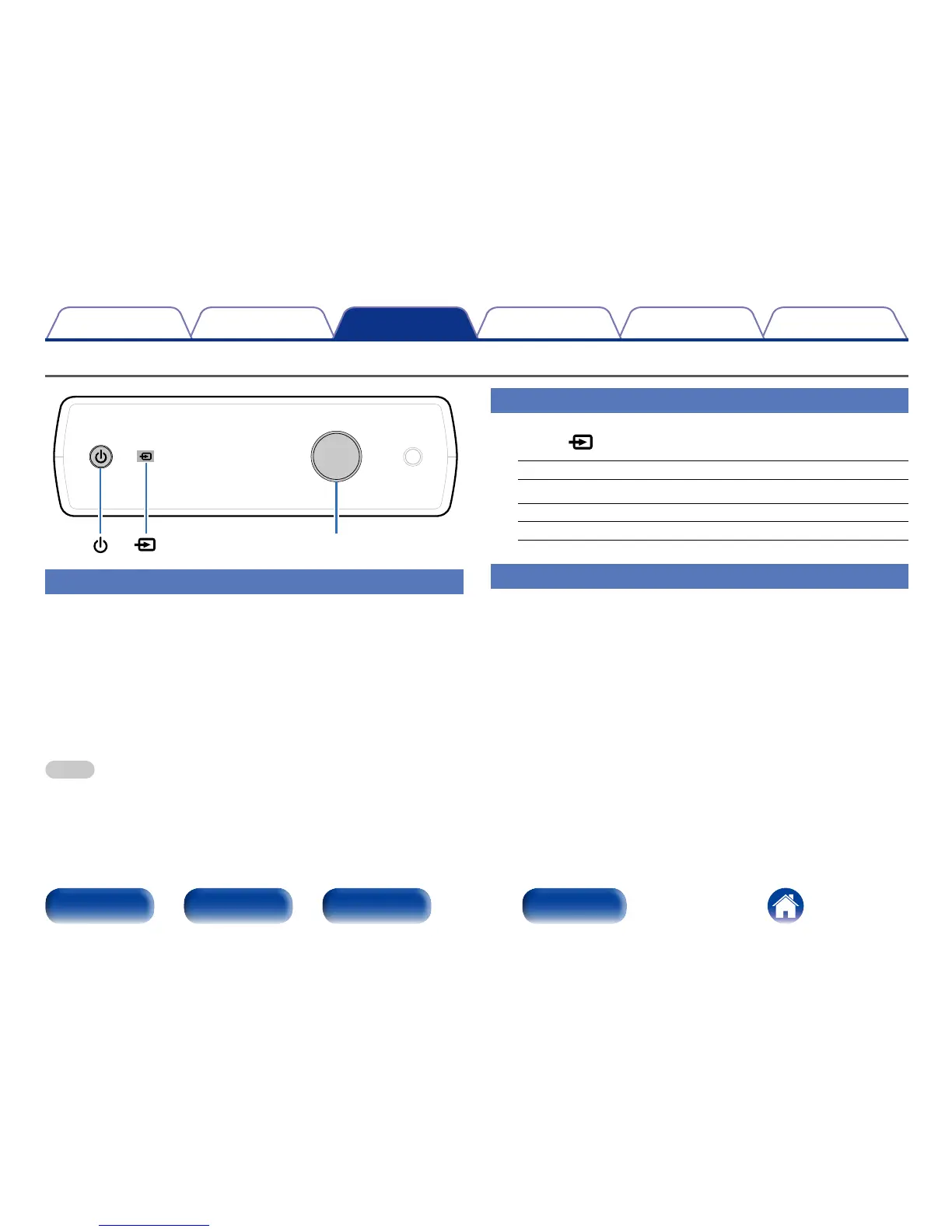
Selecting the input source
1
Touch to switch the input source for playback.
USB-DAC : Plays music files on your computer.
COAXIAL : Plays devices connected to the COAXIAL connector.
OPTICAL-1 : Plays devices connected to the OPTICAL-1 connector.
OPTICAL-2 : Plays devices connected to the OPTICAL-2 connector.
Adjusting the headphone volume
1
Turn the headphone volume control knob to adjust the
volume.
The display shows the volume level.
Basic operation
Headphone volume control knob
Turning the power on
1
Press X to turn on power to the unit.
The power indicator turns on.
2 Switching the power to standby
1
Press X.
The power indicator turns o.
NOTE
•Power continues to be supplied to some of the circuitry even when the power is in
the standby mode. When leaving home for long periods of time or when going on
vacation, unplug the AC adapter from the power outlet.



 To Next Page