Settings
You can set the unit to automatically switch to standby mode if the unit is
not operated for 30 minutes when there is no audio input.
Auto Standby mode is set to o by default.
Turning Auto Standby mode on
1
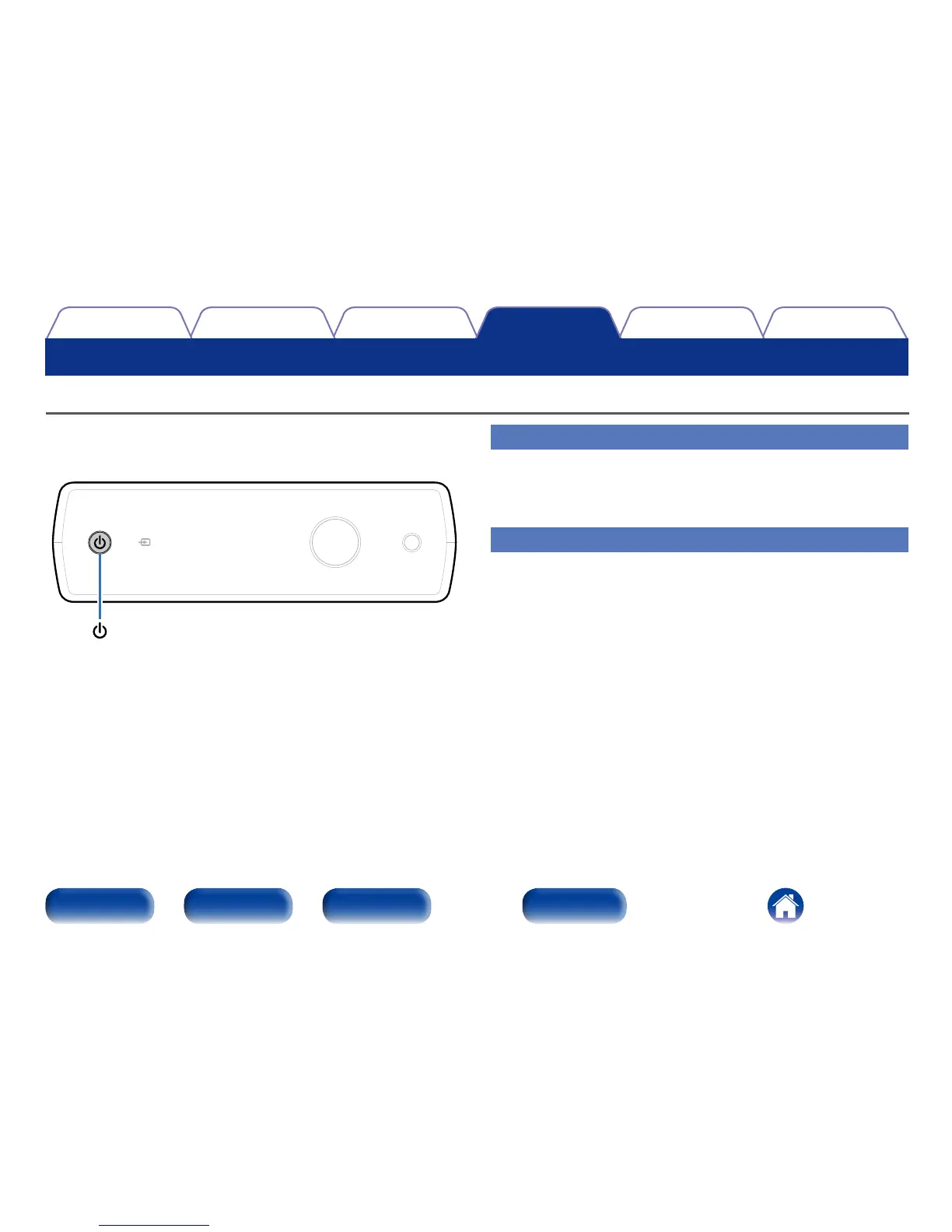
Press and hold X for more than 5 seconds.
The display shows “Auto Standby On”.
Turning Auto Standby mode o
1
Press and hold X for more than 5 seconds.
The display shows “Auto Standby O”.
Setting the Auto Standby mode



 To Next Page