2 Files on my computer cannot be played
Symptom Cause / Solution Page
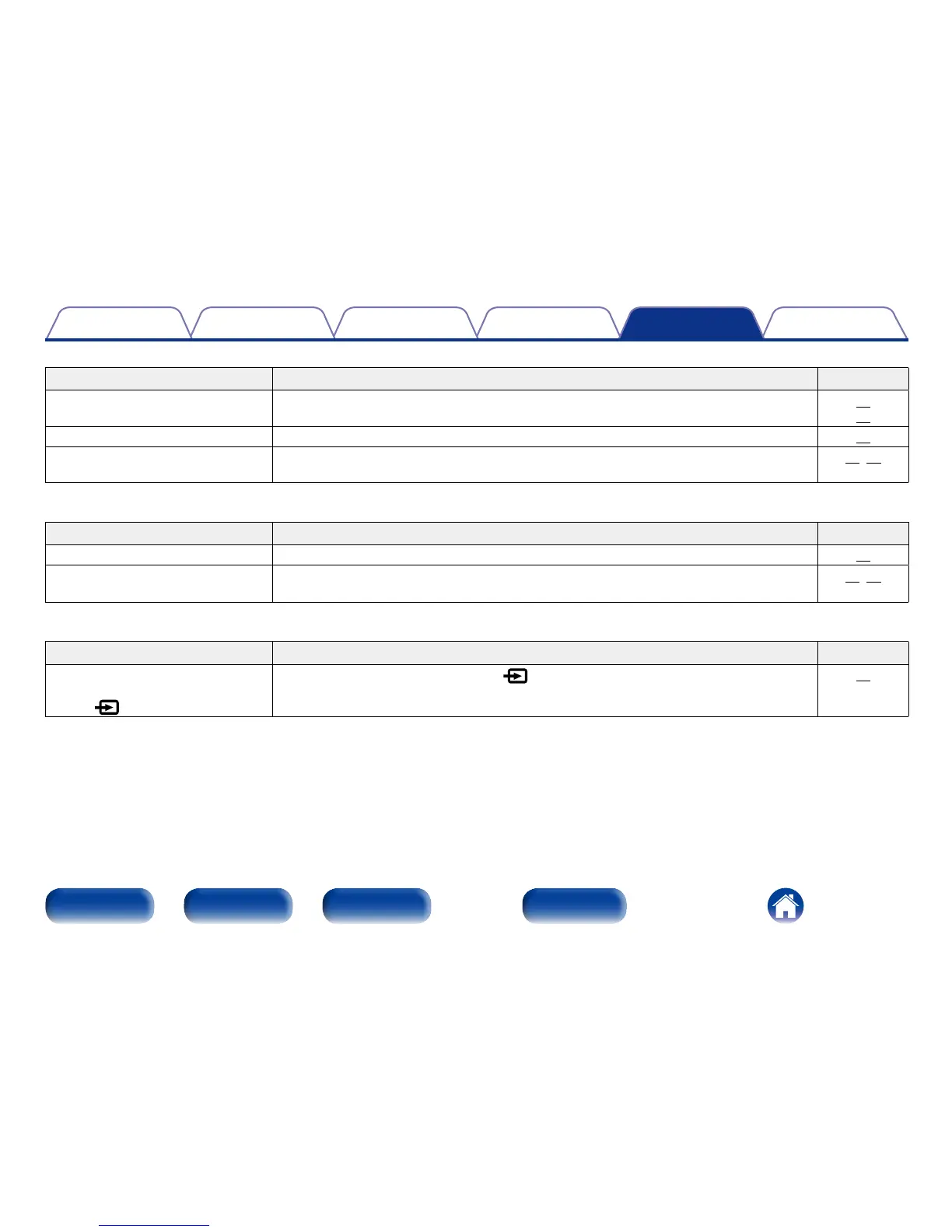
This unit is not recognized by my
computer.
•Check the OS of your computer.
•When your computer is running on Windows, a dedicated driver software should be installed.
15
15
“Unlock” is displayed. •When digital audio signals cannot be detected properly, “Unlock” is displayed.
20
“Unsupported” is displayed. •“Unsupported” is displayed when audio signals that are not supported by this unit are input.
Check the settings on your computer or player software.
20, 28
2 Audio from digital devices cannot be played back (COAXIAL/OPTICAL-1/OPTICAL-2)
Symptom Cause/Solution Page
“Unlock” is displayed. •When digital audio signals cannot be detected properly, “Unlock” is displayed.
21
“Unsupported” is displayed. •“Unsupported” is displayed when audio signals that are not supported by this unit are input.
Check the audio output signal format from your digital device.
21, 28
2 The input source does not switch
Symptom Cause/Solution Page
The input source does not switch
even when the input source select
switch (
) is touched.
•Touch the input source select switch (
) correctly with your finger.
14



 To Next Page