10
DCD-710AE
Note Handling and Replacement of the Laser pick-up
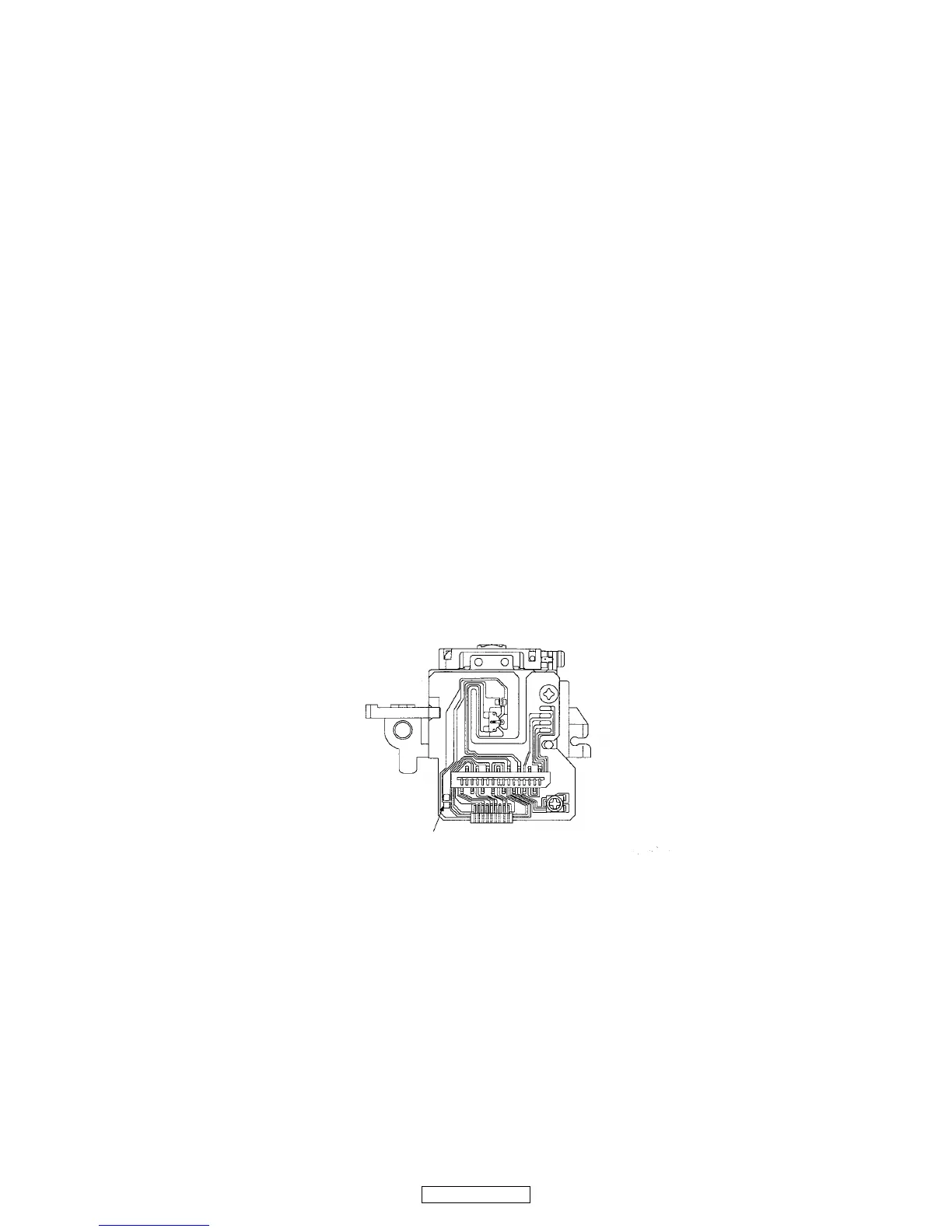
1. Protection of the LD
Short a part of the LD circuit by soldering. After connection to a circuit, remove the short solder.
2. Precautions when handling the laser CD mechanism
• Handle the laser pick-up so that it is not exposed to dust.
• Do not leave the laser pick-up bare. Be sure to cover it.
• If dust adheres on lens of the pick-up, blow it off with a blower brush.
• Do not shock the laser pick-up.
• Do not watch the light of the laser pick-up.
3. Cautions on assembling and adjustment
• Be sure that to the bench, jig, head of soldering iron (with ceramic) and measuring instruments are well grounded.
• Workers who handle the laser pick-up must be grounded.
• The finished mechanism (prior to anchoring in the set) should be protected against static electricity and dust. The mecha-
nism must be stored that damaging outside forces are not received.
• When carrying the finished mechanism, hold it by the
chassis body
• For proper operation, storage and operating environment should not contain corrosive gases. For example H
2S, SO2, NO2,
CI2 etc. In addition storage environment should not have materials that emit corrosive gases especially from silicic, cyanic,
formalin and phenol group. I the mechanism or the set, existence of corrosive gases may cause no rotation in motor.
4. Determining whether the laser pick-up is defective
•
Measure the waveform at RFO-VC on "MCU P.W.B. Unit ".
( For measuring points and waveforms, see pages 21.)
• The laser pick-up is OK if the amplitude level of the measured RFO waveform is between 0.4 and 1.1 Vp-p, defective oth-
erwise.


 To Next Page