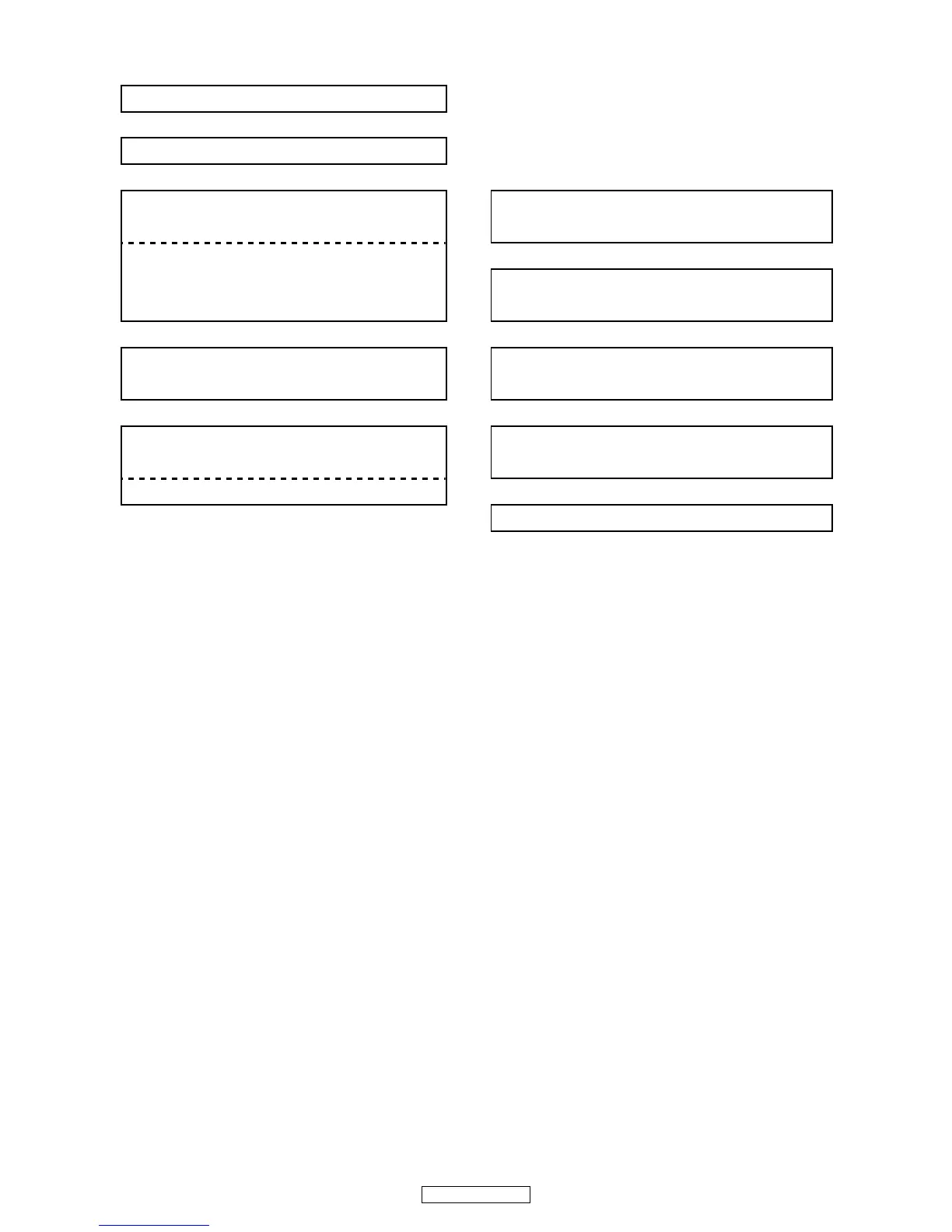
FLOW CHART NO.10
Audio is not outputted normally.
㸣
Set the disc on the disc tray, and playback.
㸣
Are the analog audio signals outputted to IC41Pin(1) or
IC41Pin(7)
㸢No
Check AUDIO+V(+12V) and AUDIO-V(-12V) line and
service it if defective.
㸣Yes
IC41Pin(1) : AUDIO (L)
IC41Pin(7) : AUDIO (R)
DSP (IC31)Check the DAC(IC39) digital audio data signal
of a DSP (IC31). (BCK,LRCK,DATA_S1L,DATA_S1R)
㸣Yes 㸣Yes
Is the "H" level MUTE line to Pins(1) of CY11?
Check the DAC(IC39) control signal of a microcomputer
(IC11). (DAC_CS,MCK_DAC,MDT_DAC)
㸣Yes 㸣Yes
Check A_MUTE line and service it if defective.
Check DAC(IC39)_Vcc(+5V) line and service it if
defective.
IC44 Pin(25) A_MUTE L : mute / H : play 㸣Yes
Replace IC39.


 To Next Page