24
(22) Set the switch of “Writing Kit" (Refer to the table below).
DSPBOOT CE EPM CNVSS
H H H H
(23) Press the "RESET" switch of “Writing Kit".
(24) AV receiver is power on and starts update of DSP2.
(25) "Write Comleted" is displayed in the FL tube.
(26) Set the switch of “Writing Kit" (Refer to the table below).
DSPBOOT CE EPM CNVSS
H H L H
(27) Press the "RESET" switch of “Writing Kit".
MAIN
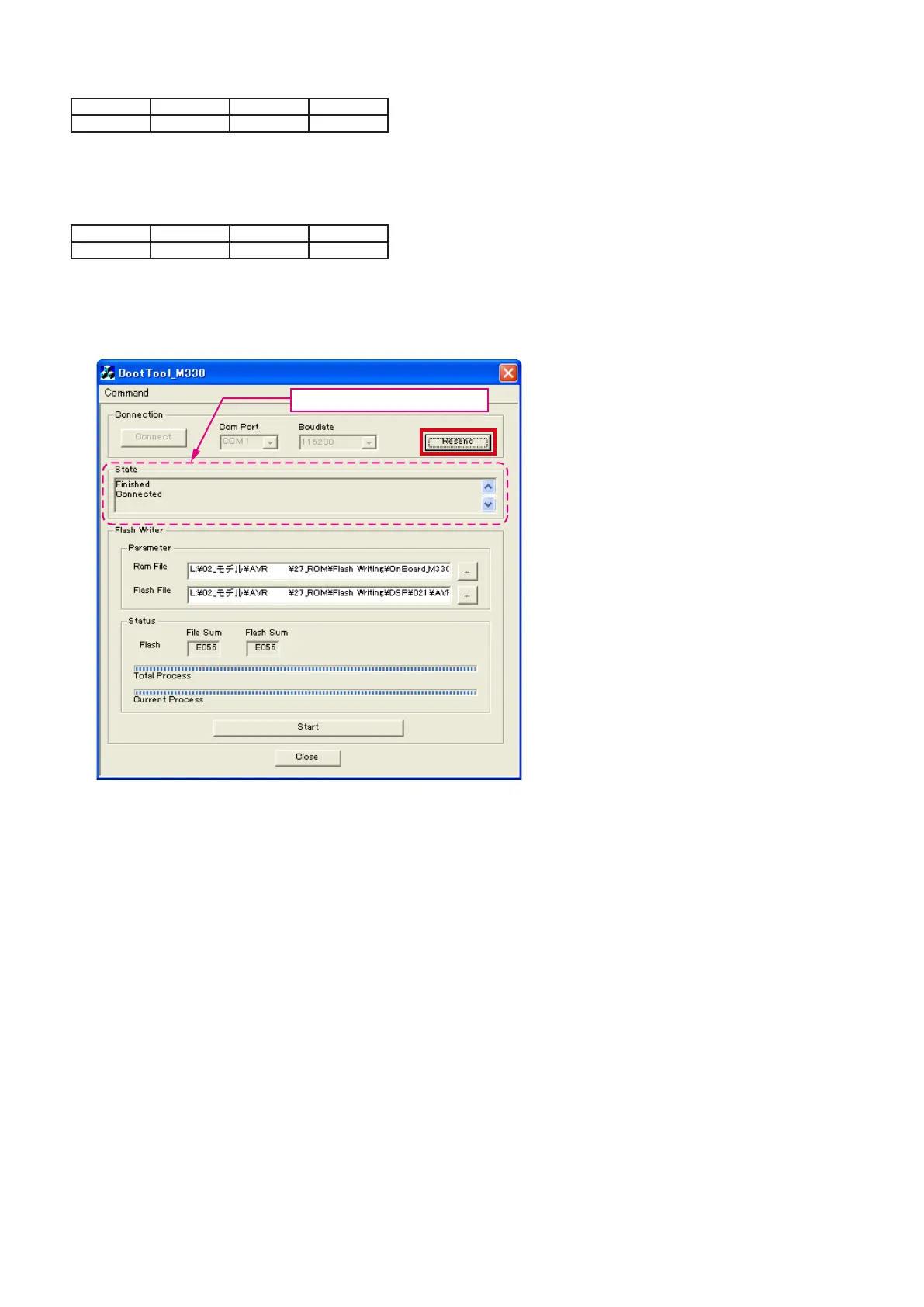
(28) Click the “Resend” button.
XXXX
XXXX
"Connected" is displayed, it is OK.



 To Next Page