13
Getting started Troubleshooting Specifications Index
Others Preset
Playback
Connection
Playback
Turning the power on
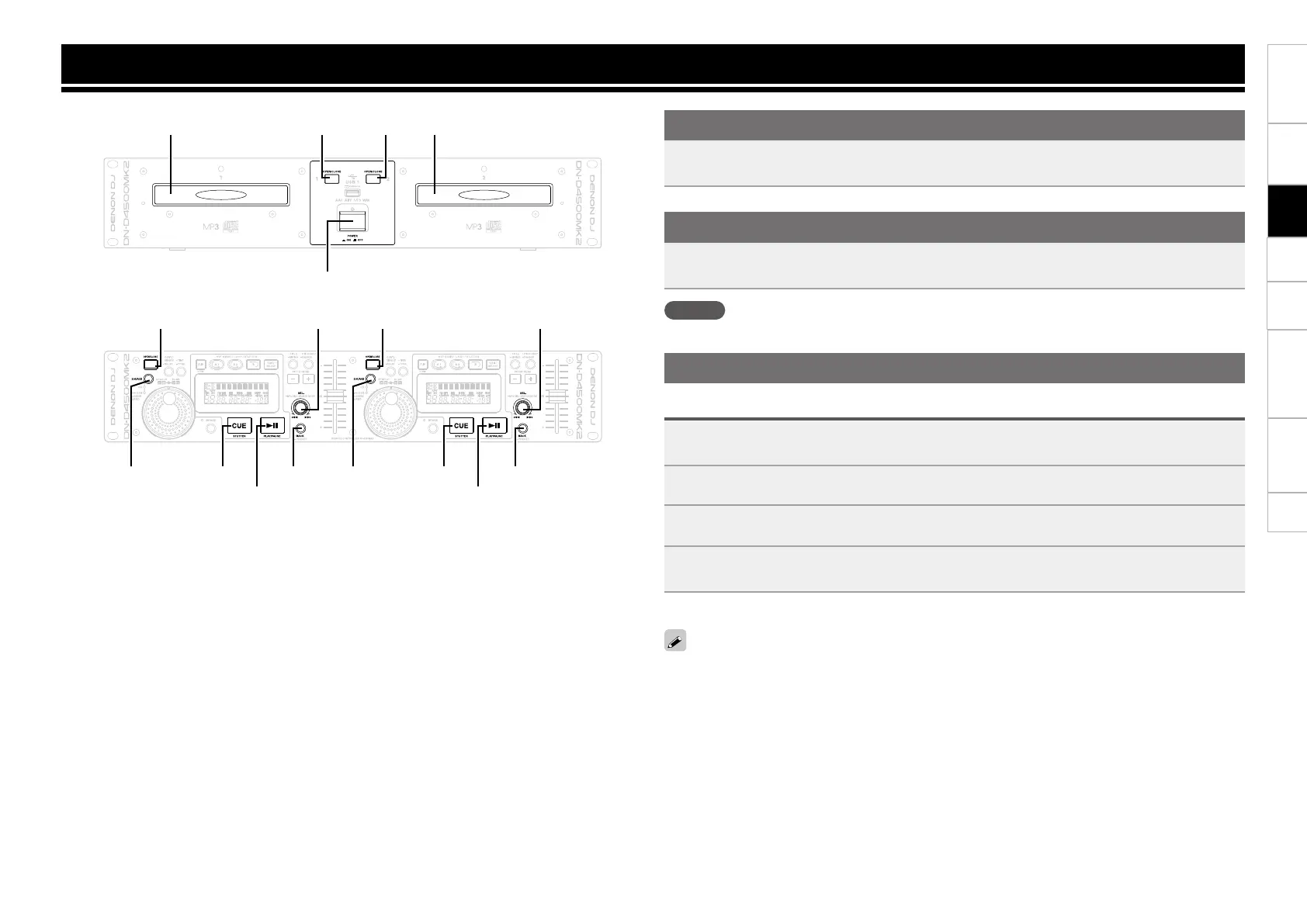
Press POWER ON/OFF.
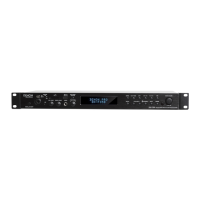
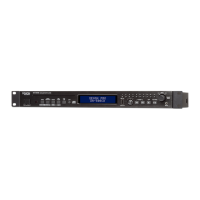
“DENON DN-D4500 MK2” appears on the display, and the power switches on.
Turning the power off
Press POWER ON/OFF.
The power switches off.
NOTE
Be sure to close the disc holders before turning off the power.
Playback
CD playback
1
Press SOURCE to switch the source to CD.
2
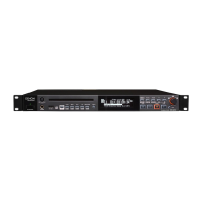
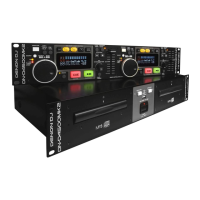
Press OPEN/CLOSE on the unit to open the disc holder and insert the disc.
3
Turn SEL. to select the track you want to play.
•Press and turn SEL. to select 10 tracks at a time.
4
Press 13.
13 lights green, and playback starts.
If you select a track during playing, playback starts from the beginning of the selected track.
OPEN/CLOSE
POWER ON/OFF
OPEN/CLOSE
SOURCE
SEL.
OPEN/CLOSE
SOURCE
SEL.
BACKBACKCUE
PLAY/PAUSE
CUE
PLAY/PAUSE
Disc holder Disc holder


 To Next Page