21
Getting started Troubleshooting Specifications Index
Others Preset
Playback
Connection
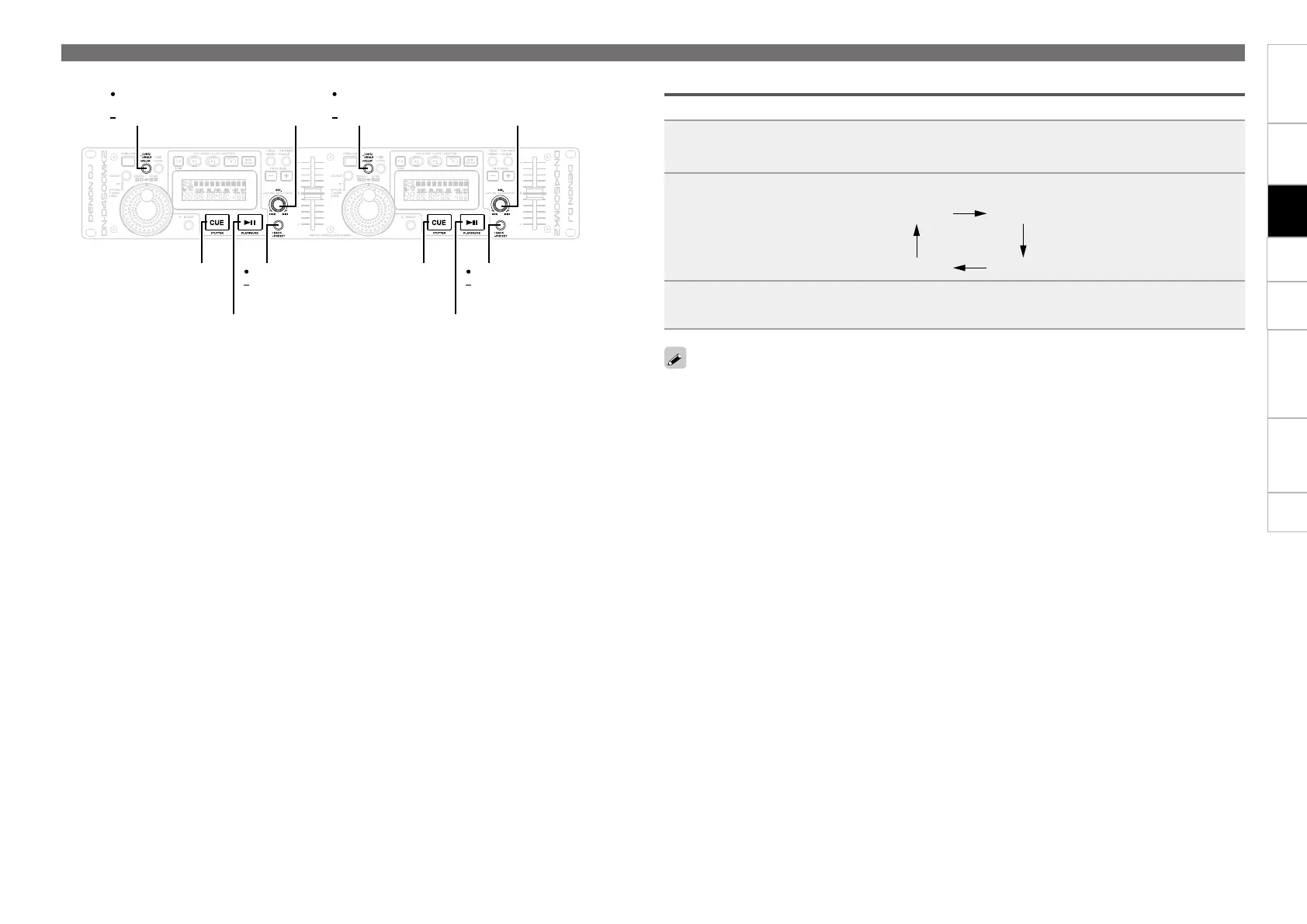
Adjusting brake time
The brake time can be adjust using Preset function.
1
Hold down •BACK –PRESET.
2
Press SEL. repeatedly to select the brake time.
Step 1 Step 2
Step 4 Step 3
3
Press •BACK –PRESET to enter.
The larger the step number is, the longer the brake time is.
Operations during playback
SEL.
CUE
SEL.
CUE
SEL.
PLAY/PAUSE
BACK
PRESET
PLAY/PAUSE
BACK
PRESET
CONT./
SINGLE
RELAY
CONT./
SINGLE
RELAY


 To Next Page