15
Getting started Troubleshooting Specifications Index
Others Preset
Playback
Connection
Preparation for playback
USB memory device or HDD playback
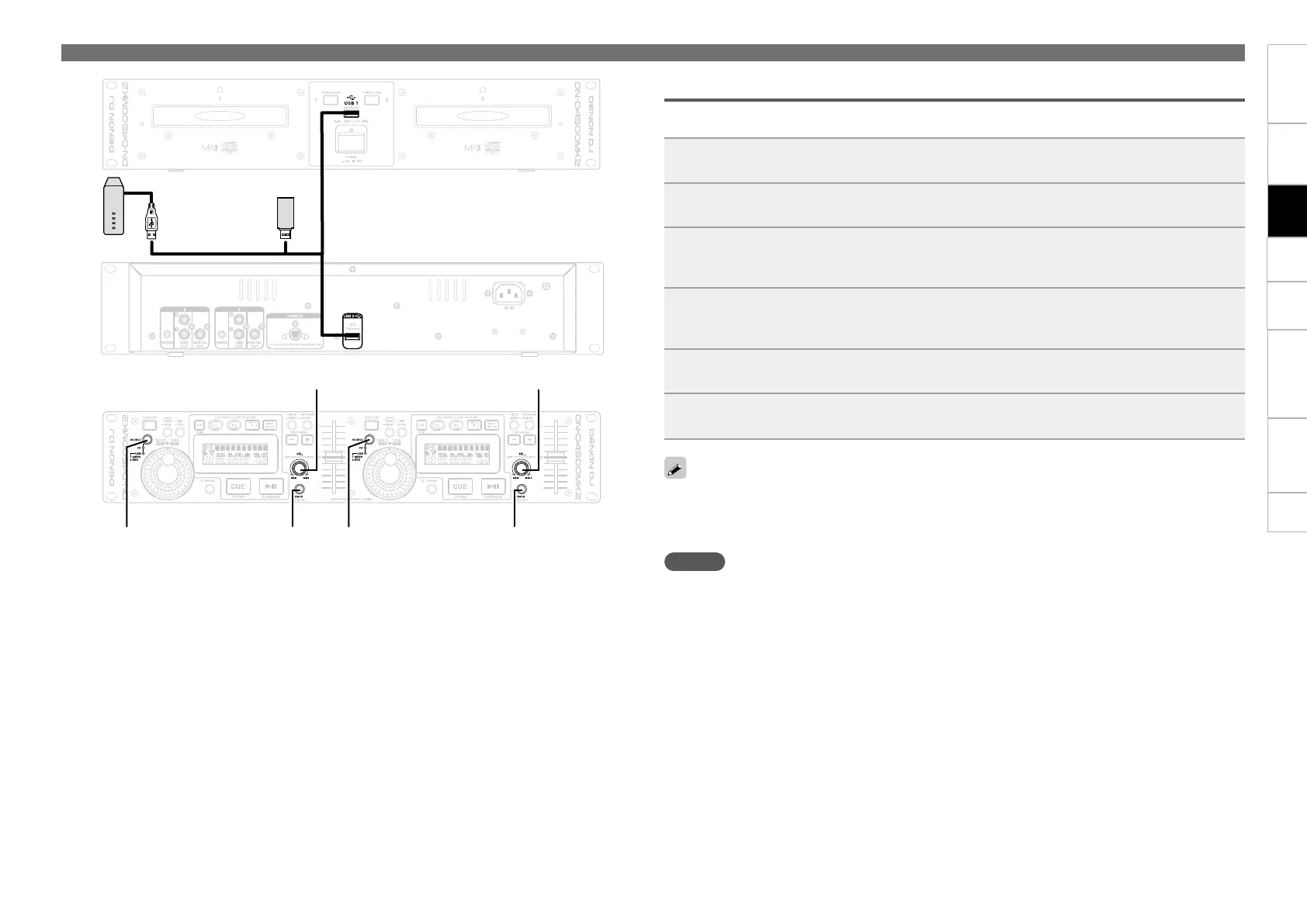
•Connect USB memory device or HDD to the USB port on the top panel, and prepare to playback a track.
•For details on the file formats that can be played on this unit, see vpage5.
1
Connect a USB memory device or HDD to the USB1 port or USB2 port.
2
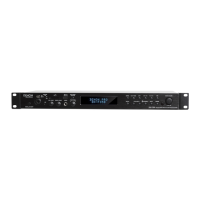
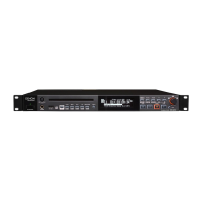
Press SOURCE to switch the source to USB1/USB2.
3
Turn SEL. to select the folder.
TheLEDindicatorlightsingreenwhenUSB1portisselected.
TheLEDindicatorlightsinredwhenUSB2portisselected.
4
Press SEL.
The folder names or track names within the selected folder are shown in the display.
•Press BACK to go back 1 folder level.
5
Turn SEL. to select the track you want to play.
6
Press SEL.
The cue standby mode is set at the start of the selected tracks.
•FAT16/FAT32issupportedfortheUSBmemorydeviceandHDD.
•WhenusingaUSBHDDofthekindtowhichanACadaptercanbeconnectedtosupplypower,usethe
ACadapter.
•IftheUSBmemorydeviceisnotrecognized,disconnecttheUSBmemorydeviceandthenreconnectit.
NOTE
•Depending on the type of mass-storage USB memory device or portable music player, it may take some
timeforthisunittorecognizethedevice.
•Do not connect devices or cables that do not conform to USB standards.
•USB memory devices will not work via a USB hub.
•NTFS format USB memory devices and HDDs are not supported. If used, this unit may malfunction.
•WhenusingaHDDthathasanautomaticpowerON/OFFfunctionthatswitchestheHDDpoweronand
off in sync with the computer, disable this function in the settings.
•The maximum capacity of USB memory devices and HDDs you can use is 2 TB.
•This unit cannot format USB memory devices or HDDs.
SOURCE
SEL.
SOURCE
SEL.
BACKBACK
(CD/USB1/USB2) (CD/USB1/USB2)


 To Next Page