17
Getting started Troubleshooting Specifications Index
Others Preset
Playback
Connection
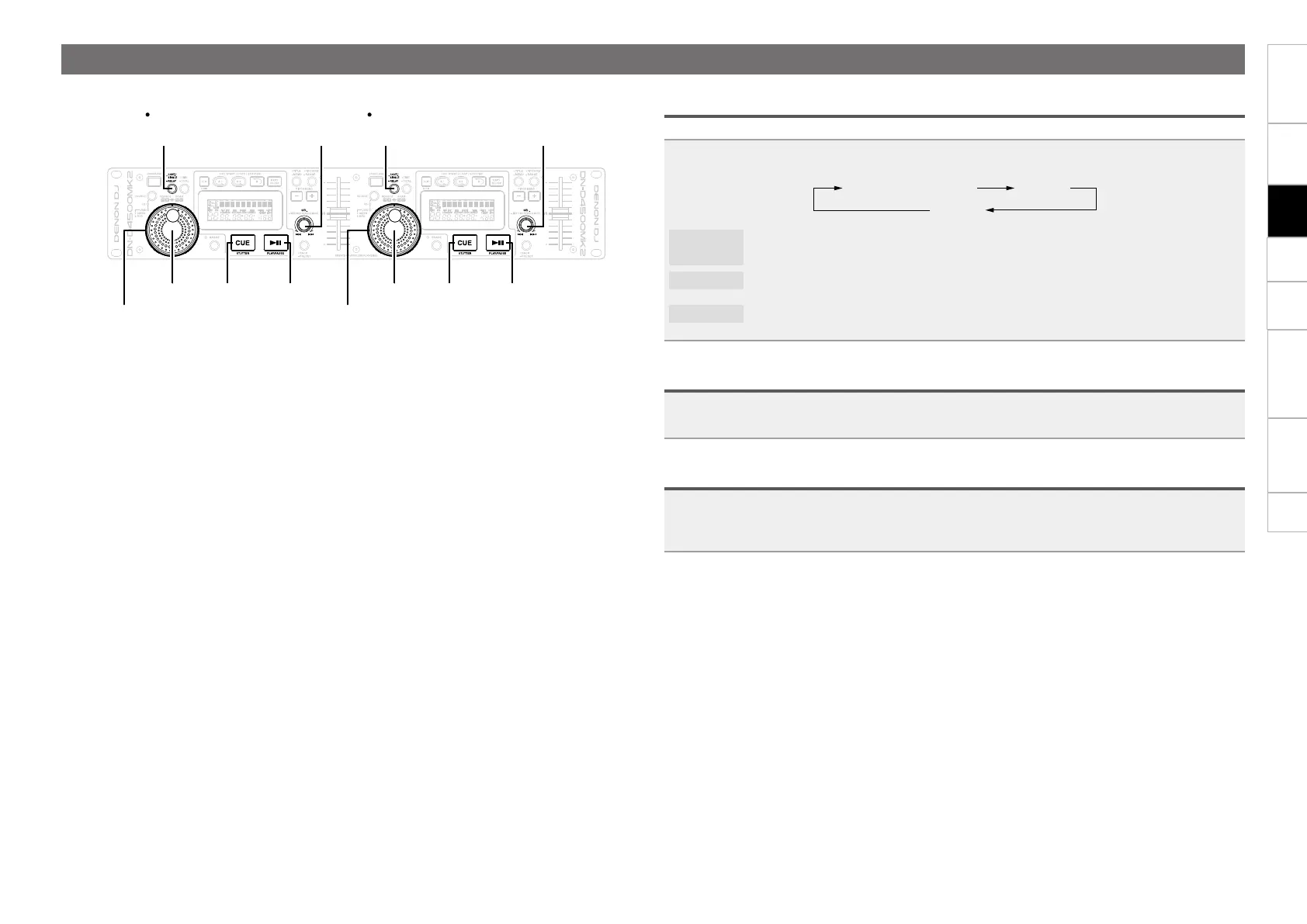
Setting playback mode
This sets how tracks are played back.
Press SINGLE/CONT.
•The playback mode is switched in the following order each time the button is pressed.
SINGLE (PLAY LOCK) SINGLE
CONT.
SINGLE
(PLAY LOCK)
TheSINGLEindicatorlightsinthedisplay,and“PlayLock”isshown.Inthismode,when
playback of the track is completed, the track returns to the cue point and is paused.
SINGLE
TheSINGLEindicatorlightsinthedisplay,and“LockOff”isshown.Inthismode,when
playback of the track is completed, the track returns to the cue point and is paused.
CONT.
The CONT. indicator in the display lights. In this mode, when playback of the track has
finished, the next track is played back.
Playback
Press 13.
13 lights green, and playback starts.
Pause
Press 13 during playback.
13 flashes, and the track is paused.
•Press 13 again to resume playback from the point at which the track was paused.
Operations during playback
SEL.
CUE
SEL.
PLAY/PAUSE
CONT./
SIGNAL
-RELAY
CUE
SEL.
PLAY/PAUSE
CONT./
SIGNAL
-RELAY
Jog wheel
Jog wheel
Shuttle ring Shuttle ring


 To Next Page