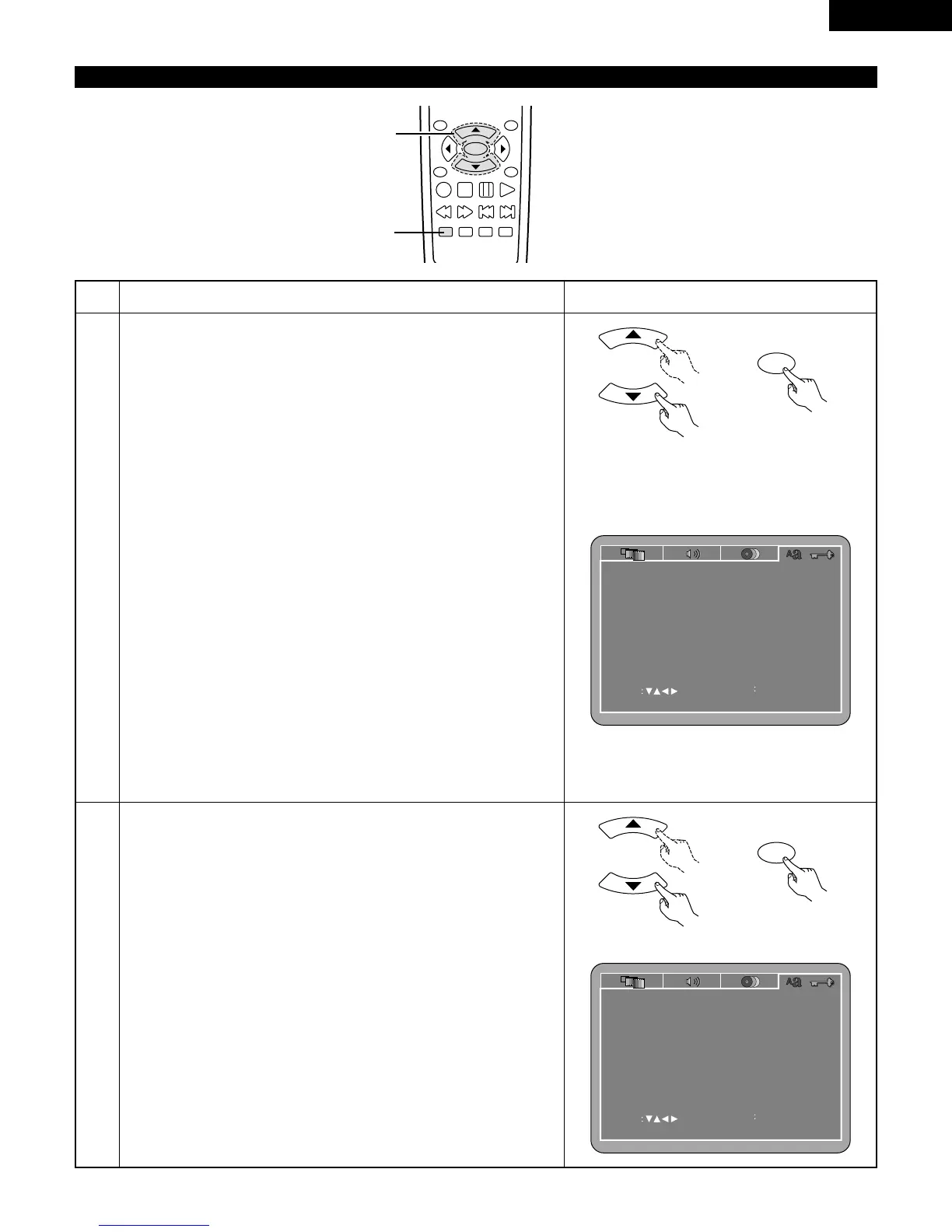
1
2
3
See page 20.
Use the
•
and
ª
cursor buttons to select the desired setting.
OSD LANGUAGE
Use this to set the language for the default setting screen and messages
displayed on the TV screen (“PLAY”, etc.)
WALL PAPER
Use this to select the image to be shown on the screen in the stop
mode and CD play mode.
AUTO PLAY
It is possible to start playback automatically after the power is turned
on.
RATING LEVEL
Use this to restrict playback of adult DVDs you do not want children to
view. Note that even with adult DVDs, viewing cannot be restricted
unless the restriction level is recorded on the disc.
It is however possible to disable playback of all DVDs.
PASSWORD
Use this to change the password.
The set’s password is set to “0000” by default.
DEFAULTS
Use this to restore settings changed at “INITIAL SETTINGS” to their
original (default) values.
SETUP MENU MODE
The number of initial setting items can be increased.
q
When “OSD LANGUAGE” is selected:
Press the ENTER button several times and select “LANGUAGE”.
ENGLISH (Factory default)
Select this to set the OSD language to English.
FRANÇAIS
Select this to set the OSD language to French.
ESPAÑOL
Select this to set the OSD language to Spanish.
DEUTSCH
Select this to set the OSD language to German.



 To Next Page