42
ENGLISH
NOTES:
• If the desired language is not set after pressing the SUBTITLE button several times, the disc does not include that language.
• The subtitle language set with the default settings (see page 27) is set when the power is turned on and when the disc is
replaced. If that language is not included on the disc, the disc’s default language is set.
If that language is not included on the disc, the disc’s default language is set.
• When the subtitle language is changed, several seconds may be required for the new language to appear.
• When a disc supporting the closed caption is played, the subtitle and the closed caption may overlap each other on the TV
monitor. In this case, turn the subtitle off.
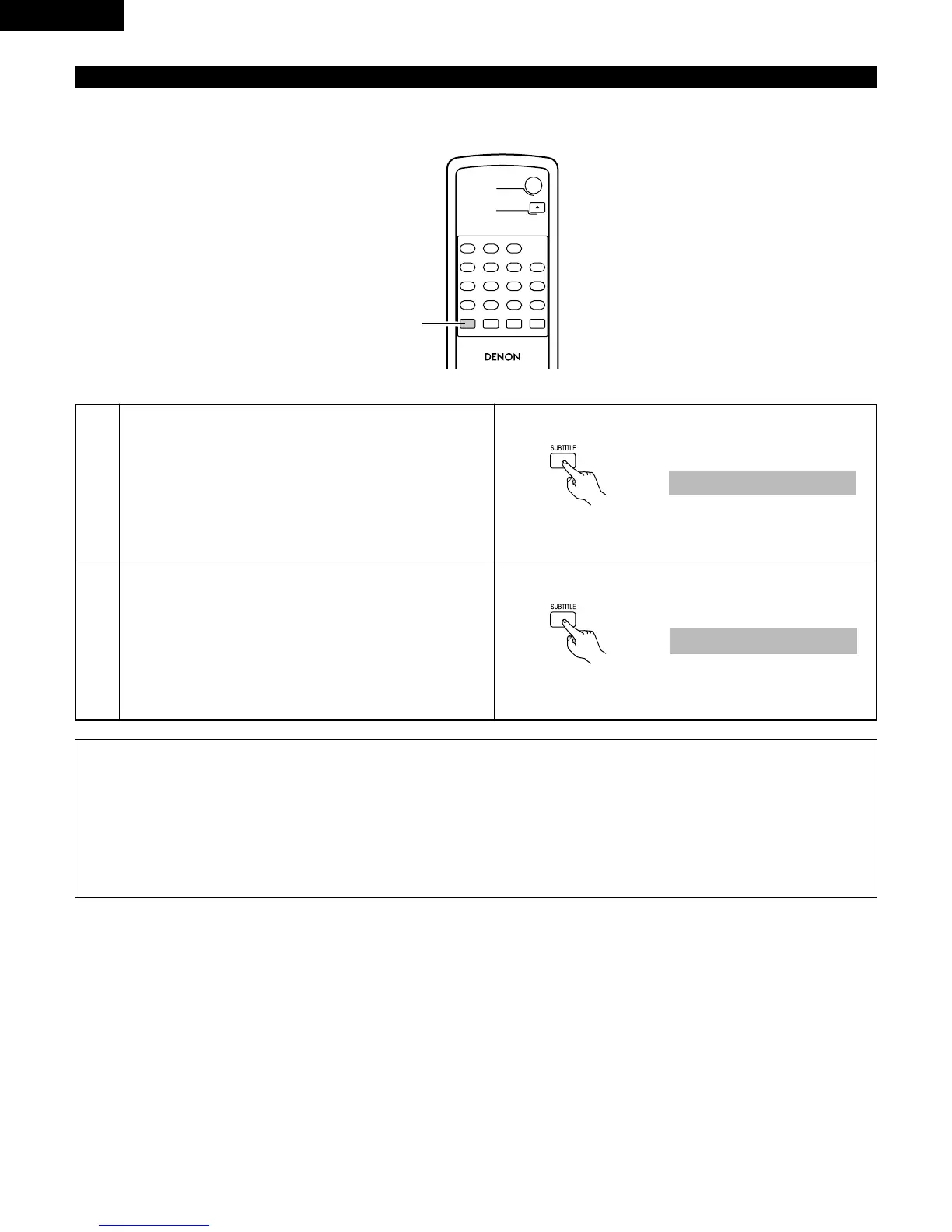
2 With DVDs containing multiple subtitle language signals, the subtitle language can be switched during playback.
1
2
During playback, press the SUBTITLE button.
• The current subtitle language number is displayed.
Use the • and ª cursor buttons to select the desired language.


 To Next Page
 Loading...








