45
ENGLISH
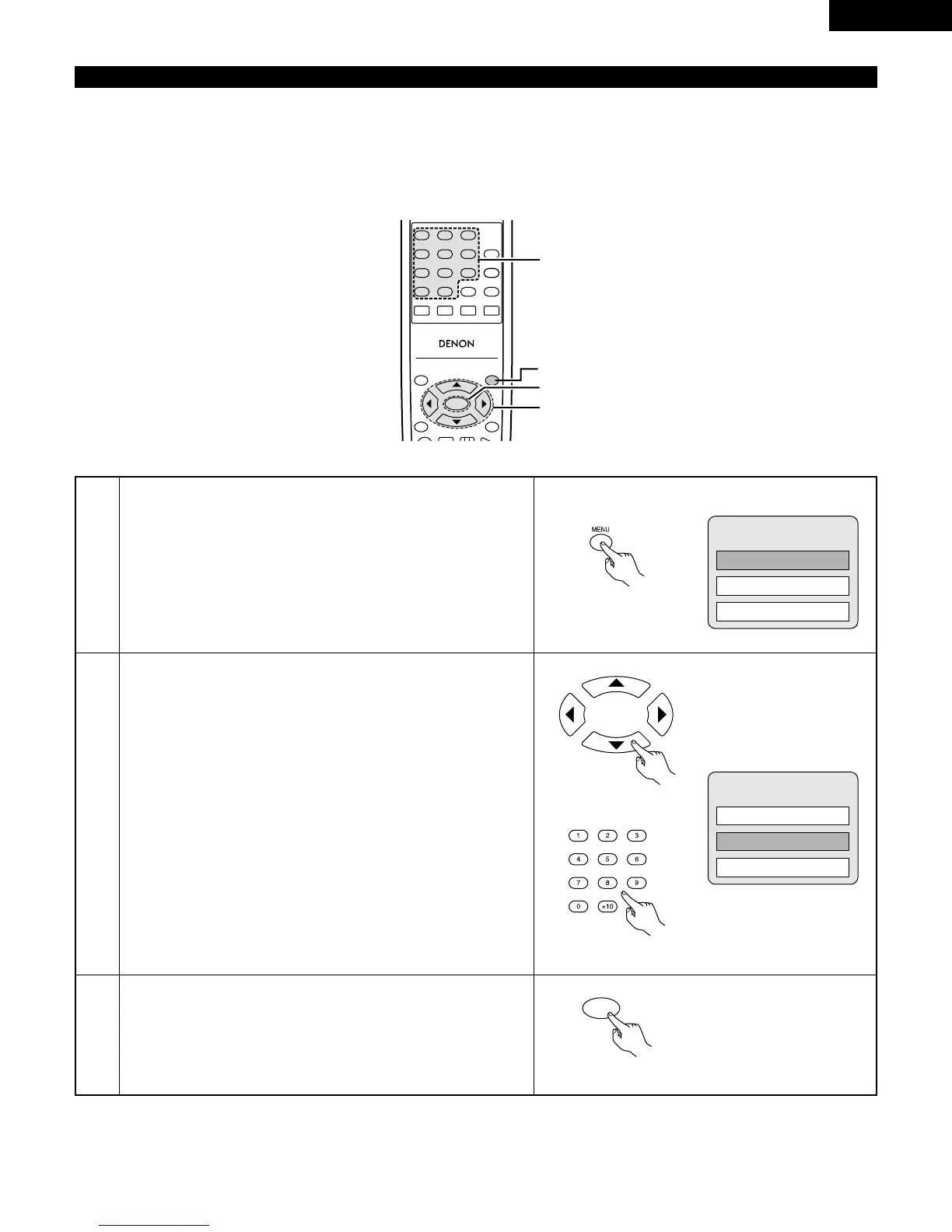
2 Some DVDs include special menus called DVD menus.
For example, DVDs with complex contents may contain guide menus, and DVDs with multiple languages may contain audio and
subtitle language menus.
These menus are called “DVD menus”.
Here we describe the general procedure for using DVD menus.
Using the DVD Menu
1
2
During playback, press the MENU button.
• The DVD menu appears.
Use the cursor or number buttons to select the desired item.
• If you select the item using the number buttons, skip step 3
below.
Press the ENTER button.
• The selected item is set.
• If more menus appear, repeat steps 2 and 3.



 To Next Page