8
ENGLISH
• Playback control (video CDs)
Video CDs including the words “playback control” on the
disc or jacket are equipped with a function for displaying
menus on the TV screen for selecting the desired position,
displaying information, etc., in dialog fashion.
In this manual, playing video CDs using such menus is
referred to “menu playback”.
Video CDs with playback control can be used on the DN-
V200/DN-V300.
• Tracks (video and music CDs)
Video and music CDs are divided into sections called
“tracks”.
Numbers are allotted to these sections. These numbers are
called “track numbers”.
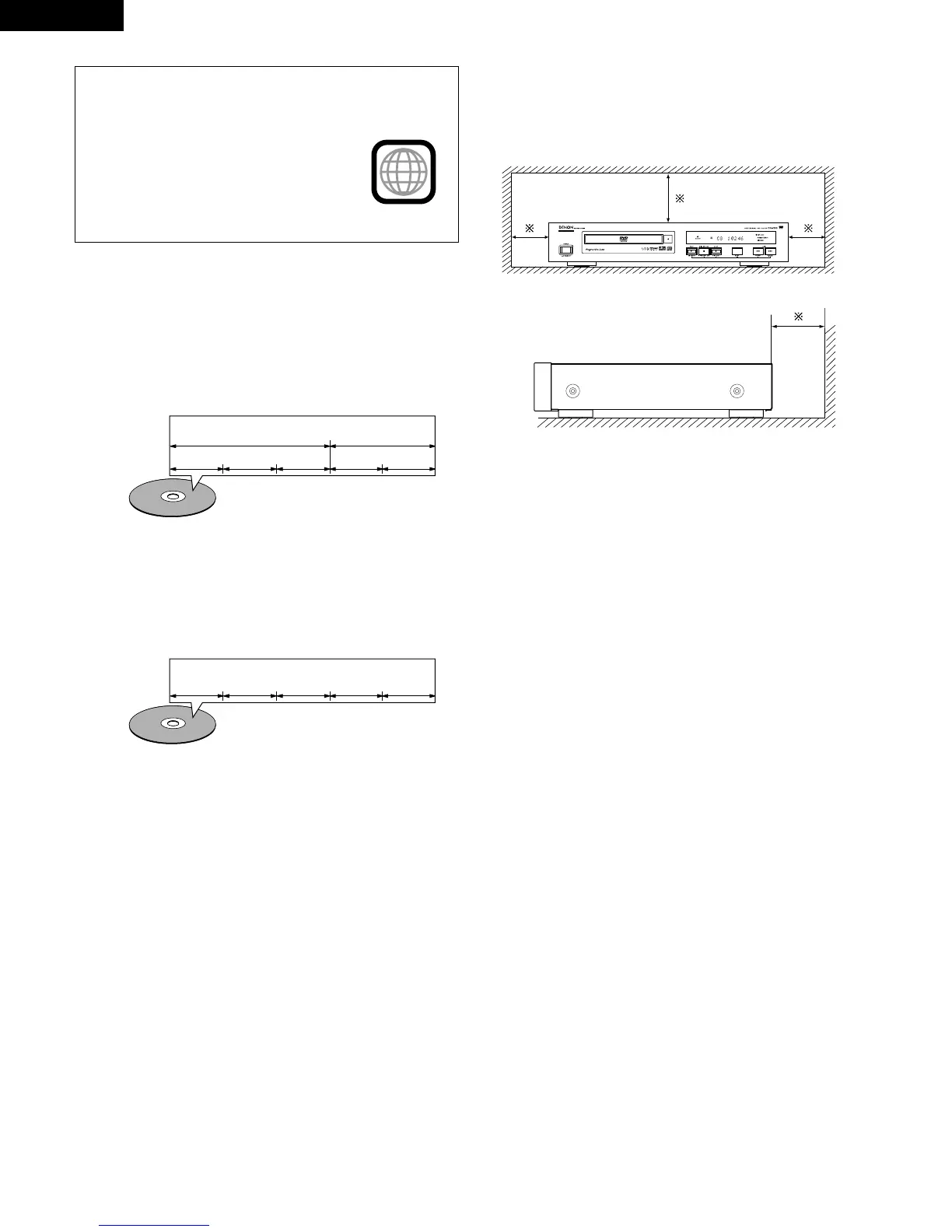
For example:
For example:
Title 1
Chapter 1 Chapter 2 Chapter 3 Chapter 1 Chapter 2
Title 2
Track 1 Track 2 Track 3 Track 4 Track 5
2 Disc terminology
• Titles and chapters (DVD-videos)
DVD-videos are divided into several large sections called
“titles” and smaller sections called “chapters”.
Numbers are allotted to these sections. These numbers are
called “title numbers” and “chapter numbers”.
NOTE:
• This DVD player is designed and manufactured to
respond to the Region Management Information that is
recorded on a DVD disc.
If the Region number described on the
DVD disc does not correspond to the
Region number of this DVD player, this
DVD player cannot play this disc.
The Region number for this DVD player is 1.



 To Next Page