2 Wall Mounting
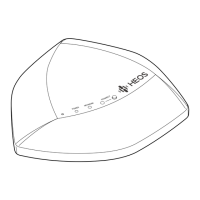
The HEOS Extend can optionally be mounted on a wall using the included mounting hardware.
1
Attach the mounting bracket to the wall using the provided wall mounting hardware kit.
2
Insert the provided short screws into the bottom cover of the Extend.
Finger-tighten the screws, do not overtighten!
Mounting Screw
Mounting Screw
Mounting Screw
Mounting Bracket
Wall
3
Mount the Extend on the mounting bracket by rotating the unit clockwise about 90 degrees to secure it in place.


 To Next Page
