Chapter 2 Getting Started the BHT and System Mode
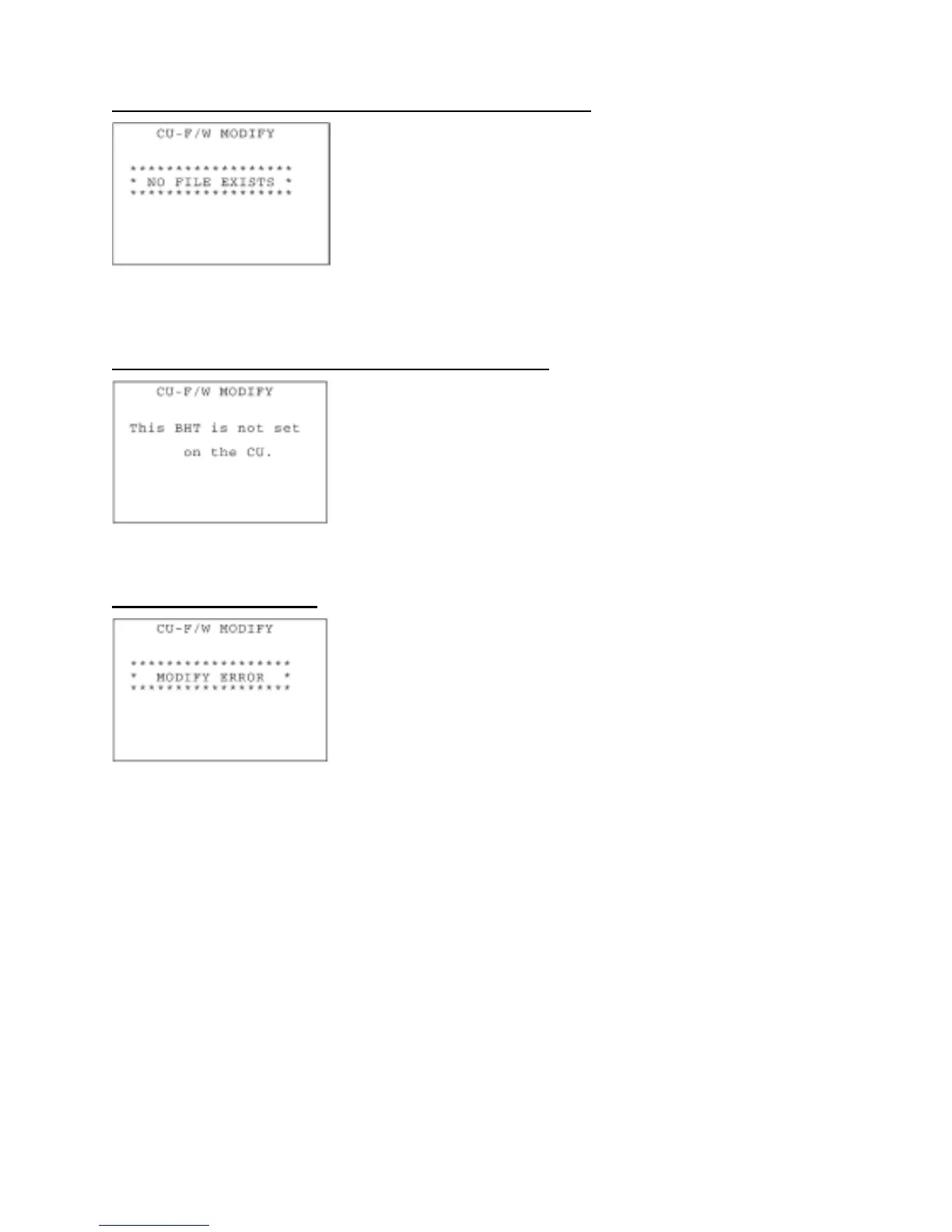
If no CU-311 system reconfig file exists at the start of updating
If no system file exists in the BHT when you select "1: DO IT," then the
message shown at left will appear.
Download a CU-311 system reconfig file to the BHT and then try
updating again. (Refer to Section 2.6.2.)
To return to the CU-F/W MODIFY menu screen, press the C key.
If no BHT is placed on the CU-311 at the start of updating
If no BHT is placed on the CU-311 when you select "1: DO IT," then
the message shown at left will appear.
Place the BHT on the CU-311 and then try updating again. (Refer to
Section 2.6.2.)
To return to the CU-F/W MODIFY menu screen, press the C key.
If an updating error occurs
If any updating error occurs during updating that is started by
selecting "1: DO IT," then the message shown at left will appear.
Check that the BHT is placed on the CU-311 correctly and then try
updating again. (Refer to Section 2.6.2.)
To return to the CU-F/W MODIFY menu screen, press the C key.
113


 To Next Page
 Loading...







