2.3.3 Adjusting the LCD Contrast & Beeper Volume and
Switching the Beeper & Vibrator
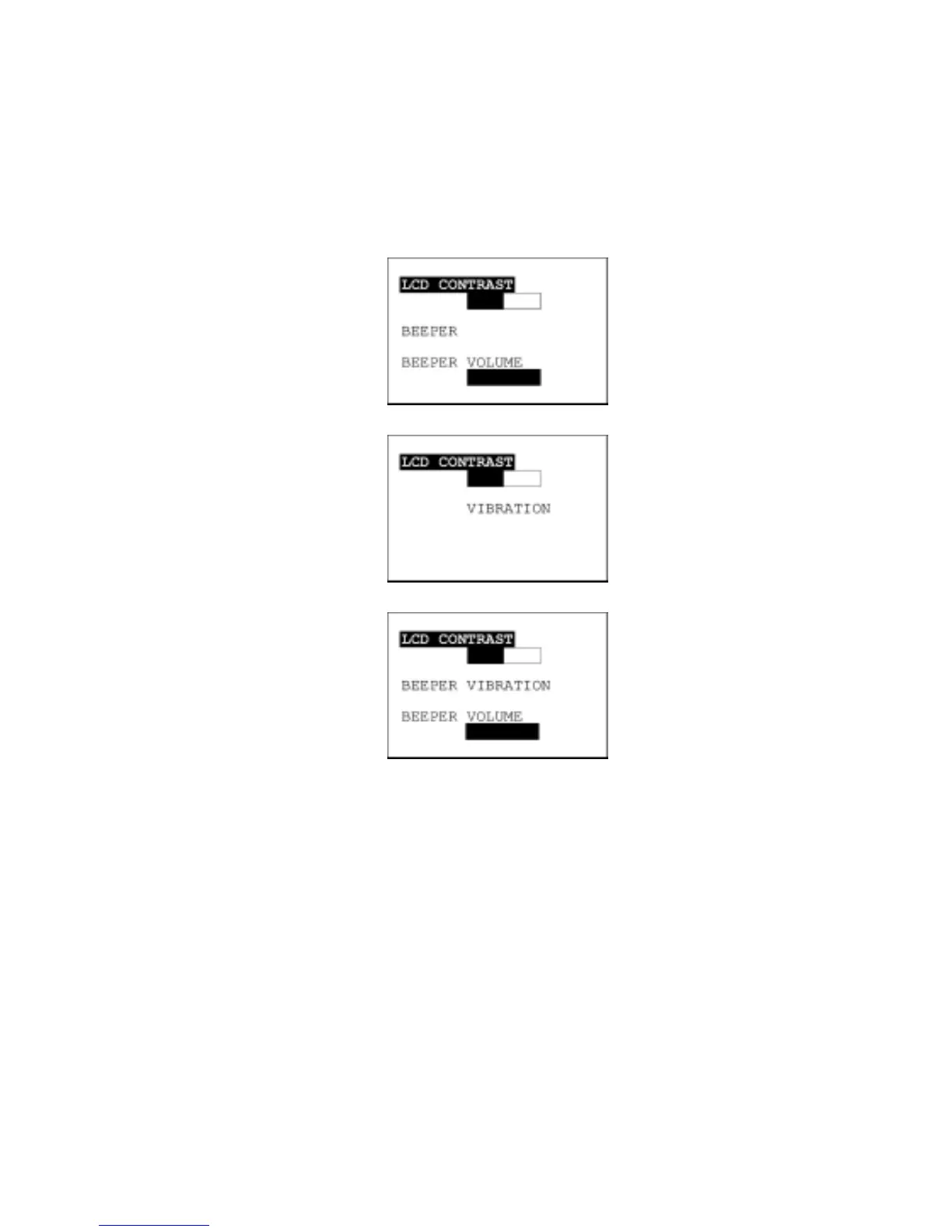
While holding down the M1 or M4 key (right-hand trigger switch), press the PW key, and any of the
following screens will appear on the LCD. This screen will disappear if you press the ENT key or no keys
for five seconds.
When the beeper is selected
(default)
When the vibrator is selected
When both the beeper and
vibrator are selected
(The current selection is highlighted.)
22



 To Next Page