Chapter 4 Error Messages
4.2 Errors in System Mode
If some error occurs during operation in System Mode, one of the following error messages will appear
on the LCD.
When selecting a program file or data file
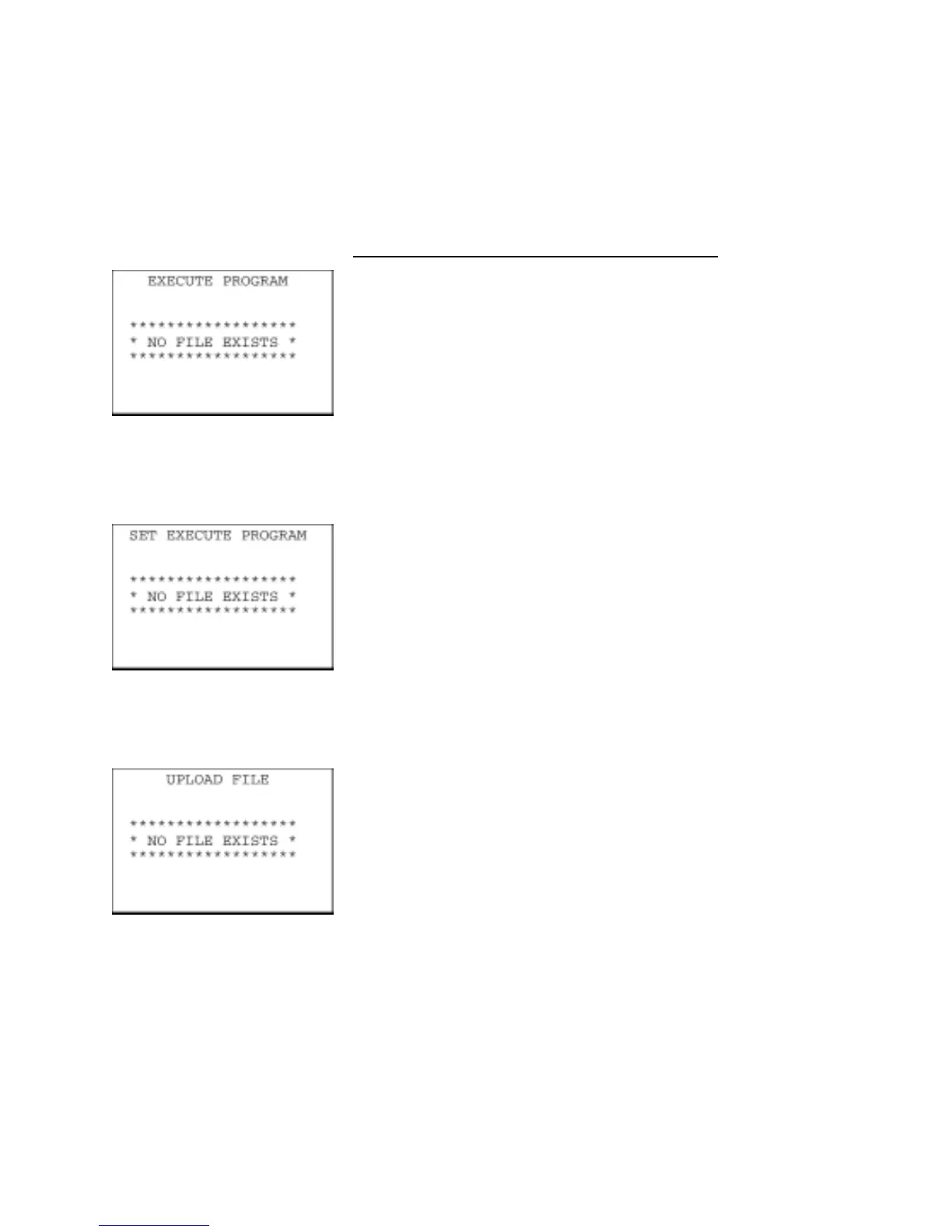
Problem
You attempted to execute a user program in the EXECUTE
PROGRAM menu, but no user program files had been stored in the
memory.
Solution
Press the C key to return to the SYSTEM MENU screen, then
download user programs. (Refer to Chapter 2, Section 2.5.3,
[ 2 ].)
Problem
In the SET SYSTEM menu, you attempted to select a user program
file as an execution program to be run when the power is applied, but
no user program files had been stored in the memory.
Solution
Press the C key to return to the SYSTEM MENU screen, then
download user programs. (Refer to Chapter 2, Section 2.5.3,
[ 2 ].)
Problem
You attempted to select "ONE FILE" or "ALL FILES" for uploading in
the UPLOAD menu, but no data files had been stored in the memory.
Solution
Press the C key to return to the SYSTEM MENU screen.
135



 To Next Page