Chapter 2 Getting Started the BHT and System Mode
2.5.3 Detailed Description of the Functions in System Mode
[ 1 ] Program Execution
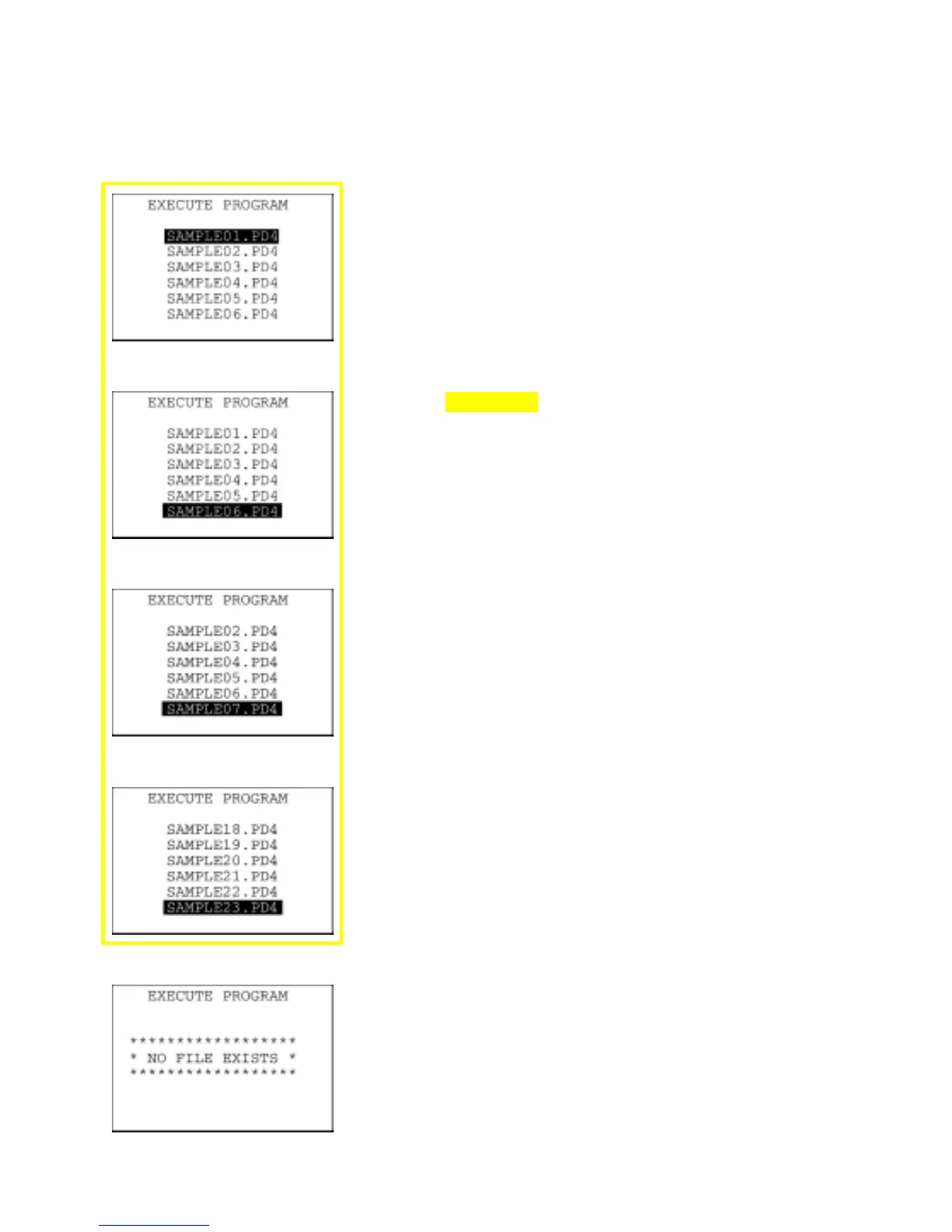
On the SYSTEM MENU, selecting "1:EXECUTE PROGRAM" calls up
the screen shown at left.
If more than one program has been downloaded to the user area o
the target memory, use the F5 and F6
keys to move the cursor to a
target program, and then press the ENT key.
To return to the SYSTEM MENU, press the C key.
If more than six programs have been downloaded, you may need to
scroll the screen with the F6 key.
⇓
⇓
In the example shown at left, 23 programs are downloaded.
If no program file is downloaded in the memory, the message shown
at left will appear.
To return to the SYSTEM MENU, press the C key.
43



 To Next Page