Chapter 5 Handling the CU-300 (Option)
145
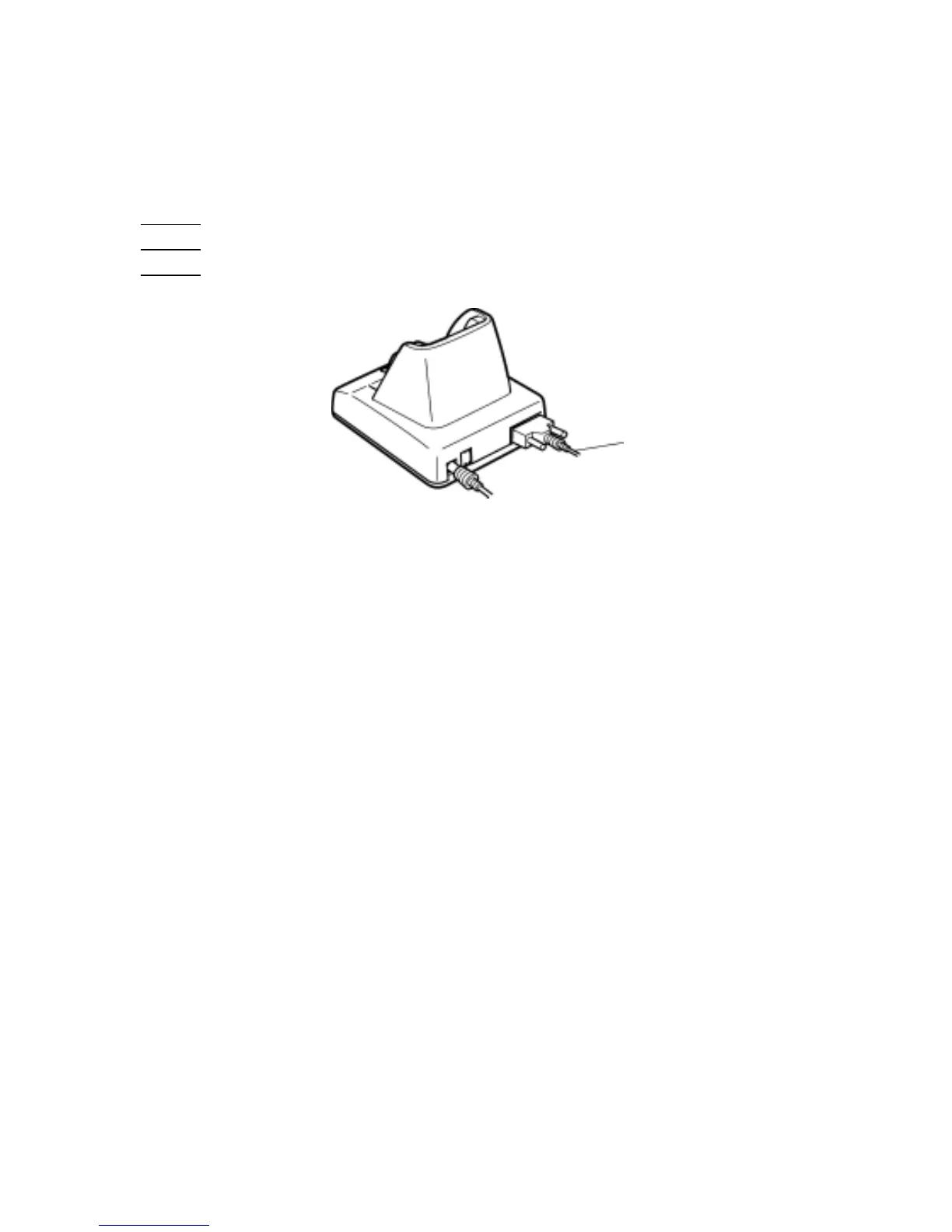
5.4.2 Interface Cable Connection
(1) CU-301/321: Unplug the AC adapter (if connected) from the wall socket.
(2) Make sure that the host PC is turned off.
(3) CU-301:
Connect the RS-232C interface cable to the interface port of the CU-301.
CU-321:
Connect the USB interface cable to the interface port of the CU-321.
CU-311:
Connect the Ethernet interface cable to the interface port of the CU-311.
Interface cable
CU-301: RS-232C
CU-321: USB
CU-311: Ethernet (10Base-T)
(4) Connect the other end of the RS-232C/Ethernet/USB interface cable to the corresponding port of
the host PC.
TIP: The CU-321/311 can be connected via a hub to the host PC.



 To Next Page