75
Barcode Handy Terminal
“3: CODABAR”: Detail setting of the Codabar (NW-7) reading
key.
pears.
gits.
gits.
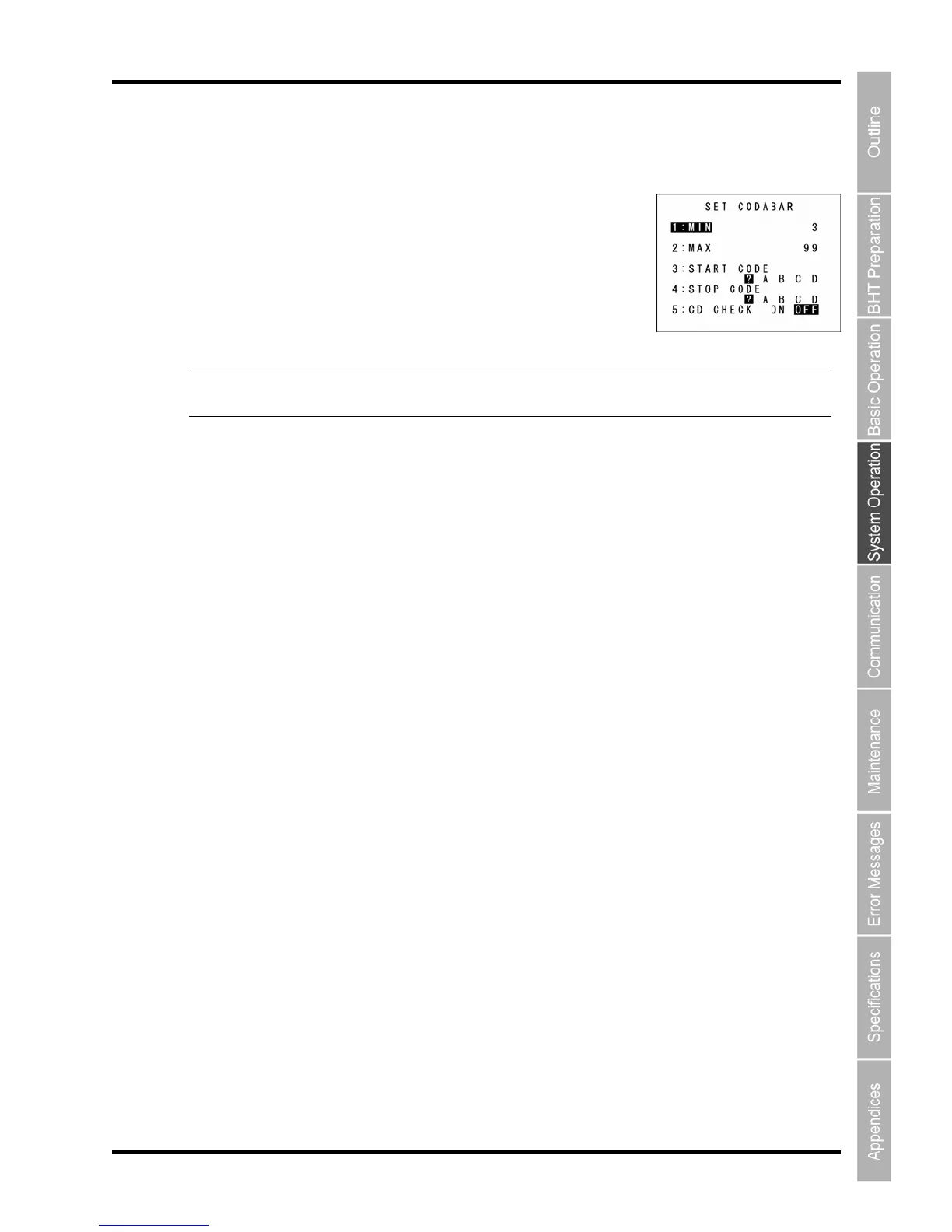
1. Select “3: CODABAR” at the SET BARCODE menu and then press the ENT
The SET CODABAR screen ap
“1: MIN”:
Sets the minimum number of the Codabar di
Setting range: 3 to 99
“2: MAX”:
Sets the maximum number of the Codabar di
Setting range: 3 to 99
Point Always set the minimum number of digits to a number less than the maximum number o
digits. If the minimum number exceeds the maximum number, a read error occurs
”:
“4: STOP COD
Sets the star
If D for which the start
and stop codes are the same as the specified characters is only read. If “?” is specified, no limitation
“5: CD CHECK”:
ct. Reading is not carried out if either
the check digit is incorrect or does not exit.
2. Use the cursor keys ([▲] [▼]) or numeric keys ([1] [2] [3] [4] [5]) to select the desired item.
3. Press the cursor keys ([◄] [►]) to select the desired setting.
4. Press the ENT or Backspace/clear key to update the setting and return to the SET BARCODE
menu.
“3: ST
ART
CODE
E”:
t and stop codes to “?, A, B, C, D”.
“A, B, C, ” is specified, barcode reading is limited for the Codabar; the barcode
is carried out.
“ON”: Reading is carried out only if the check digit is corre
“OFF”: Reading is carried out regardless of the presence of the check digit.



 To Next Page