83
Barcode Handy Terminal
nment
1. NICATION menu
nd then press the ENT key.
Th
2. r keys ([▲] [▼]) or numeric keys ([1]) to select the
de
ress the Backspace/clear key to return to the SET COMMUNICATION menu.
“1: COM PROTOCOL” COM communication protocol option
se
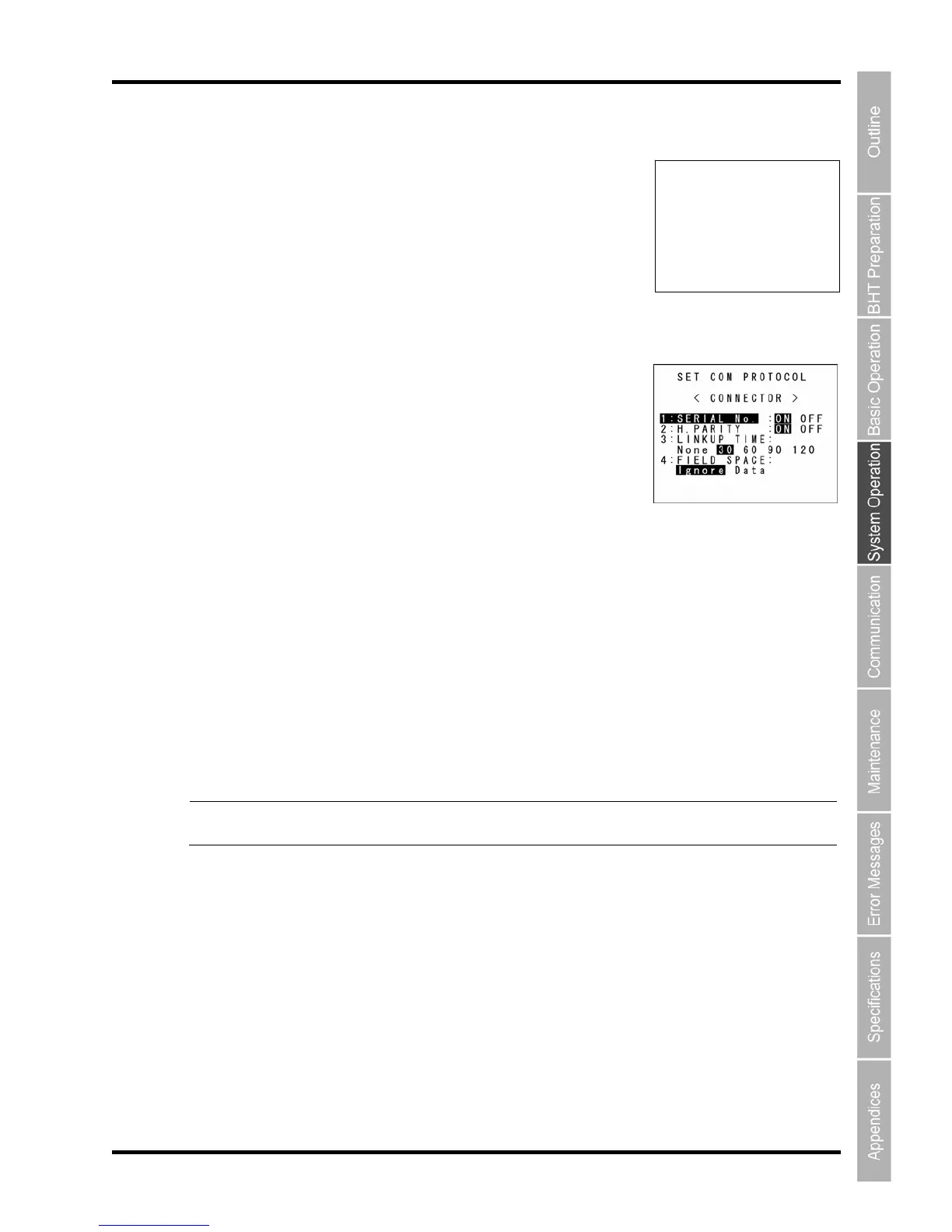
hen “”1:COM PROTOCOL” is selected, the screen on the right appears.
:
Selects the timeout length (in seconds) to be applied when a link is to be established.
“4: FIELD SPACE”:
To trim trailing spaces in fields, select “Ignore”, and to retain them as data, select “Data”.
To make changes, use the cursor keys ([▲] [▼]) or numeric keys ([1] [2] [3] [4]) to highlight the item to be
set, highlight the setting value using the cursor keys ([◄] [►]) , and then press the ENT key.
When the C key is pressed, the SET CONNECTOR screen reappears.
Point Selecting the BHT-Ir or Ymodem protocol ignores the serial number and horizontal parity
settings.
“2: CONNECTOR”: Setting the USB communication enviro
Select “2: CONNECTOR” at the SET COMMU
SET CONNECTOR
1:COM PROTOCOL
a
e SET CONNECTOR screen appears.
Use the curso
sired item.
P
tting
W
The highlighted settings are the current settings.
“1 SERI
AL No.”:
Selects whether or not to add serial numbers to data blocks.
“2: H.PARITY”:
Selects whether or not to add horizontal parity.
“3: LINKUP TIME”:



 To Next Page