84
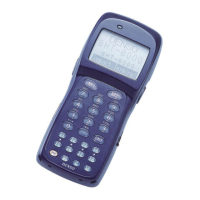
BHT-904B/BHT-914B
“3: COM PORT”: Setting the interface port
1. Select “3: COM PORT” at the SET COMMUNICATION menu and
then press the ENT key.
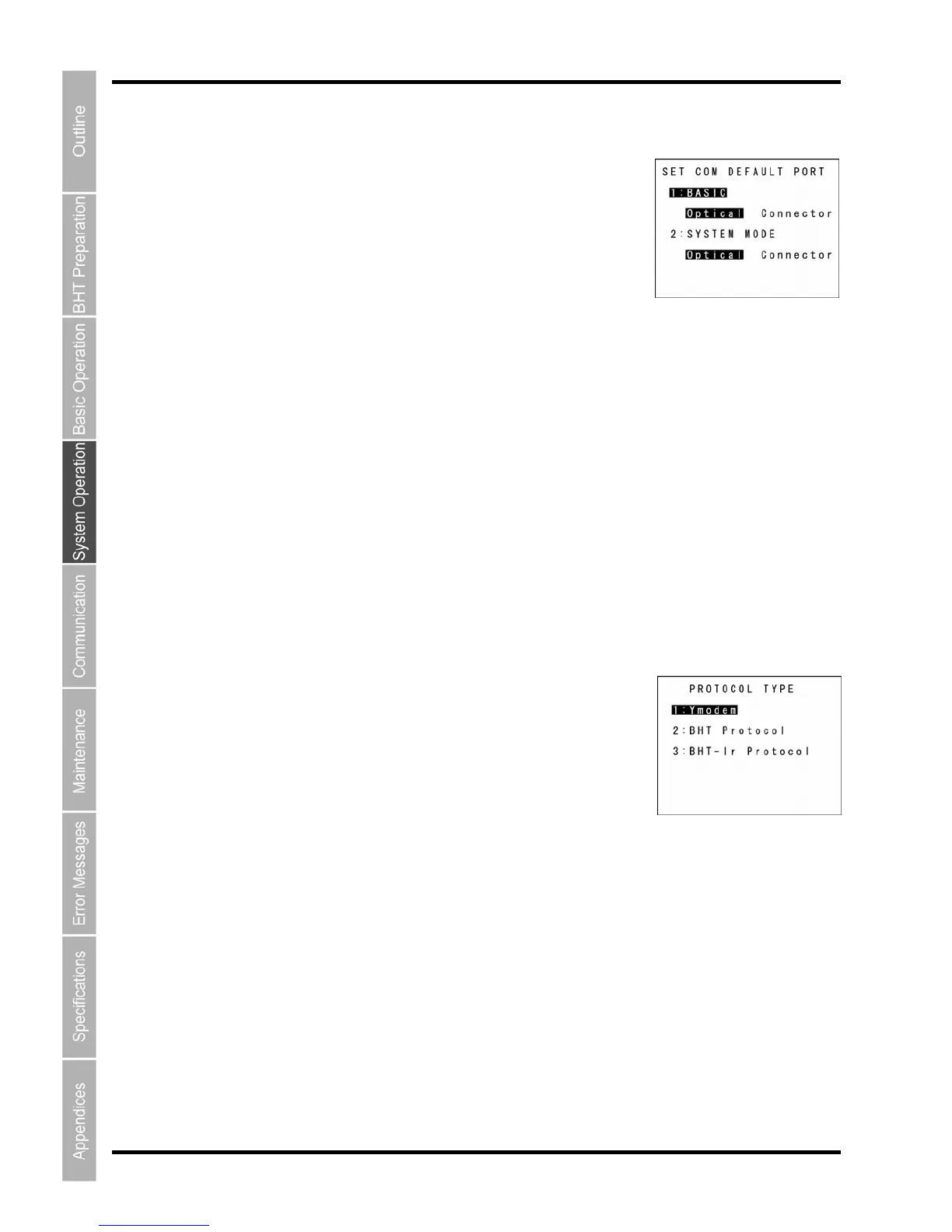
The SET COM DEFAULT PORT menu screen displays as shown on the
right.
“1: BASIC”
nnector) interface port to
be used for user programs written in BHT-BASIC (OPEN “COM:”).
ector”: Uses USB communication.
MODE”
connector communicatio
be used for downloading or uploading files in System Mode.
“Optical”: Uses infrared communication.
Uses USB communication.
o make changes, use the cursor keys ([▲] [▼]) or numeric keys ([1] [2]) to highlight the item to be set,
ing value using the cursor keys ([◄] [►]), and then press the ENT key.
Pr COMMUNICATION menu.
“4: PROT
1. COL TYPE” at the SET COMMUNICATION
m
he PROTOCOL TYPE menu screen displays as shown on the right.
Selects Ymodem when uploading/downloading in System Mode or for
u
“2: BHT Protocol”:
Selects the BHT-protocol when uploading/downloading in System Mode or for the execution of the
XFILE statement in BHT-BASIC.
“3: BHT-Ir Protocol”:
Selects the BHT-Ir protocol when uploading/downloading in System Mode or for the execution of the
XFILE statement in BHT-BASIC.
To make changes, use the cursor keys ([▲] [▼]) or numeric keys ([1] [2] [3]) to highlight the setting item,
and then press the ENT key.
To use the BHT-BASIC 4.0 Transfer Utility, select Ymodem or BHT-Ir protocol.
Press the Backspace/clear key to return to the SET COMMUNICATION menu.
The highlighte
d settings
will be the current settings.
Selects the infrared communication (Optical) or connector communication (Co
“Optical”: Uses infrared communication.
”Conn
“2: SYSTEM
Selects the infrared communication (Optical) or n (Connector) interface port to
“Connector”:
T
highlight the sett
ess the Backspace/clear key to return to the SET
OCOL TYPE”: Setting the communication protocol type
Select “4: PROTO
enu and then press the ENT key.
T
The highlighted setting will be the current setting.
“1: Ymodem”:
the exec tion of the XFILE statement in BHT-BASIC.


 To Next Page