EN-14 Original User Guide | Pedelec Impulse Evo Version 1
4. Select "Device settings" using the
/
buttons
5. Conrm with
6. Select "Drive" using the
/
buttons. The option selected is shown
with a black background.
7. Conrm with the
button. You access the menu sub-items.
8. Select "Biking prole" using the
/
buttons. The option selected is
shown with a black background.
9. Conrm with the
button. You access the ride proles.
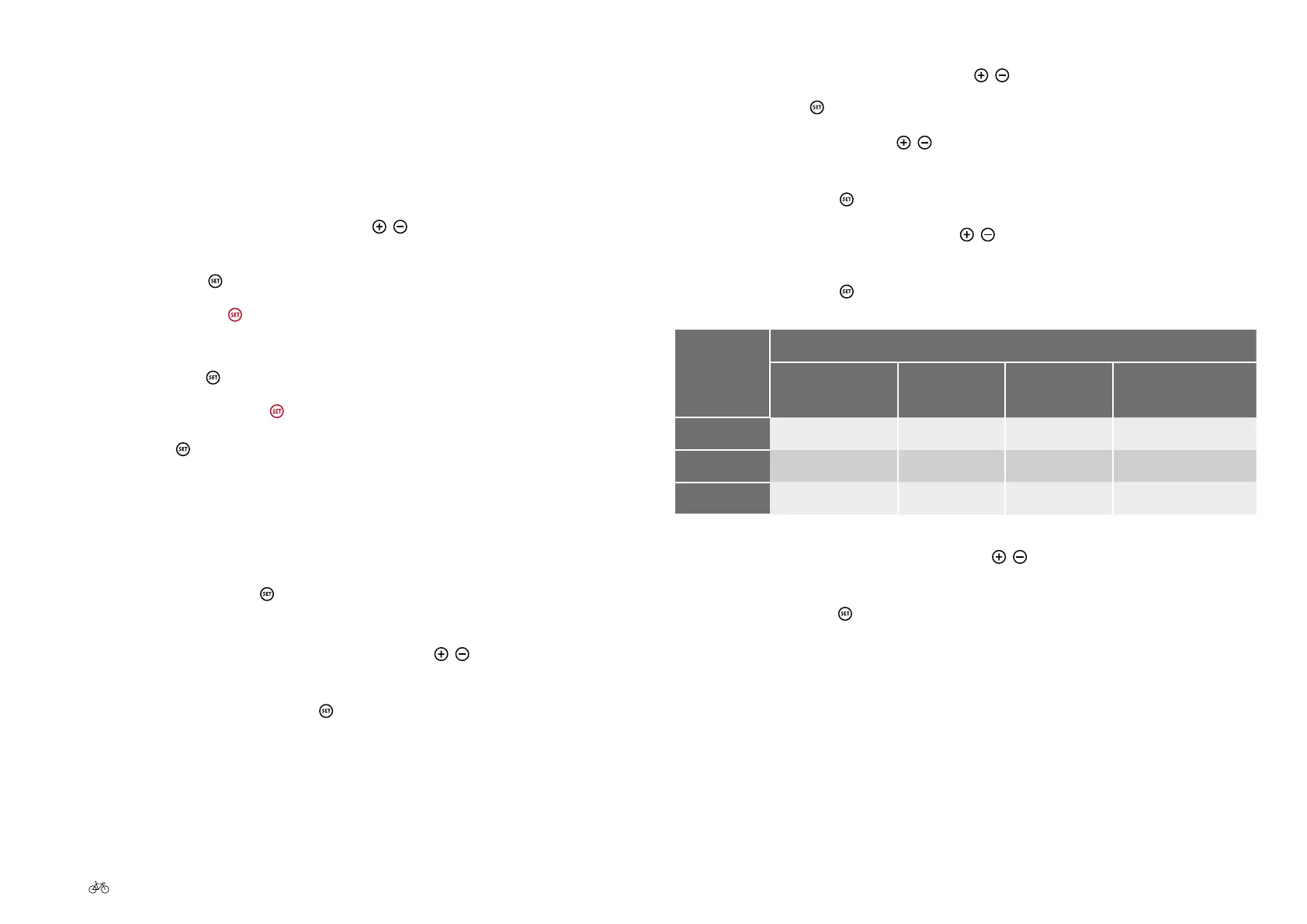
Ride
prole
Properties
Power on
start-up
Power
delivery
Maximum
power
Power
consumption
Relax
Low Low Low Low
Regular
Medium Medium Medium Medium
Dynamic
High High High High
10. Select the required option using the
/
buttons. It has a black
background.
11. Briey press the
button to return to the menu sub-items
2.6.3 Returning from the menu
There are three ways to return from a menu to the next-highest menu level
or start menu:
a) Back option
1. Navigate to the Back option using the
/
buttons. It has a black
background when selected.
2. Conrm with the
button. You access the next-highest level.
b) Brief pressing of the
button
1. If there is no Back option, and one of the options displayed is selected,
briey press the
button to return to the next-highest level
b) Prolonged pressing of the
button
1. Pressing the
button for about 3 seconds returns you to the start
menu
2.7 Changing ride prole
1. Press for 3 seconds the button in the start menu. You access the
main menu.
2. Select main menu option "Settings" using the
/
buttons. The option
selected is shown with a black background.
3. Conrm by briey pressing the
button. You access the menu options.











 To Next Page