EN-22 Original User Guide | Pedelec Impulse Evo Version 1
3.4.1.2 Navigating within a menu
1. Navigate to the required place using the
/
buttons.
The option selected is shown with a black background.
2. Conrm your selection by briey pressing the
button.
You access the next-lowest menu level.
3.4.1.3 Returning to the next-highest menu level
There are two ways to return from a menu to the next-highest menu level:
a) Back option
1. Navigate to the Back option using the
/
buttons. It has a black
background when selected.
2. Conrm with the
button. You return to the next-highest level.
b) Brief pressing of the
button
1. If there is no Back option, and one of the options displayed is selected,
briey press the
button to return to the next-highest level
3.4.1.4 Returning to the start menu
1. Pressing the button for 3 seconds returns you to the start menu
6. Select "SET favourites" using the
/
buttons. The option selected is
shown with a black background.
7. Conrm with the
button. You access the SET favourites.
8. Select the required option using the
/
buttons. It has a black
background.
9. Briey press the
button to set or remove the option in the box
10. Once you have made the selection required, you can return to the
menu sub-items with "Back"
3.4 Menu
3.4.1 Conguring settings in the menu
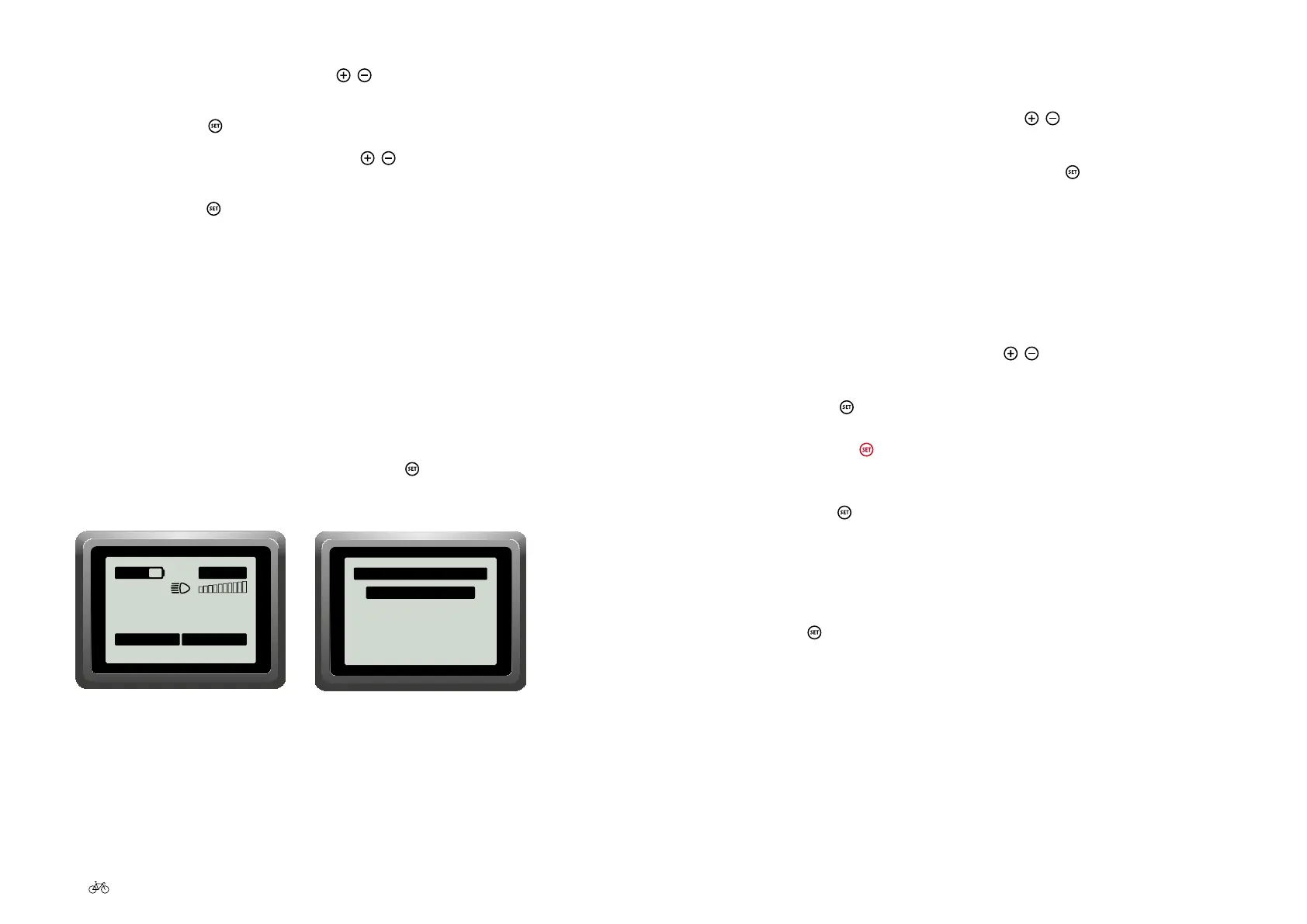
3.4.1.1 Go to the main menu
1. When you are in the start menu, press the button for 3 seconds. You
access the main menu.
0
.0
km/h
0.00 km
Trip
ECO
00:02
140 km
00.00.00
Trip time
0
.0
km/h
0.00 km
Trip
00:02
140 km
00.00.00
Trip time
0
.0
km/h
0.00 km
Trip
00:02
140 km
00.00.00
Trip time
SPORT
POWER
Start menu
Main menu
Drive data
Delete trip data
Delete tour data
Settings
Back
Main menu











 To Next Page