Original User Guide | Pedelec Impulse Evo Version 1 EN-27
2. Use the
/ buttons to select the contrast strength required.
The strength selected is shown with a black background.
3. Press the
button to return to the sub-menu
3.4.2.5 Brightness
You can change the brightness of the display to improve readability:
1. Navigate to "Brightness" as described in 3.4.1 Configuring settings
in the menu Page EN-22.
Pick from:
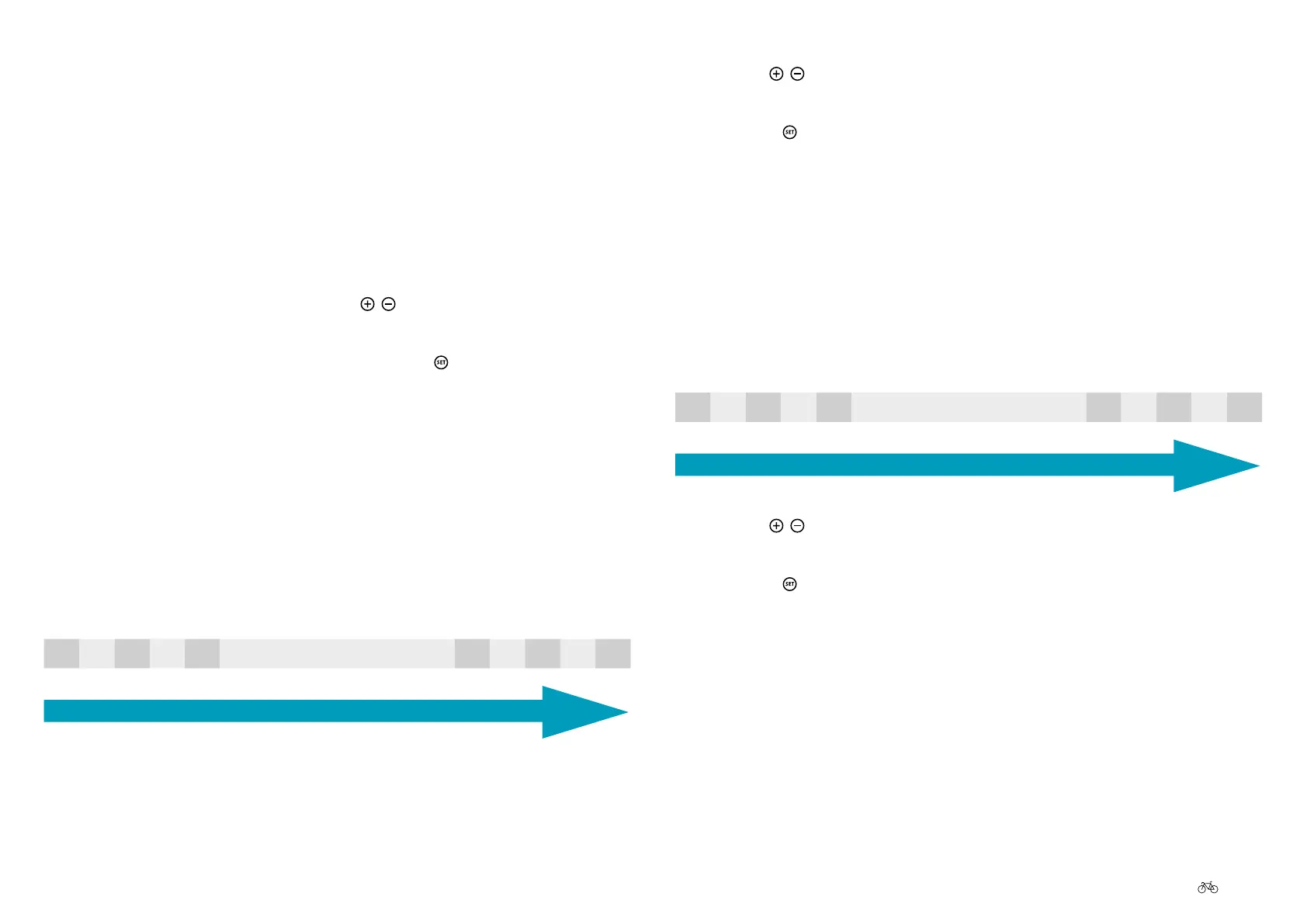
-5 -4 -3 -2 -1 Default +1 +2 +3 +4 +5
Low brightness
High brightness
2. Use the
/ buttons to select the brightness required.
The brightness strength selected is shown with a black background.
3. Press the
button to return to the sub-menu
3.4.2.3 Deleting tour data
In main menu option "Delete tour data", you can reset to 0 options Tour (in
km) and Tour Ø (in km). Proceed as follows for this:
1. Navigate to "Delete tour data" as described in 3.4.1 Configuring
settings in the menu Page EN-22.
2. Prompt "Conrm delete?" is shown on the display, with "Yes" and "No"
underneath
3. Select the required option using the
/ buttons. The selection has a
black background.
4. Conrm your selection by briey pressing the
button.
You return to the menu sub-items.
3.4.2.4 Contrast
You can change the contrast of the display to improve readability:
1. Navigate to "Contrast" as described in 3.4.1 Configuring settings in
the menu Page EN-22.
Pick from:
-5 -4 -3 -2 -1 Default +1 +2 +3 +4 +5
Weak contrast
Strong contrast











 To Next Page