Original User Guide | Pedelec Impulse Evo Version 1 EN-15
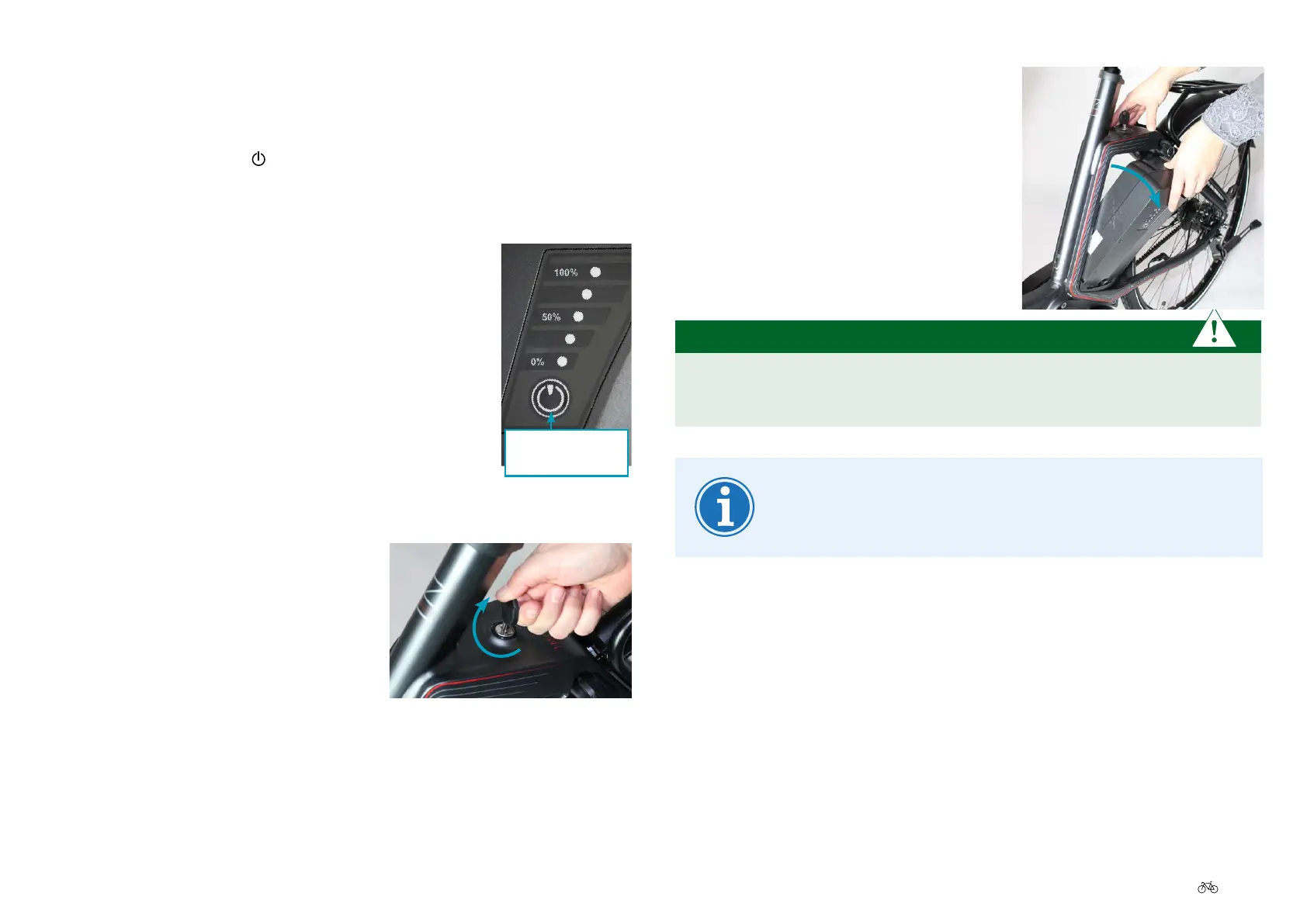
2. Grip the battery and rotate it out of the
docking station.
PLEASE NOTE
Hold the battery tight so it does not fall. It might be damaged
otherwise.
The recommendation is to remove the key now and keep it
in a safe place so it does not break o and is not lost.
2.8 Switching o the Pedelec
From the easy-reach control:
1. Press for 1 second the button on the easy-reach control. The
goodbye screen is displayed and the Impulse Evo System is switched
o.
From the battery:
1. Press the battery button twice
2.9 Unlocking and removing the battery
1. Hold the battery, put the key into the
battery lock and turn it clockwise. Hold
the key. The battery is unlocked.
Battery
button











 To Next Page