7.1 23 95-8242
Upper Displays
Lower
Display
Status
Detector Zone
0 0 0
Keylock switch is in RESET position, or the external inhibit is being used.
(Outputs inhibited, except Status outputs.)
1 or 2 1 - 8 1 Keylock switch is in TEST position. (Outputs inhibited except Status outputs.)
1 or 2 1 - 8 2
o
i
fault - either the
o
i
ring and/or the window of the detector indicated in the
upper left display is dirty, or the detector module has lost sensitivity, or there is
an open wire between the detector and the controller. The upper right display
indicates the zone affected.
Blank 1 - 8 3 One or more detectors are responding to a UV source that is not large enough
to reach the re threshold programmed into the controller. One or more detec-
tors may be sun sensitive (if located outside). Alternatively, there may be a
high multiple count rate in one of the modules (this can be checked by using
the count mode test of the controller as described in the “Checkout” section).
FAULT LED is not turned on. Normally energized fault output remains ener-
gized.
0 0 4 Low +290 vdc caused by a shorted “A” lead or controller malfunction.
0 0 5 High +290 vdc caused by a failure in the regulating network in the controller.
Blank 1 - 8 6 Fire Output signal - blinking ZONE OUTPUT LED indicates re location. Steady
ZONE OUTPUT LED indicates that the detectors in that zone have responded
to a UV signal, but are no longer responding.
7 Not used.
1 or 2 1 - 8 8 Controller has been placed in “count” mode (see “Checkout” section). Push-
ing and releasing both SELECT and TEST/ACCEPT buttons at the same time
while the keylock switch is in the TEST position changes the lower display to a
numeral “8” - the count mode for checking the count rate of each zone.
Blank Blank Blank FAULT LED on. There is a problem in the R7404 microprocessor circuitry. Place
keylock switch in RESET, push and release LAMP TEST pushbutton. If opera-
tion does not return to normal, replace the entire R7404. Make sure the new
R7404 is programmed the same as the R7404 being replaced.
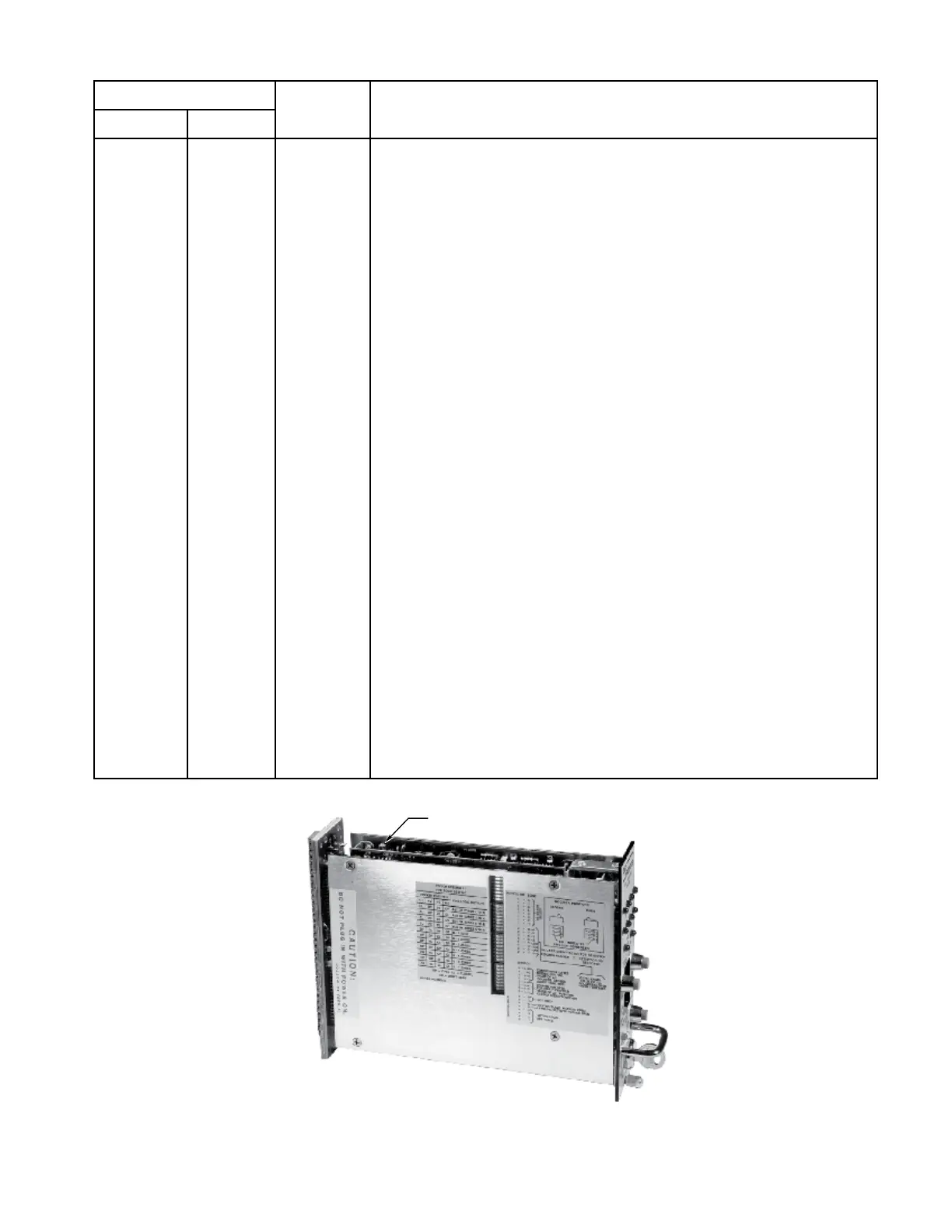
Blank Blank Blank No LEDs on or displays on. Check input power to controller or blown fuse in
controller. See separate gure for location.
Table 5—Troubleshooting Chart
Figure 25—Fuse Location














 To Next Page