EasyManua.ls Logo

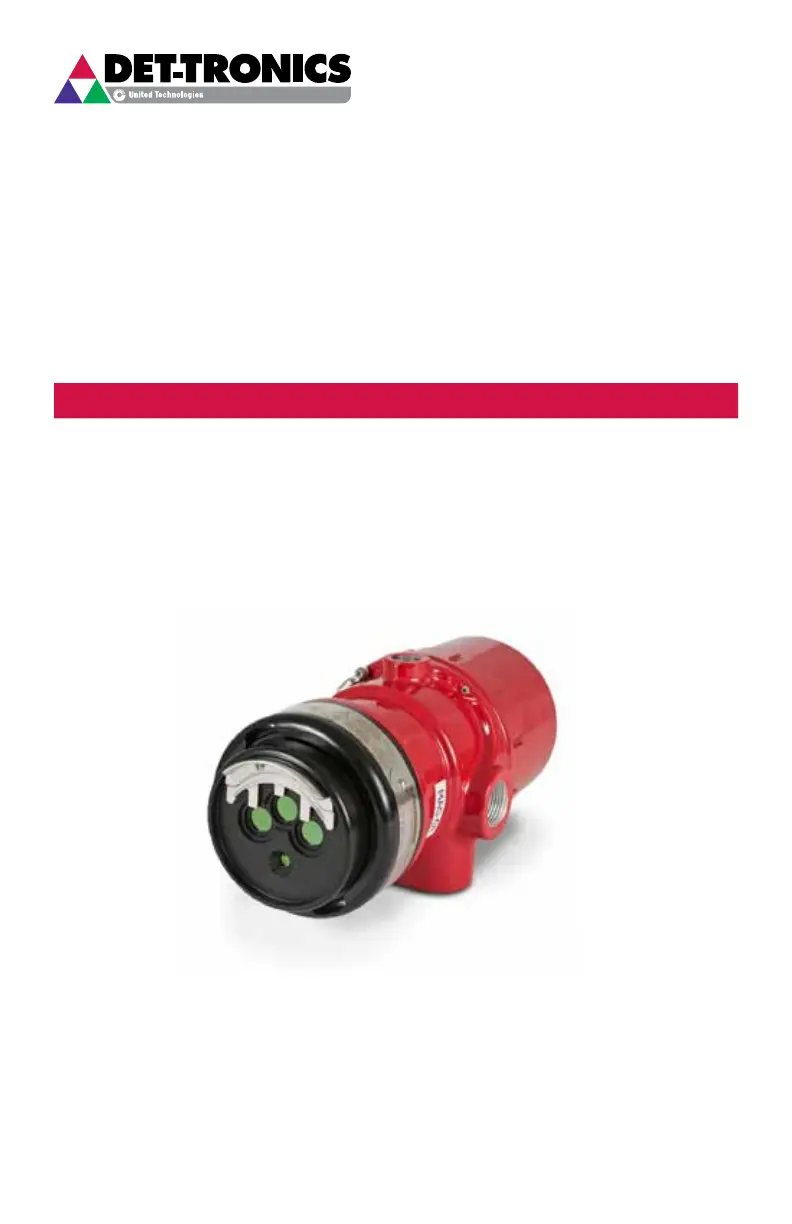
Det-Tronics X3301 - User Manual

Det-Tronics X3301
43 pages
Print Icon
To Next Page IconTo Next Page
Loading...
2.7
Rev: 1/16 95-8704
Instructions
Multispectrum IR Flame Detector
X3301

Other manuals for Det-Tronics X3301

Questions and Answers

  • D
    Dr. Amanda WrightJul 27, 2025
    How to troubleshoot current level issues in Det-Tronics Security Sensors?
    • J
      Jaime DuncanJul 27, 2025
      To address current level issues with Det-Tronics Security Sensors, you can try the following: * Check the system wiring. * Cycle the power. * Clean the windows. * Remove any IR source or aim the detector away from it.
  • S
    smithraymondAug 4, 2025
    How to fix continuity issue in wiring of Det-Tronics Security Sensors?
    • T
      Tonya FuentesAug 4, 2025
      To resolve continuity issues in the wiring of Det-Tronics Security Sensors, turn off the input power to the detector and check all wiring for continuity. Remember to disconnect wiring at the detector before checking system wiring for continuity.
  • K
    Kayla KennedyAug 11, 2025
    Why is the Det-Tronics Security Sensors detector's sensitivity reduced?
    • J
      jamesbrittanyAug 11, 2025
      If your Det-Tronics Security Sensors detector's sensitivity is reduced, inspect the viewing windows for contamination, such as thick deposits of ice, dirt, or oil, and clean them as necessary.
  • C
    christopher78Aug 19, 2025
    What to do if Det-Tronics Security Sensors detect high levels of background IR radiation?
    • B
      Brandon ValenzuelaAug 19, 2025
      To resolve high levels of background IR radiation affecting Det-Tronics Security Sensors, cover the detector with the factory-supplied cover or aluminum foil. If the fault condition clears within six minutes or less, readjust the view of the detector away from the IR source or relocate the detector.

Summary

Detector Description and Outputs

Relay Outputs

Describes the Fire, Fault, and Auxiliary relays and their configurations.

Optical Integrity (oi) Features

Explains Automatic, Magnetic, and Manual oi tests for detector verification.

Installation Procedures and Safety Precautions

Detector Positioning

Provides guidelines for optimal detector placement to ensure effective coverage and performance.

Wiring and Installation Precautions

Highlights cautions regarding wiring, disabling safety systems, and handling ESD sensitive devices.

Wiring Procedure

Details wire size, type, shielding, and voltage requirements for proper wiring.

Detector Installation

Explains how to install the mounting arm assembly on a rigid surface.

EQP Model Specifics

Setting Device Network Addresses (EQP Model)

Explains how to set unique network addresses for EQP models using DIP switches.

Operation, Maintenance, and Troubleshooting

Troubleshooting Guide

Provides steps and a table to diagnose and resolve common issues with the detector.

FM Approval and Performance Data

FM False Alarm Immunity

Details immunity to false alarms from various sources at different sensitivities.

Other Approvals and Compliance

ATEX Approval

Details ATEX certification, installation instructions, and special conditions for safe use.

IECEx Approval

Details IECEx certification, installation instructions, and special conditions for safe use.

Det-Tronics X3301 Specifications

General IconGeneral
TypeFlame Detector
Field of View90 degrees
Hazardous Area ApprovalsFM, CSA, ATEX, IECEx
Response TimeTypically 3-5 seconds
Operating Temperature-40°C to +75°C (-40°F to +167°F)
Humidity0 to 95% non-condensing
Power Supply18-30 VDC
Output Signal4-20 mA
Communication ProtocolHART
EnclosureStainless Steel
Enclosure RatingIP66

Related product manuals