EasyManua.ls Logo

Deta eVolo EVC7005 - User Manual

Deta eVolo EVC7005
23 pages
Print Icon
To Next Page IconTo Next Page
Loading...
1
INSTALLATION AND OPERATION MANUAL
THE INSTALLER MUST BE EVOLO TRAINED AND REGISTERED
TO ENABLE THIS PRODUCT TO BE COMMISSIONED,
OTHERWISE THE WARRANTY IS INVALID
THIS MANUAL MUST BE LEFT WITH THE PROPERTY
Item Code
Description
EVC7005
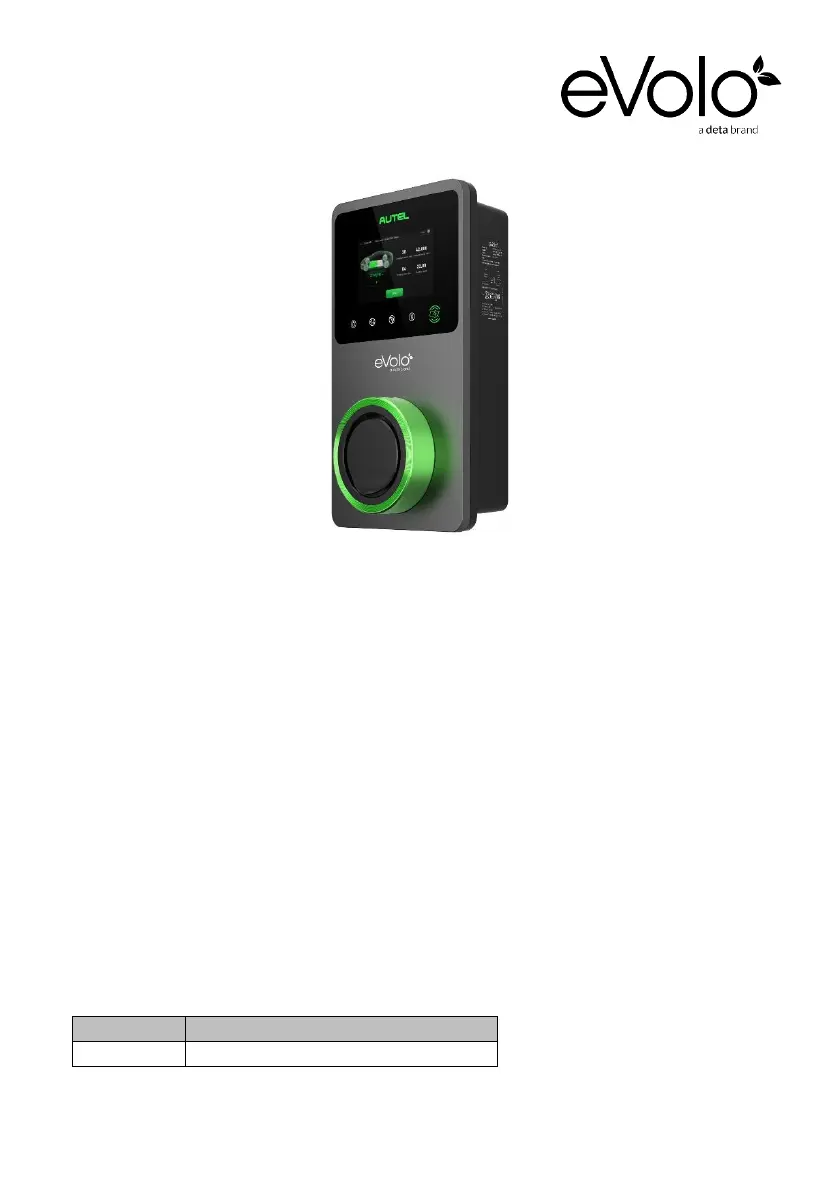
eVoomXT 7.4/22kW EV Charge Point

Questions and Answers

  • S
    sara80Aug 11, 2025
    How to fix Deta eVolo EVC7005 when there is no Wi-Fi connection?
    • R
      Raymond FreemanAug 11, 2025
      If your Deta Battery Charger isn't connecting to Wi-Fi, first ensure that the network frequency is 2.4GHz. Then, verify the Wi-Fi signal strength and check the network security settings. If problems persist, try rebooting the Wi-Fi router.
  • K
    Kelly CameronAug 17, 2025
    What to do if Deta eVolo EVC7005 Battery Charger has no Bluetooth connection?
    • J
      John LindseyAug 17, 2025
      If your Deta Battery Charger isn't connecting via Bluetooth, ensure Bluetooth is enabled on your mobile device and that the charge point is powered on and operating correctly. If that doesn't work, ‘forget’ the charge point in your device's Bluetooth settings and pair it again.
  • K
    Kerri MckeeAug 25, 2025
    How to troubleshoot no network on Deta eVolo EVC7005?
    • N
      Nicole HartmanAug 25, 2025
      If your Deta Battery Charger has no network connection, check that the RJ45 connector is fully inserted. Also, check the network cable continuity and verify the network settings.
  • B
    Bradley BrownAug 29, 2025
    How to troubleshoot Deta Battery Charger when there is no power?
    • T
      Teresa SavageAug 30, 2025
      If your Deta Battery Charger isn't receiving power, check the incoming supply to the charger. Also, check that the charge point is connecting to the mounting base correctly.
  • M
    marcusvaldezSep 4, 2025
    What to do if I am unable to register Deta Battery Charger?
    • M
      Michael HernandezSep 5, 2025
      If you're unable to register your Deta Battery Charger, verify that the QR code on the charger matches the QR code in the Installation & Operation Manual. Also, ensure Bluetooth is enabled on your mobile device.

Deta eVolo EVC7005 Specifications

General IconGeneral
BrandDeta
ModeleVolo EVC7005
CategoryBattery Charger
LanguageEnglish