The eVolo EV Charge Point must be set up and commissioned by an approved installer.
The charge point should be disconnected from the installation during insulation resistance
testing.
• When power is initally applied to the charge point:
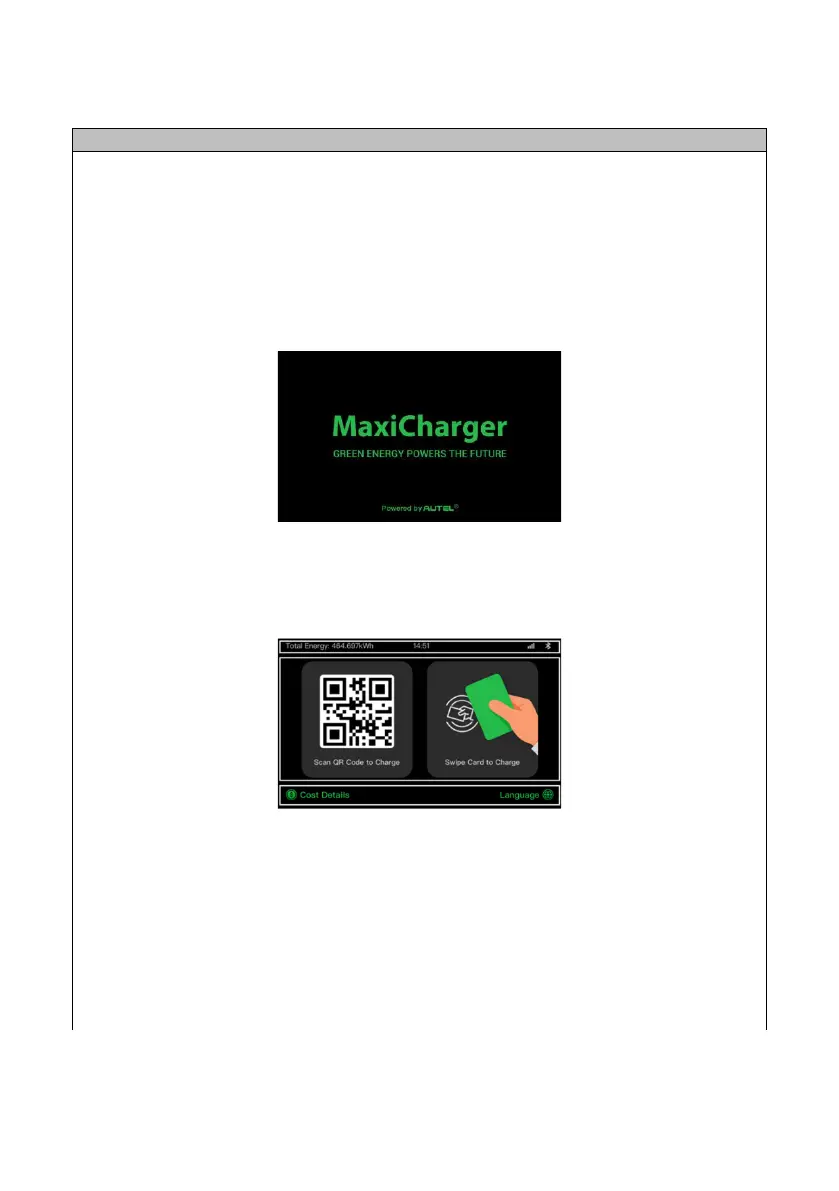
• The loading screen will appear:
• The power LED should illuminate green and will go through a series of self-checks
• If the Charging LED illuminates yellow or red, see LED Indicators In Opertor User
Manual section below. If the problem persists, contact Technical Support
• Following boot up, the touchscreen displays the home/standby screen
The QR code on the home/standby screen is the product ID
The EV Charge Point requires the Autel Config commissioning APP to be downloaded from
www.evolo-uk.com. The APP is password protected.
If an internet connection is not available from the property or a 4G connection via a data
SIM card not be available, the charge point can be commissioned using a mobile device
which is Bluetooth enabled and a mobile data connection.


 To Next Page