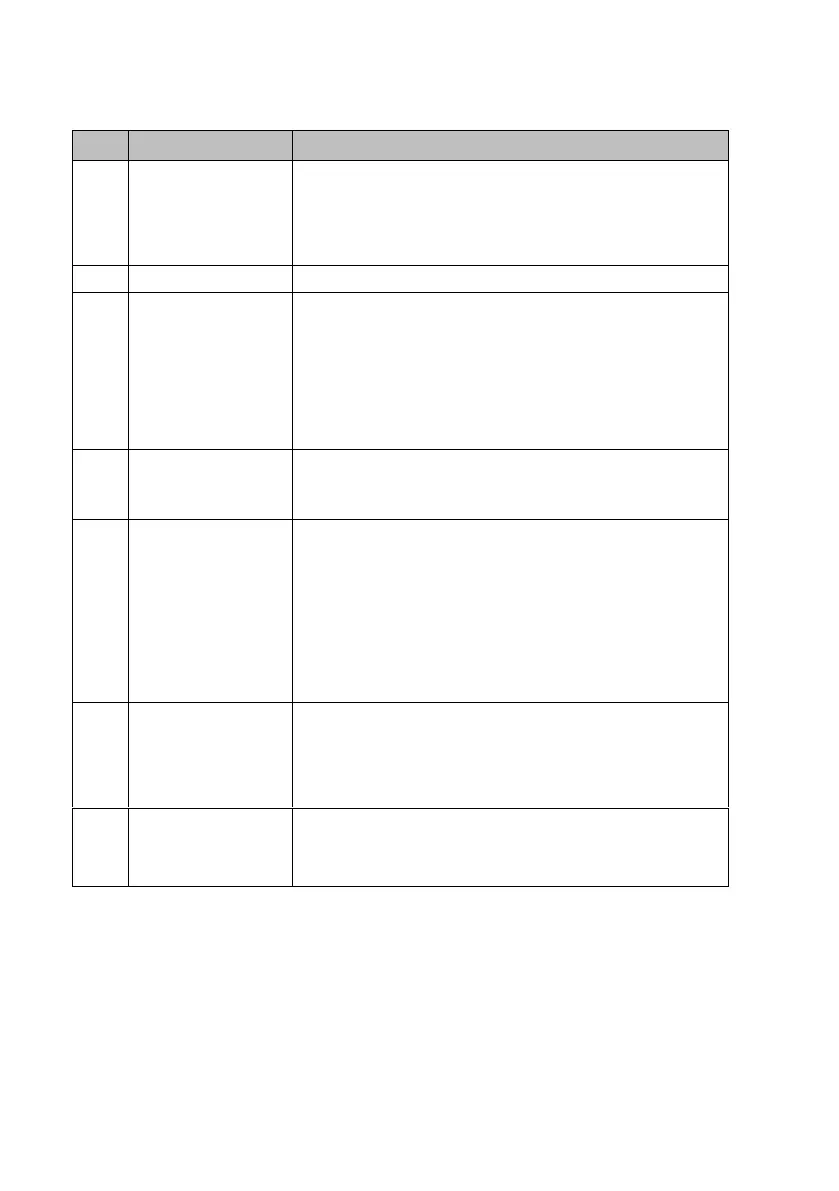
The charge session
does not start as
scheduled
• Do not insert the connector into your EV charging
port before setting up a charging schedule for the
first time. Insert the EV charging cable after the
schedule is set up.
• Make sure the switch to the circuit breaker is on.
• Check whether the EV charging cable is securely
connected.
• Ensure the operating temperature is within the
specified range on the product label.
• Stop charging. Restart charging until it is within the
operation temperature range.
Residual current
detected
• Unplug the vehicle and plug in again. If the
problem persists, contact customer support.
Bluetooth
communication
failure
• Make sure the Bluetooth is enabled on your mobile
device and the charge point is powered on and
operating properly.
• ‘Forget’ the charge point in the Bluetooth settings
on your mobile device and pair the charger to your
device via Bluetooth again.
• If the problem persists, contact customer support.
Update failure via
Bluetooth
• Make sure the charge point is in idle status.
• Make sure the Bluetooth connection is working
properly.
• If the problem persists, contact customer support.
Internet
connection goes
down
• If your internet connection goes down, the charge
point can be controlled by the Autel® Charge APP
and pairing it using Bluetooth


 To Next Page