EasyManua.ls Logo

Deta eVolo EVC7005 - Using the Charge Point

Deta eVolo EVC7005
23 pages
Print Icon
To Next Page IconTo Next Page
To Previous Page IconTo Previous Page
Loading...
19
4. Using the EV Charge Point
Operation
From the home/standby screen, the Cost Details can be viewed and the language can
be changed.
Button
Tap to confirm the information on the screen
Cost Details
Tap to view the charging cost
Language
Tap to choose your language for the charger
Stop
Tap to stop a charge session
Back
Tap to return to the previous screen
Start charging options
1. Use the APP
2. Use the RFID card
3. Connect the EV by inserting the charging cable EV will start charging at the scheduled
time
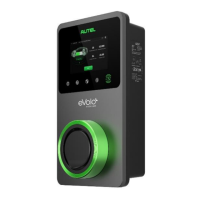
The charging LED on the charger should flash green.
Stop charging options
1. Use the APP
2. Use the RFID card
3. Schedule time
4. Stop button on the LCD touch screen, if enabled